

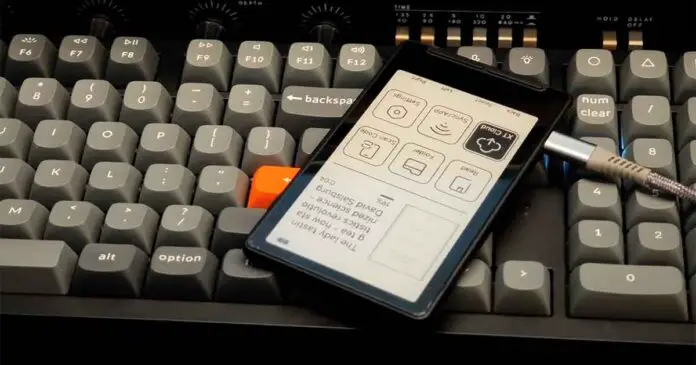
The Xteink X4 Pro fixes the most obvious omission of the regular, base X4: you can finally read it in bed without an external light source. This change, along with a few other upgrades in the Pro model, adds about $30 to the price. The new version of the X4 also gives you a touchscreen, a much larger battery, and a slightly shorter and lighter shell. The price you pay, aside from the extra money, is the USB-C port and the four navigation buttons below the screen.
My quick view on the choice between the two: get the X4 Pro if you regularly read in bed or in dim places and you don’t mind the touchscreen being present on the device. Stick with the X4 if you mainly read during the day and care more about USB-C, tactile controls with the additional buttons on the bottom, and the lower price.
You might also like: Xteink X4 First Impressions – Stock OS, CrossPoint & The Screen
This web portal is reader-supported, and is a part of the AliExpress Partner Program, Amazon Services LLC Associates Program and the eBay Partner Network. When you buy using links on our site, we may earn an affiliate commission.
First, The Specs Compared
| Specification |
|---|
What Actually Changed On The X4 Pro?
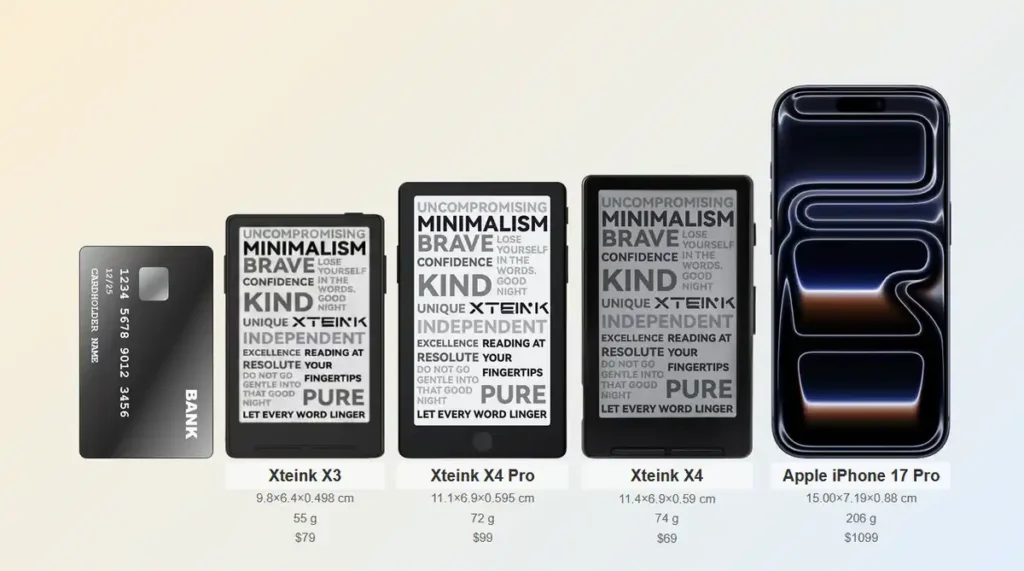
The changes that matter on the X4 Pro are:
- Adjustable frontlight with warm and cool tones.
- Touchscreen controls alongside the side page buttons.
- Four lower navigation buttons replaced by a touch-sensitive Home control (with a very iPhone-like design).
- 1100 mAh battery instead of 650 mAh.
- Pogo-pin charging/data connector instead of USB-C.
- 111 mm-tall shell instead of 114 mm.
- 72 g listed weight, compared with 77 g for the X4.
- $99 launch price instead of $69, with Xteink listing the Pro’s regular price as $109.
The thing that stays exactly the same here is the resolution of the display. Both readers use a 4.3-inch panel at roughly 220 PPI.
The Frontlight As The Real Main Upgrade
On my regular X4, the lack of a frontlight is the only thing that really limits where I can really use the device. The screen works very well in daylight and normal indoor lighting, and its contrast was surprisingly strong when I placed it beside my much more expensive PocketBook Verse Pro with the Verse’s frontlight off in my main X4 unboxing video.
Once the room gets dark, however, the X4 needs a lamp, the Xteink’s external magnetic reading light, or a clever DIY clip-on solution for you to be able to see anything on the display.
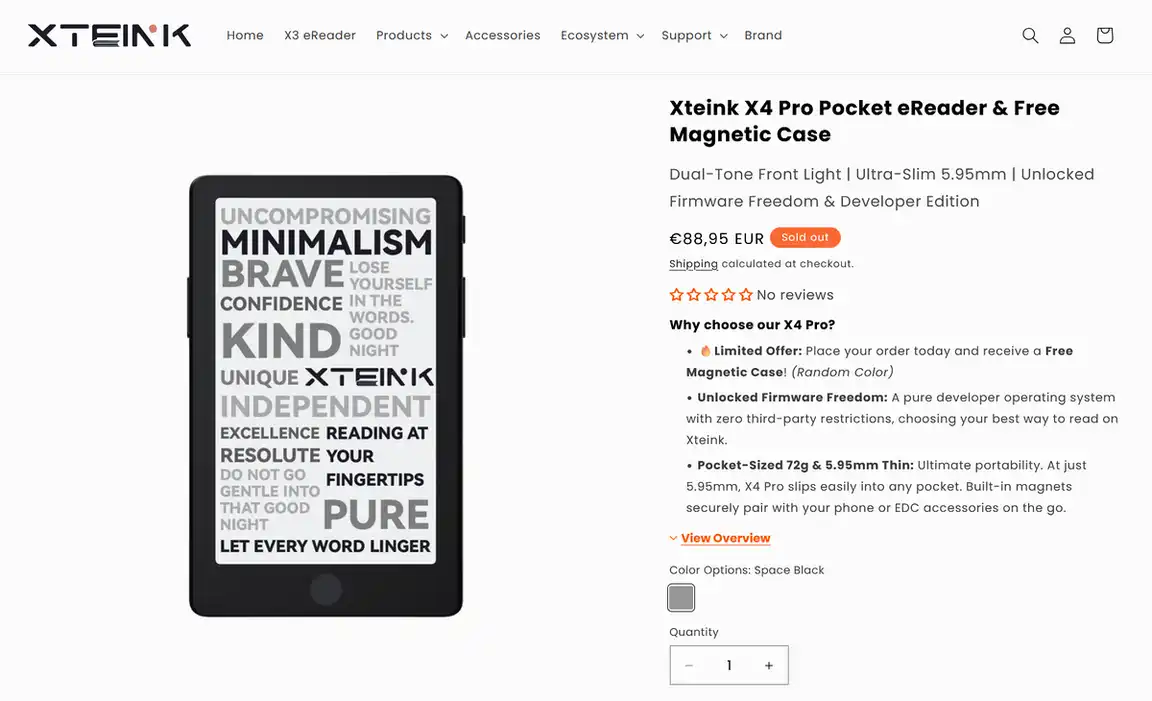
The X4 Pro lets you adjust both the brightness and color temperature. That is a major quality-of-life improvement if this is going to be your bedside reader. Warm light is also much more pleasant than a cold white LED in a dark room. Both controls are manual and there is no automatic brightness adjustment or frontlight schedule in the stock firmware, at least for now.
Touchscreen vs. Buttons
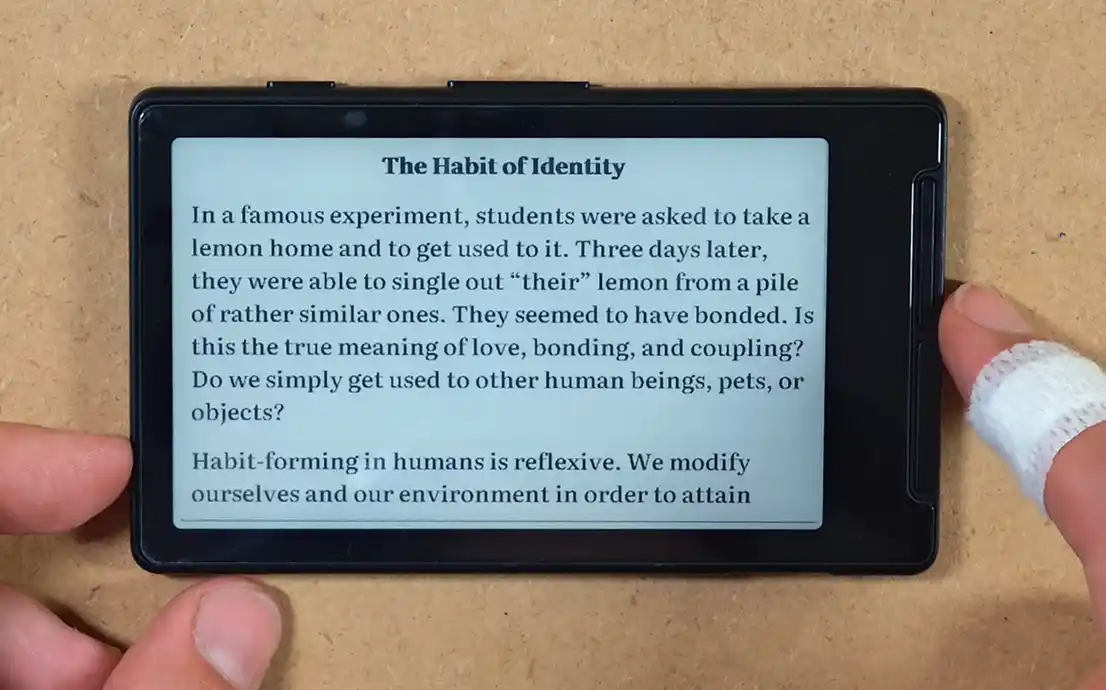
The regular X4 has four functions below the display, Back, Select, Left and Right, plus two buttons on its right edge, so 6 unique buttons in total. I must say that I enjoy this way of navigating through the books and the OS much more than I expected.
Many people who got the X4 did so specifically because it had no touchscreen. Without access to touch controls, you also avoid accidental screen taps and fewer fingerprints on the display. Still, there are quite a few advantages having one on hand gives you right away.
What is perhaps the best perk of touch controls on an ebook reader is easier access to features such as quote marking and dictionary searches. Both of these features are present in the X4 Pro’s stock firmware. Being able to swipe across the screen to highlight text and save quotes or passages is something that I really missed from my Verse Pro once I began to use the X4 a little bit more.
The Pro removes the X4’s four-button lower control strip, but the area is not left completely blank. It has a touch-sensitive iPhone-esque Home control button below the display. Its physical side page-turn buttons remain, while taps and swipes handle most other navigation.
You might also like: PocketBook Verse Pro With KOReader – My Experience After 4 Months
USB-C vs. Pogo Pins – The Main Tradeoff
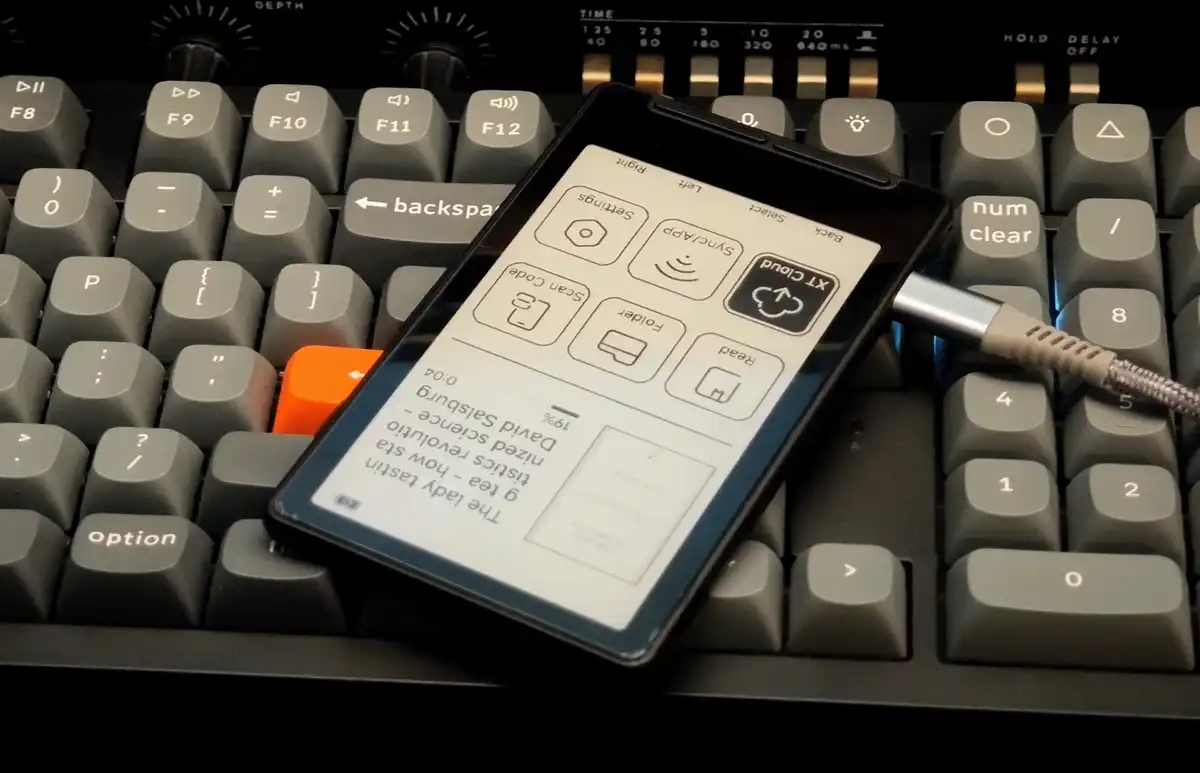
The regular X4 charges with the same type of regular USB-C cable that is likely a part of your everyday carry set anyway, especially if you carry around a smartphone charger with a detachable wire.
On compatible units, this port is also used for firmware flashing. The stock X4 does not expose its microSD card as normal USB mass storage, so you still have to use the card or network transfer for books.
The X4 Pro uses a pogo-pin port for charging instead. Xteink includes a magnetic charging adapter in the box (but you can also easily get these yourself on Amazon), and the official instructions do say that the connection can also handle USB book transfer through the Pro’s USB Mode. This is another small advantage the Pro has over the base X4. One small caveat here is that a charging cable is not included, so you have to provide your own.
This small tradeoff was most likely made in an effort to make the device just a little bit smaller, just like with the X3, which also makes use of the very same pogo-pin system.
In practice, this just means that you have to remember to take the adapter with you every time you know you’ll have to charge the device (which due to its larger battery size likely won’t be very often).
Battery, Size & Accessories
The Pro’s 1100 mAh battery has roughly 70% more rated capacity than the X4’s 650 mAh cell. Due to the Pro having to power both the touch display and the optional backlight, this will not always translate directly into longer functional runtime.
The physical size difference between the two is much smaller than the battery number suggests. The Pro is just 3 mm shorter, has the same width, and effectively the same thickness. Xteink lists it at 72 g. The regular X4 is listed at about 77 g. Keeping in mind how small and light the original X4 feels in the hands, this difference is pretty much negligible.
Both readers have a magnetic back and a microSD card slot. The regular X4 case won’t be able to fit the Pro as the shell is shorter and the controls are different. Luckily there are dedicated cases sold for the newer model in the official store already.
Stock Firmware, Settings & CrossPoint
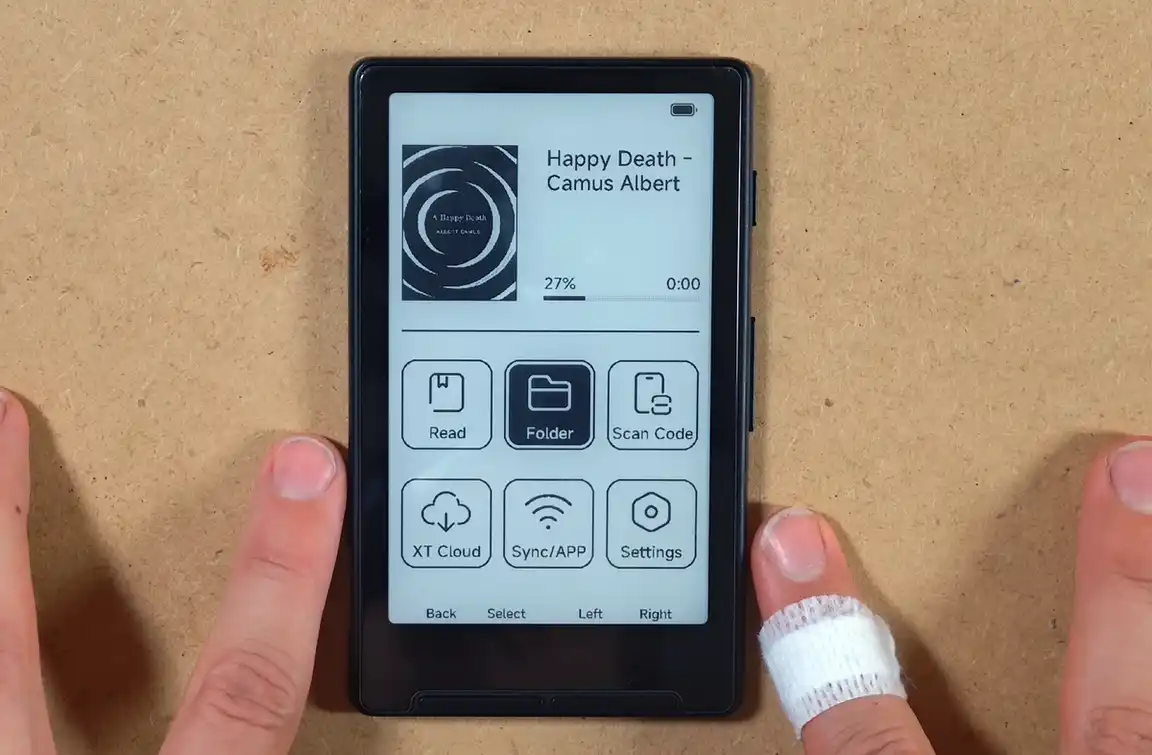
X4 Reading Settings
The current X4 stock reader gives you the following useful options without turning every setting into a separate screen:
- Bluetooth page-turner support.
- Automatic page turning.
- Chapter navigation.
- Font selection and custom font import.
- Go-to-page control.
- Dark mode.
- Portrait, inverted portrait, and landscape reading.
- Bookmarks.
- Line and paragraph spacing.
- Book or chapter progress display.
- Configurable sleep and power-off timers.
- Front and side button remapping.
You can see the whole interface, page-turn speed, display comparison and the CrossPoint installation in my video below. The full written X4 walkthrough has the same settings described in a little bit more detail.
X4 Pro Settings & Advertised Features
Xteink’s official X4 Pro documentation currently confirms these additional controls and workflows:
- Frontlight brightness and warm/cool color adjustment.
- Touch and physical-button navigation.
- Book transfer through the Xteink app, Cloud Sync, or USB Mode through the pogo adapter.
- Custom BIN and XTF fonts; TTF support is promised in a future update.
- Custom wallpapers through the app, USB transfer, or the app’s Discover section.
- Wi-Fi time and time-zone synchronization.
- Reading, photo, clock, and personalized display modes.
Neither device can open unconverted PDF files, even though the X4 Pro uses a slightly more powerful ESP32-S3 SoC.
What About CrossPoint On The X4 Pro?
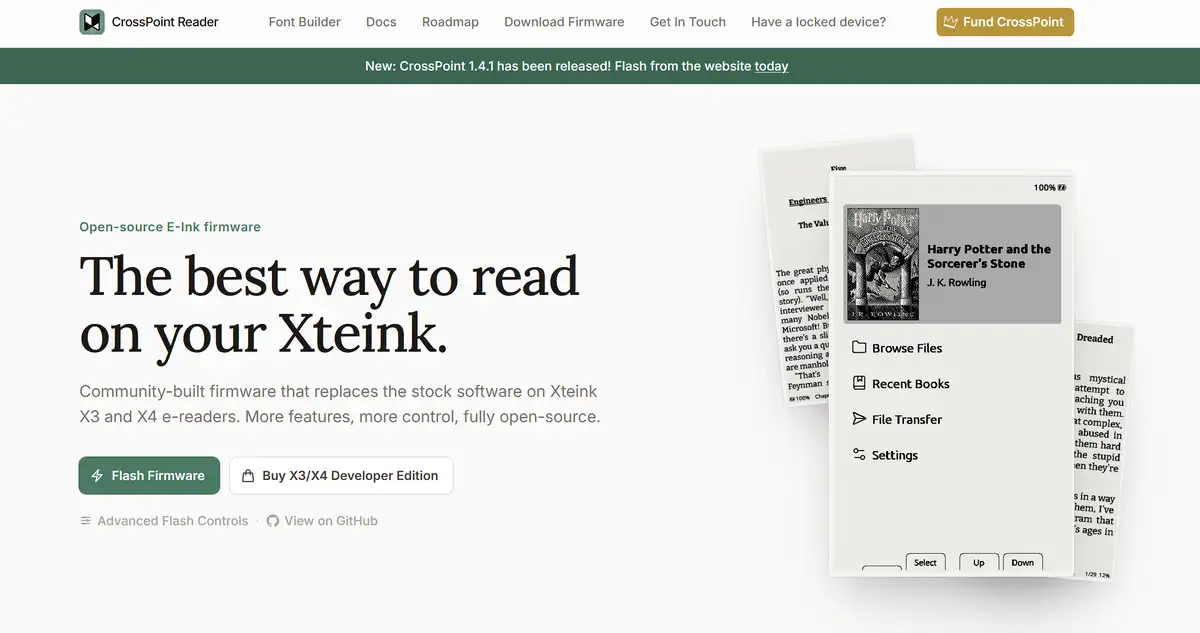
The regular X4 has the advantage at the time of writing this article. CrossPoint for the X4 is mature, easy to install, and adds better typography controls, Wi-Fi uploads, OPDS libraries, KOReader progress sync, quick resume, screenshots, OTA updates, and a much cleaner interface.
The X4 Pro is officially advertised as an unlocked Developer Edition, but CrossPoint 1.5.0 explicitly does not support it. That release added the project’s first ESP32-S3 device support, while its notes say that a dedicated X4 Pro release should follow once the team has hardware to test.
Xteink X4 or X4 Pro – Which One Should You Buy?
Get The Regular X4 If:
- You read mainly during the day or under normal room lighting.
- You want physical controls for the entire interface.
- You prefer USB-C over a device-specific magnetic adapter.
- You want the cheapest route into this size of pocket e-reader.
- You want stable CrossPoint support right now.
- You already own a larger illuminated reader for bed and longer reading sessions.
Get The X4 Pro If:
- You regularly read in bed, on night transport, or in dim rooms.
- You want quicker touch navigation through menus and long libraries.
- You still want physical side buttons for normal page turns.
- You are comfortable keeping track of the pogo-pin adapter.
- You want the larger battery and slightly smaller body.
- The price difference matters for you less than the frontlight.
If you already own the X4, there is no urgent reason to upgrade unless the lack of light genuinely would stop you from using it. The display size and resolution stay the same, and the Pro does not suddenly turn this into a good textbook, comic, or large-PDF reader. Here you are paying mainly for the more convenient lighting and navigation, and then accepting a less convenient charging connector.
My Verdict – Is The X4 Pro Frontlight Worth It?
For night reading, yes. A built-in warm/cool frontlight changes when and where you can use the reader, and that is easily worth the extra money if the regular X4 would otherwise stay in your drawer after sunset. The touchscreen and larger battery also can make the Pro a slightly more approachable first Xteink for people who never cared about the purist button-only idea in the first place.
For daylight reading, I still prefer the logic of the regular X4. It is cheaper, has USB-C, already works well with CrossPoint, and the complete physical interface is one of the things that gives this little device its character.
The X4 Pro is in my eyes worth considering if the frontlight is a thing that you truly cannot go without, for instance if you tend to read at night. The touchscreen controls may be an upgrade in some sense, for instance for quick passage selection or quotes, but I do feel like in this form factor these functions aren’t really a real priority. This, of course, will depend on your personal reading preferences. That’s pretty much it!
You might also like: PocketBook Verse Pro – Hands-On Review