

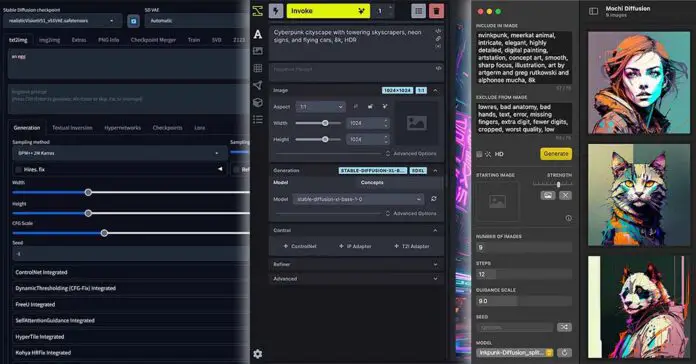
Over the last few years, local AI image generation software has grown far beyond the original Stable Diffusion WebUI ecosystem. Today, many of the best local tools support not only Stable Diffusion and SDXL, but also newer model families such as FLUX, Z-Image, Qwen Image, Wan video models, and more. In this guide, I’ll compare the most notable free local AI image generation interfaces and managers I’ve tested or researched, including beginner-friendly tools, advanced node-based workflows, and package managers that help you install several UIs side by side.
If you’re interested in a similar list, but for free and open-source local LLM software, you can see it here. Want to start easy without any prior knowledge? – Check out my easy Fooocus WebUI guide here!
Local Stable Diffusion WebUI’s – The Quick Comparison Table
This table consists solely of free and open-source software that you’re able to run locally on your system, and doesn’t contain software that needs active internet connection to use once set up, or requires you to pay for additional local features. The table also doesn’t include software that is either unmaintained or has a largely inactive repository.
Most of the software mentioned here supports Stable Diffusion and SDXL models, while many entries now go beyond that with support for newer model families such as FLUX, Z-Image, Qwen Image, and local video generation models. Exact support will depend heavily on the backend, installed extensions, model format, and GPU platform.
| Software | OS Compatibility | AMD Support | SDXL Models Support | FLUX Models Support | Project Links |
|---|---|---|---|---|---|
| Automatic1111 | Windows, Linux, macOS | Yes, (Fork Project) | Yes | No |
GitHub Page GitHub Page (For AMD) |
| Fooocus | Windows, Linux, macOS | Yes | Yes | No | GitHub Page |
| Comfy.UI | Windows, Linux, macOS | Yes, (Linux Only) | Yes | Yes |
Project Site GitHub Page |
| SD WebUI Forge | Windows, Linux, macOS | Yes, (Fork Project) | Yes | Yes |
GitHub Page GitHub Page (For AMD) |
| EasyDiffusion | Windows, Linux, macOS | Yes, (Linux Only) | Yes | Yes |
Project Site GitHub Page |
| MetaStable | Windows, Linux, macOS | Yes | Yes | Yes |
Project Site GitHub Page |
| SwarmUI | Windows, Linux, macOS | Yes | Yes | Yes | GitHub Page |
| SD.Next | Windows, Linux, macOS | Yes | Yes | Yes |
Project Docs GitHub Page |
| InvokeAI | Windows, Linux, macOS | Yes (Linux Only) | Yes | Yes |
Project Site GitHub Page |
| StabilityMatrix | Windows, Linux, macOS | Yes | Yes | Yes |
Project Site GitHub Page |
| MochiDiffusion | macOS | No | Yes | Yes | GitHub Page |
AMD support is improving, but it still varies a lot by operating system, GPU generation, driver stack, and the backend used by each UI. Some tools rely on ROCm, some use ZLUDA or DirectML-style workarounds, and some only support AMD well on Linux. ComfyUI Desktop now has an official Windows ROCm route for compatible AMD hardware, but NVIDIA/CUDA remains the most consistently supported path across the widest range of local AI image tools.
Always beware of fake websites often being advertised under the exact names of the projects mentioned above, but providing services which albeit similar, are not directly related to the work of the developers of mentioned software. Always make sure that you’re not being led astray by copycats. Use the links in the table above to ensure that you’re getting to the official websites of the project creators.
Which One Is The Best For Beginners?
If you’re curious which one of these is the best if you’re just starting out and don’t know much about AI image generation in general, the best straightforward answer is probably: the Stable Diffusion Fooocus WebUI. It’s probably the easiest to use, most straightforward and simplest WebUI for Stable Diffusion which supports SDXL models, and it can work on graphics cards with as little as 4 or 6GB of VRAM.
It also has support for AMD GPUs, however it’s still in experimental stage as of now. When it comes to user experience for newcomers, for me this is the one to try out first. And the best thing? I’ve prepared a full free 3-part guide for the Fooocus WebUI here – starting from the installation process and ending with advanced image generation techniques!
If you want more options, alongside with short descriptions of what each of these distinct pieces of software is capable of, feel free to read through the list below, which goes a bit more in-depth on each of these.
The List – Let’s Go In Depth
1. Automatic1111
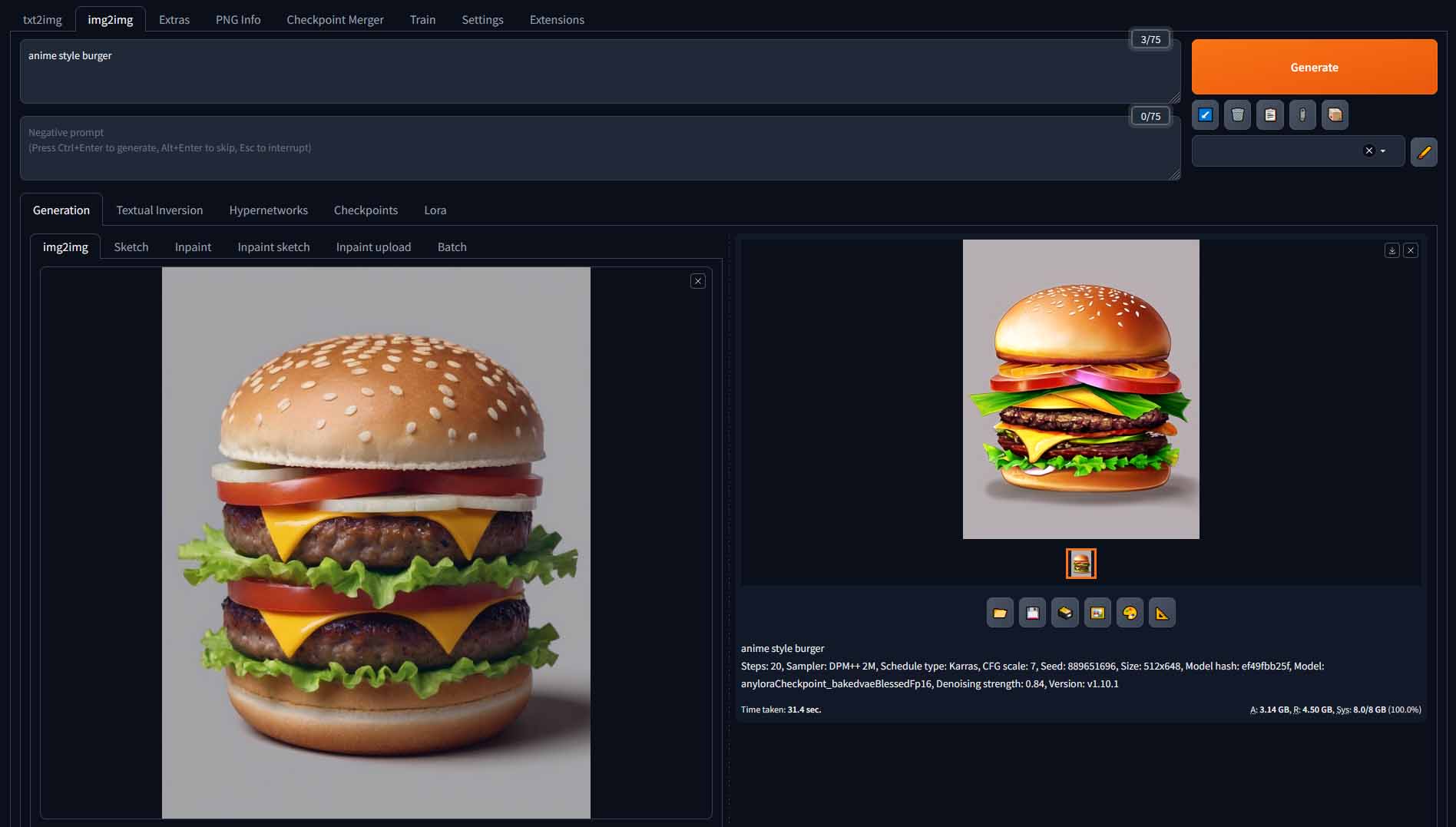
Automatic1111 WebUI is probably one of the most popular free open-source WebUI’s for Stable Diffusion and Stable Diffusion XL. This software remains one of the most recognizable and widely documented local Stable Diffusion interfaces, especially because of its huge extension ecosystem.
With hours of quality tutorials for it all over the internet and a large amount of community-made extensions, this one is one of the best options out there. What’s very important to mention though, is that it also has an actively mantained fork project called “Stable Diffusion WebUI Forge”, which introduces many improvements when it comes to the feature set and generation speed. We’re going to talk about this one in a very short while!
Check out also: Automatic1111 Stable Diffusion WebUI All Basic Settings Explained [UPDATED]
2. Fooocus
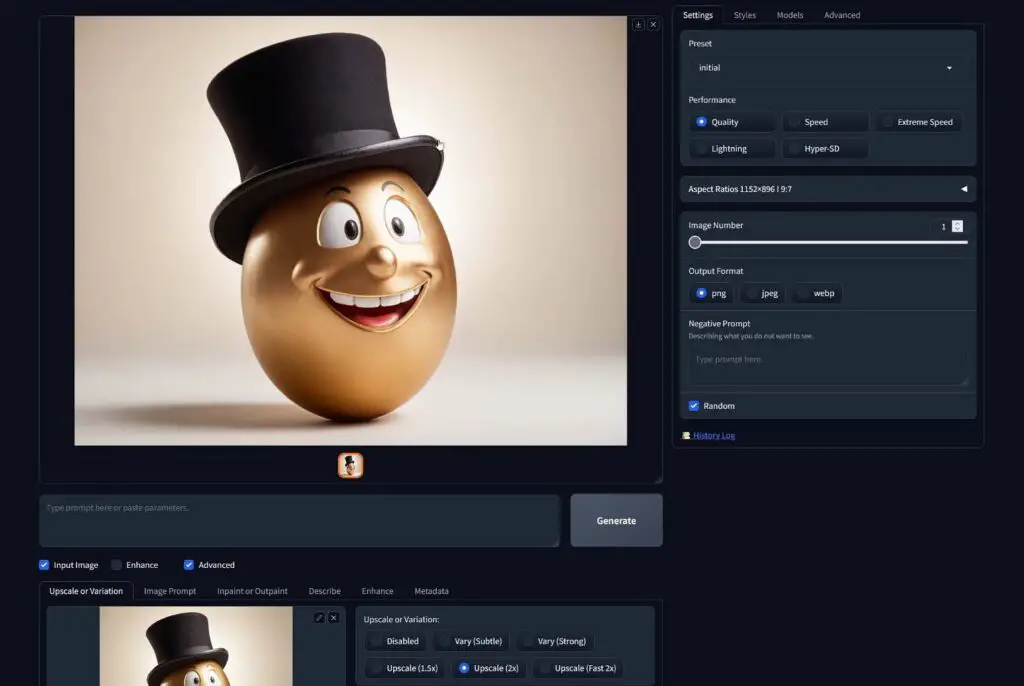
The Fooocus WebUI is, on the other hand, one of the easiest ways to get into SDXL image generation for beginners. This is why I’ve prepared a full free 3-part guide for it available here on TechTactician, starting with the installation process, and ending with using the most advanced features in the software.
While being extremely beginner-friendly and easy to learn, it’s definitely not far behind more complex software such as Automatic1111 or EasyDiffusion when it comes to the quality of the images you can generate using it. Give it a try and you may stick to it for longer than you might have anticipated. While I’m a dedicated user of the Automatic1111 and ComfyUI, I still do use Fooocus quite regularly to this day, that’s how fun this software is.
3. ComfyUI
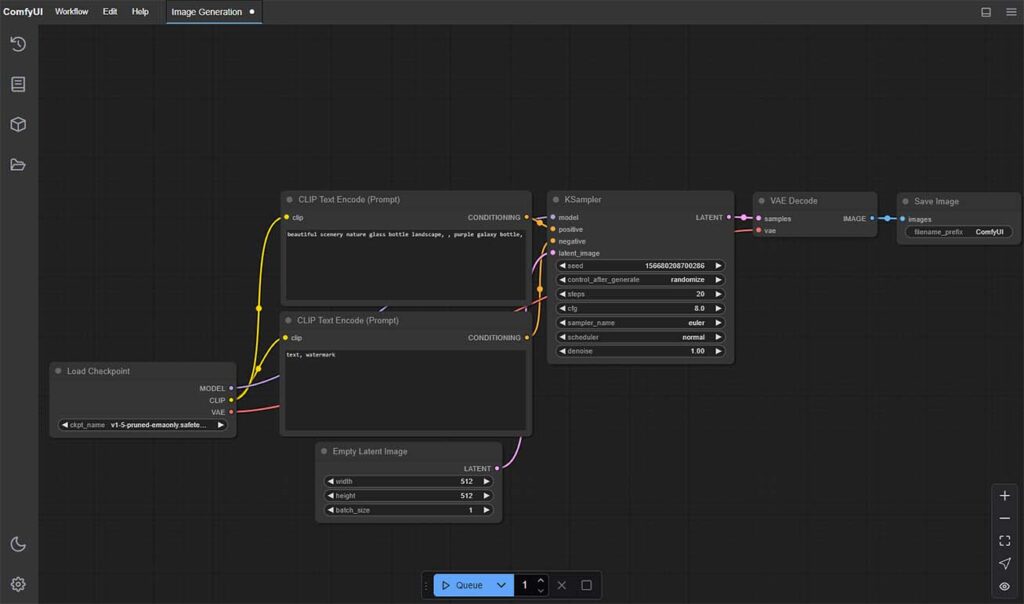
ComfyUI is a node-based AI image generation interface which supports both base Stable Diffusion, SDXL, FLUX models, and many newer community workflows through custom nodes and rapidly updated examples.
While the graph UI might not be exactly welcoming for newcomers, it really does make sense after you spend your first hour with the software. Believe me when I say that it can make your image generation workflows much faster, more organized and easier to tweak once you get into it.
It comes with a simple installer, has a lot of learning material available online, and lets you import other users preset “workflows”, so premade sets of nodes that can help you jumpstart your first image generations. Start with editing the examples distributed online, and you’ll be making your own in no time!
If I got you interested, you can check out my ComfyUI guide for beginners here: Basic ComfyUI SDXL Workflows – No Custom Nodes. Getting to know it is much easier than you think!
4. Stable Diffusion WebUI Forge
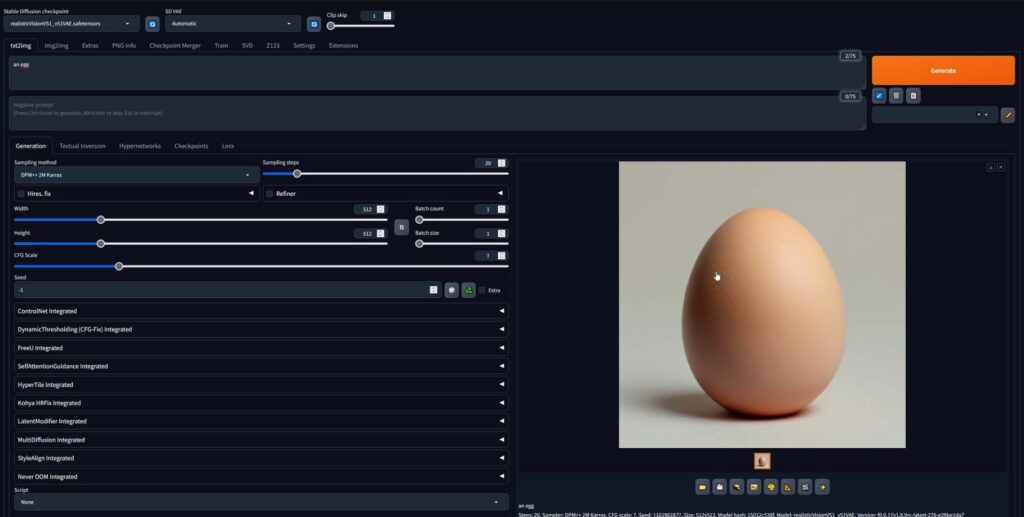
As already mentioned above, the Stable Diffusion WebUI Forge is a fork of the original Automatic1111 WebUI project. While retaining the same user interface, it introduces many new additional features and tools, greatly improves image generation speed both with base Stable Diffusion and SDXL models, has support for FLUX, and has a lot of pre-configured extensions integrated into it working out of the box.
If you already know the original Automatic1111 WebUI and want a familiar interface with better optimization and extra experimental features, Forge is still very appealing. It even includes a video generation extension which I confirmed to be working on 8GB VRAM graphics cards. Here is how to quickly install it on your system.
5. EasyDiffusion
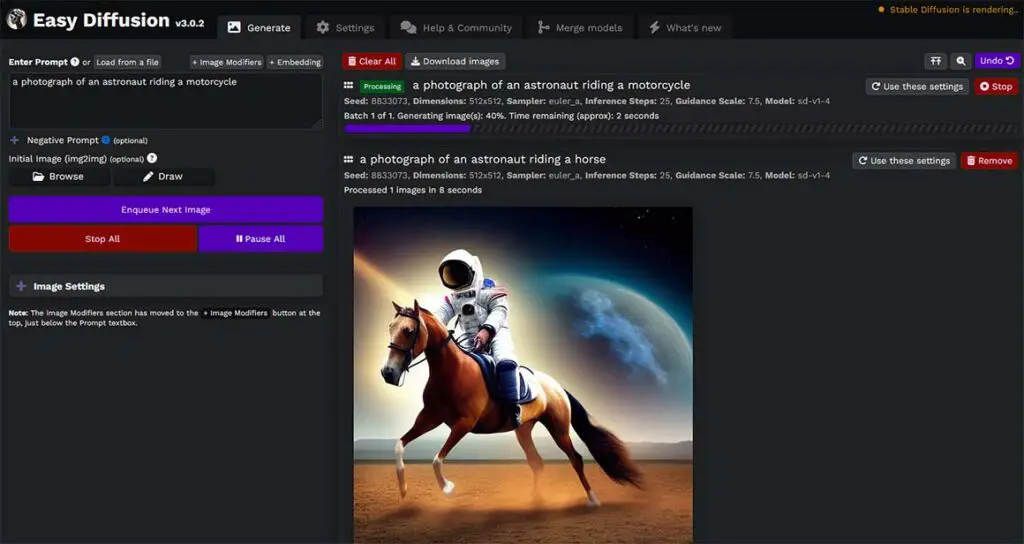
EasyDiffusion is a project with a web interface which might be considered a little bit simpler than the one in present in the Automatic1111 WebUI, which features a simple 1-click installer/uninstaller and a full set of image generation features including support for SDXL models, ControlNet and much more.
It’s essentially a full set of image generation tools in one quick to install and easy to navigate software package, like many of the remaining projects on this list. Nothing more to say about this one really, other than currently ROCm 5.2 support is required for AMD on Linux-based operating systems for this one.
6. MetaStable
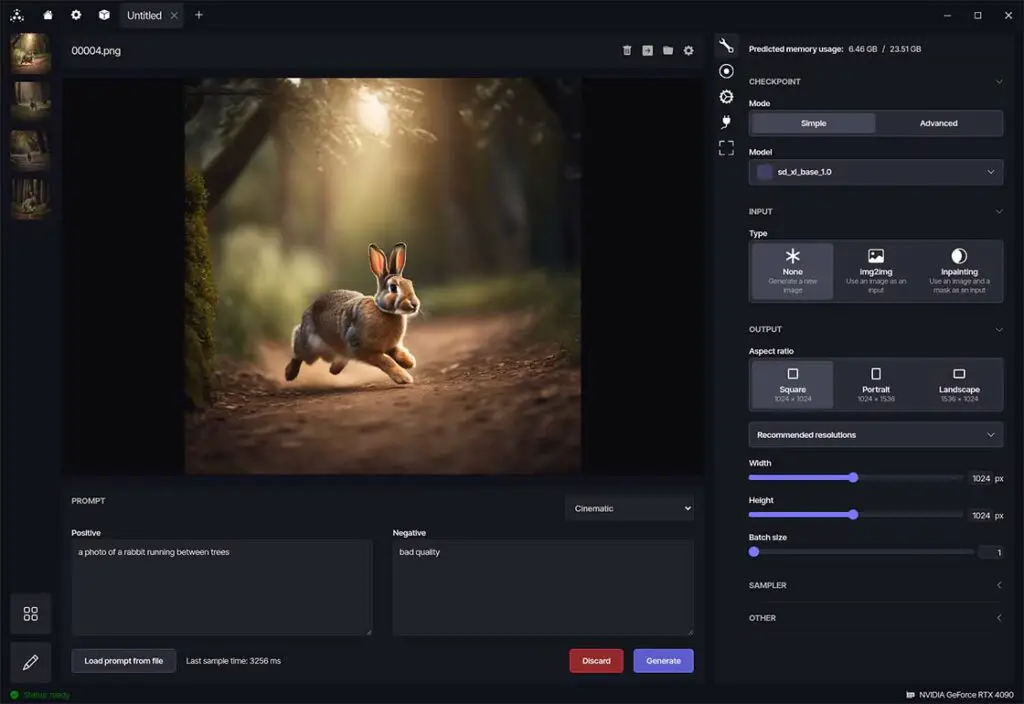
MetaStable is another take on an all-in-one local image generation toolkit, with a project-based workflow and a backend based on ComfyUI. Because it is a smaller project than ComfyUI, InvokeAI, or SD.Next, I would treat it as an interesting alternative rather than one of the primary recommendations for users who want the fastest access to every new model family.
Experimental ZLUDA support was added to the Windows version of the software quite recently, to make it accessible for AMD users. It does require the HIP SDK 5.7 to work. Overall, a great project to try out, and one of the better looking ones too!
7. SwarmUI
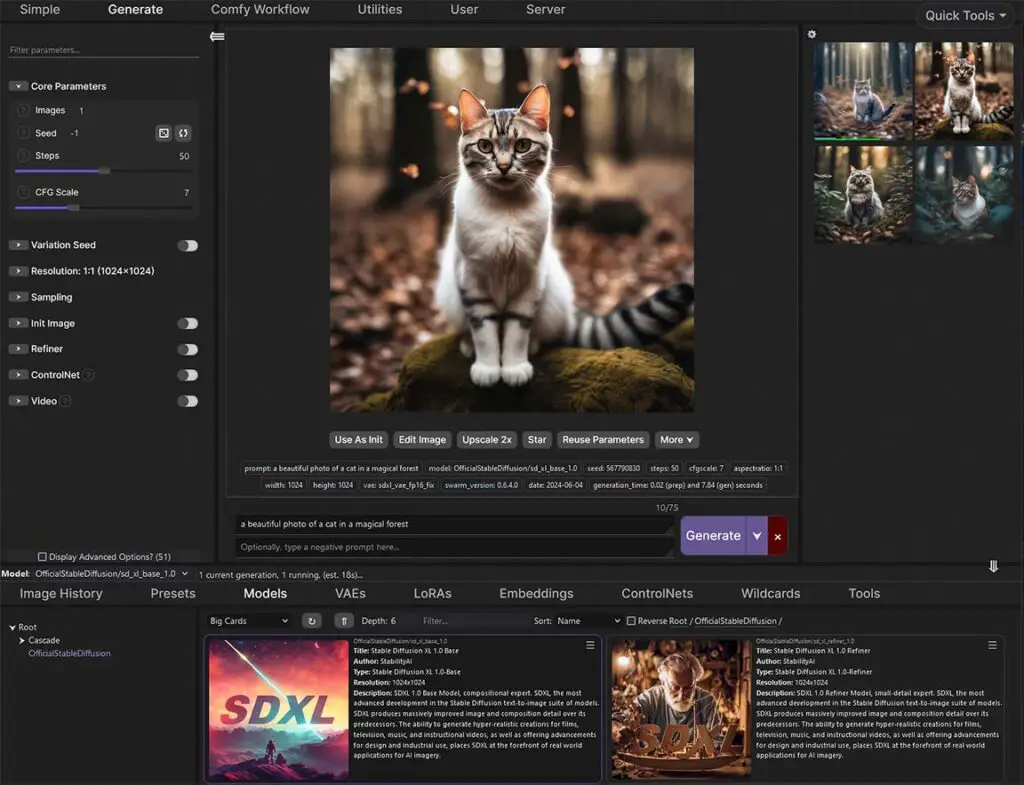
SwarmUI, formerly StableSwarmUI, is a modular AI image generation WebUI focused on power-user features, extensibility, and performance. It now supports a broader range of model families than just SDXL and FLUX, including Stable Diffusion, Z-Image, Flux, Qwen Image, Wan video models, Hunyuan Video, and more depending on backend support.
This makes SwarmUI one of the more interesting choices if you want a powerful WebUI without fully committing to ComfyUI’s raw node-graph workflow. It is still a beta project and some features may change or depend on the backend you use, so I would recommend it most to users who are comfortable experimenting rather than absolute beginners.
8. SD.Next
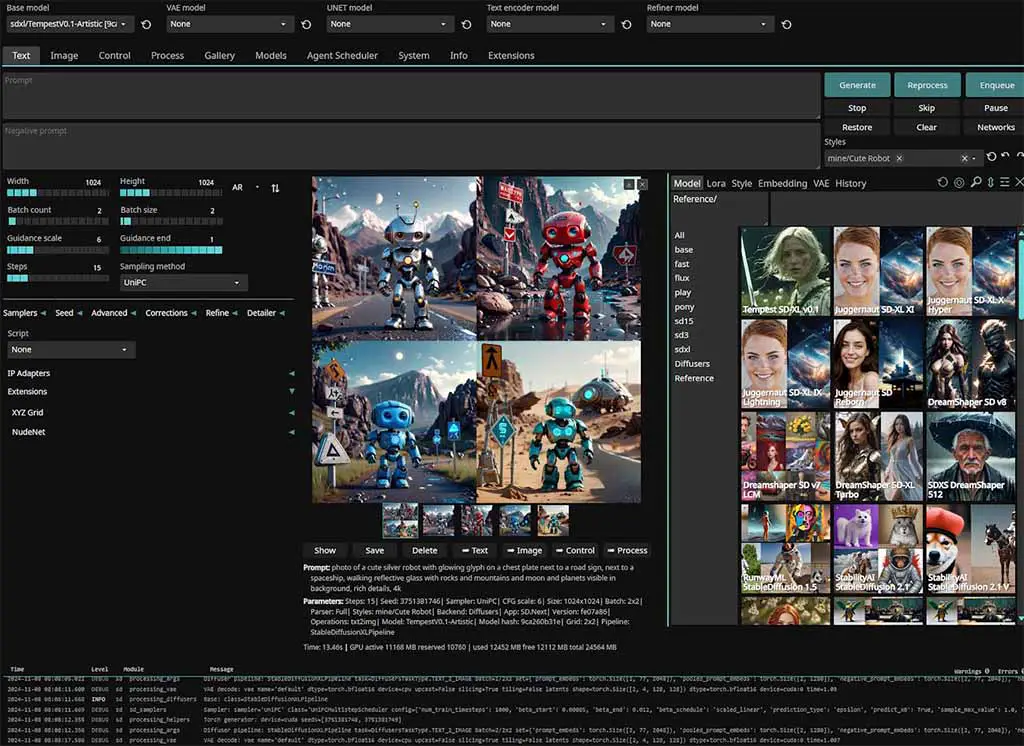
The SD.Next WebUI is yet another project proposing a web interface for generating images using SD, SDXL & FLUX models with all the basic features and modules you might expect built into it. It has support for AMD graphics cards both on Windows (via ZLUDA), and on Linux (using ROCm).
It supports a wide range of models and has remained one of the more actively updated “classic WebUI-style” alternatives. Recent updates added support for newer models such as Flux.2-Klein, Qwen-Image-2512, LTX-2-Dev, and GLM-Image, alongside improvements to quantization and under-the-hood quality. If you want something more traditional than ComfyUI but broader than Automatic1111, SD.Next is one of the strongest options to try.
9. InvokeAI
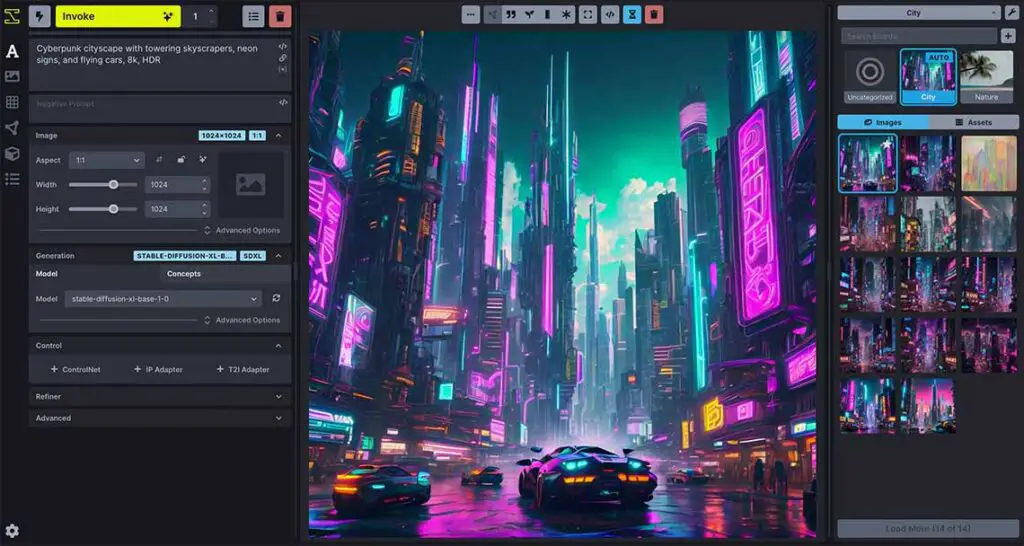
InvokeAI is a polished local AI image generation platform with a creator-friendly interface, a strong canvas workflow, model management tools, and a node workspace for more advanced workflows. It supports Stable Diffusion, SDXL, FLUX, and newer model families, with recent versions adding enhanced support for Z-Image and FLUX.2 models.
Unlike other software from this list, InvokeAI features both a free version we’re talking about here, and a paid one, available in a monthly subscription, letting you store your models and generate your images in the cloud. The paid version however, processes your data externally, so is not a perfect solution for those of you who value 100% privacy.
10. StabilityMatrix
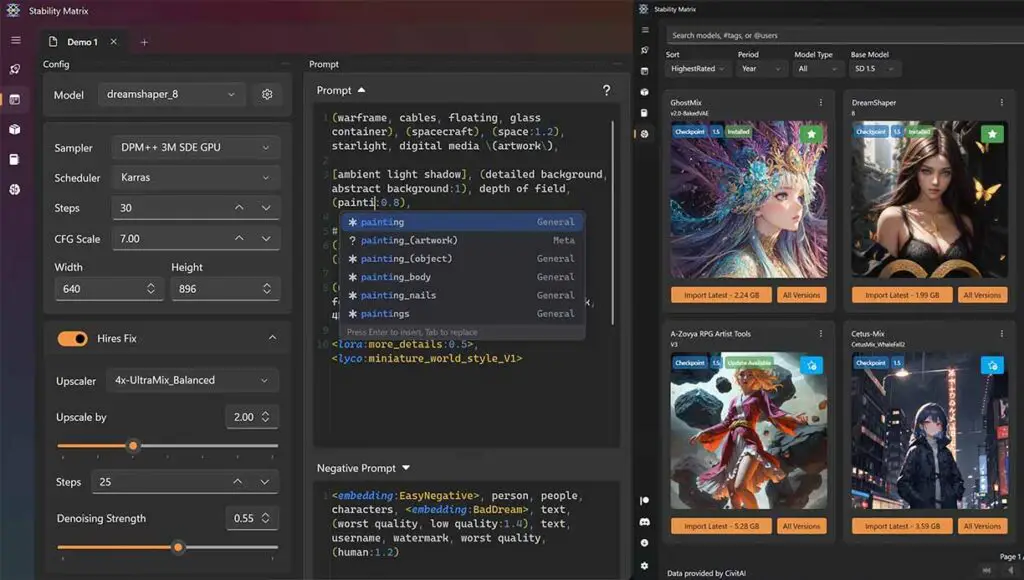
StabilityMatrix by LykosAI is best described as a local AI art package manager and launcher, with its own inference UI included. Rather than being just another single WebUI, it helps you install, update, and manage several popular interfaces such as ComfyUI, Automatic1111, Fooocus, Forge, and others from one desktop application.
This is one of the most open-ended options, as it makes it possible for you to essentially try out many different software options at once, and features a neat checkpoint/model manager which shares your donwloaded models between different installed packages automatically. It also features a civit.ai integration, and supports multiple instances of the same WebUI. Great and very user-friendly approach!
11. MochiDiffusion
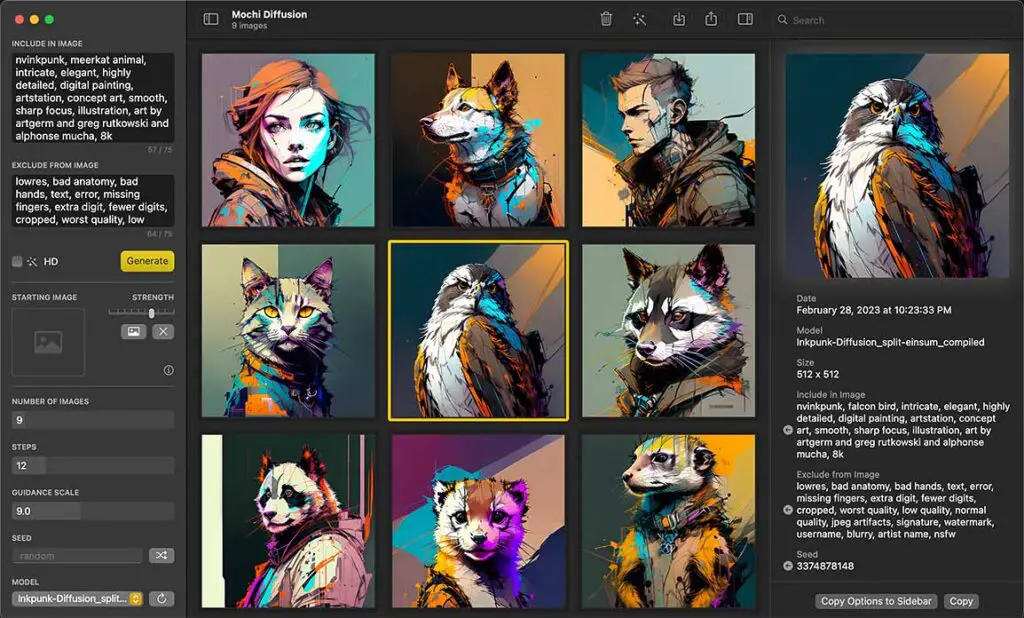
MochiDiffusion is the only piece of software on this list made exclusively for macOS devices. It is optimized for Apple Silicon Macs and is designed as a native, hassle-free local image generation app for Mac users. In addition to Stable Diffusion features such as img2img, ControlNet, and LoRA support, newer versions have added FLUX.2 Klein generation support.
As all of the other programs on this list, MochiDiffusion runs privately on your machine and doesn’t share the generation data or your generated images with anyone without your consent. For Mac users who want a simple native app rather than a browser-based or node-based workflow, MochiDiffusion remains worth checking out, although ComfyUI and other cross-platform tools may still be better for users who want the broadest model and workflow support.
My Final Thoughts – And My WebUI of Choice
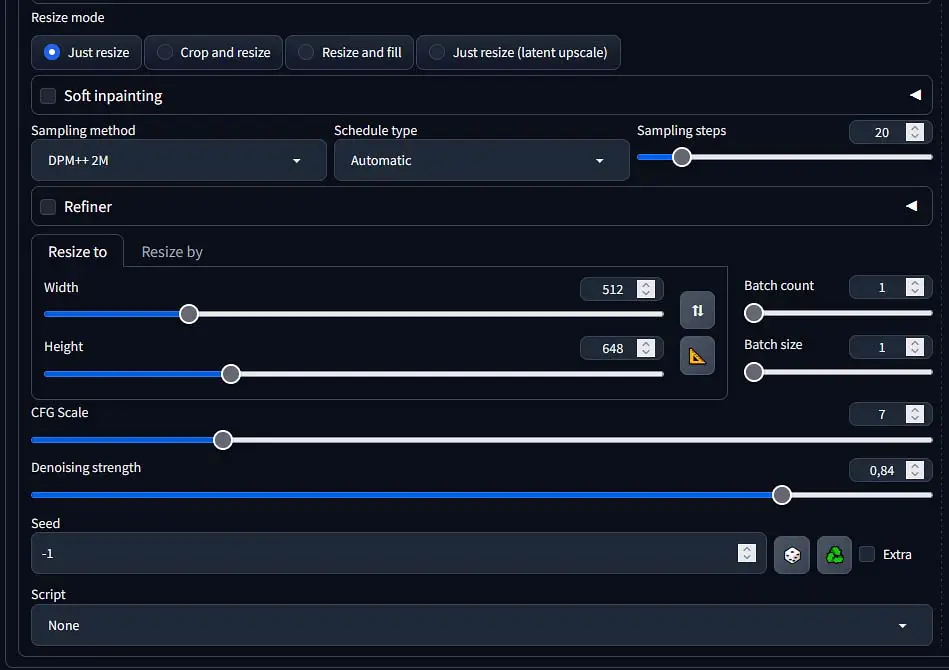
When it comes to regular use, my goto WebUI used to be either the base Stable Diffusion WebUI by Automatic1111, which was the first program mentioned on this list, or its enhanced version – Stable Diffusion WebUI Forge. Nowadays however, I mostly use ComfyUI for both my basic and more advanced image generation workflows.
When I recommend local AI image generation software to people who don’t have any prior experience with the topic however, I lean towards the Fooocus WebUI, which is far more beginner friendly and can be much easier to set up and use if you’re just starting out.
If you’re already confident about your knowledge about Stable Diffusion, you might be interested in node-based interfaces like ComfyUI more. These give you much more options when it comes to more advanced workflows and image generation techniques, and can be much more efficient if you love experimenting with different generation settings.
When it comes to the most popular software that allows us to utilize Stable Diffusion models locally, this is it. The list is updated as time goes by, so stay tuned for new software as it becomes available. Until next time!