

It’s reasonably easy to come across the warning: “Signal and Telegram are not really private anymore” nowadays. It puts two very different apps in the same bucket and leaves out the part that actually matters: private how, and from whom?
The short answer is that both technologically and policy-wise Signal is still the best private messenger for most people, with solid chat end-to-end encryption, and a number of privacy-friendly features such as disappearing messages, Sealed Sender, minimal data collection, and customizable usernames.
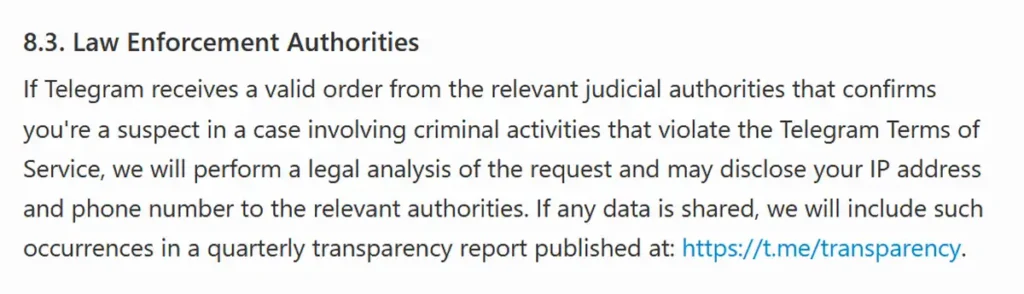
Telegram is a different case. Its ordinary cloud chats are not end-to-end encrypted. In fact, they never were. Only one-to-one Secret Chats get that protection. Moreover, Telegram’s current privacy policy openly allows the company to disclose a user’s phone number and IP address in response to certain valid judicial orders.
I personally thoroughly checked this rather large selection of apps against their current privacy policies, technical documentation, audits and recent project notices. The recommendations below are organized by privacy model, so that you can navigate the list quicker.
I hope you enjoy this little writeup just as much as I enjoyed putting it together for you!
You might also like: 12 Best Telegram Search Engines (Find TG Channels & Groups)
First – The Quick Comparison
| Messenger | Privacy basics | Limits and best use |
|---|---|---|
 Signal
|
Registration
Phone number required; hidden from people who do not already have it by default.
Encryption
Yes, by default for chats and calls. |
Main privacy limit
Phone-number anchor and centralized delivery service. Best use: Everyday private messaging.
|
 Telegram
|
Registration
Phone number required.
Encryption
Not for cloud chats or groups, one-to-one Secret Chats are E2EE. |
Main privacy limit
Cloud content, contacts and connection metadata sit within Telegram’s service. Best use: Public channels and large communities.
|
 Threema
|
Registration
No phone number or email required.
Encryption
Yes. |
Main privacy limit
Centralized service, smaller contact network, paid app. Best use: Polished no-number daily chat.
|
 Olvid
Olvid
|
Registration
No account, phone number, email or address-book access.
Encryption
Yes. |
Main privacy limit
Central relay infrastructure can see transport IPs, although Olvid states it does not log them. Best use: Free no-account messaging.
|
 SimpleX Chat
|
Registration
No global user identifier at all.
Encryption
Yes. |
Main privacy limit
More deliberate contact setup and local data management. Best use: Strong metadata and social-graph protection.
|
 Session
|
Registration
No phone or email, stable random Account ID.
Encryption
Yes for direct chats and private groups. |
Main privacy limit
Current protocol lacks forward secrecy, calls reveal IPs to the other party and a relay. Best use: Decentralized, pseudonymous messaging.
|
 Briar
Briar
|
Registration
Local profile, no phone or email.
Encryption
Yes. |
Main privacy limit
Android only for the stable mobile app, project is in maintenance mode. Best use: Blackouts, censorship and local peer-to-peer chat.
|
 Cwtch
Cwtch
|
Registration
Local Tor-based identity.
Encryption
Yes. |
Main privacy limit
No iOS app and a very small network. Best use: Tor-native messaging for technical users.
|
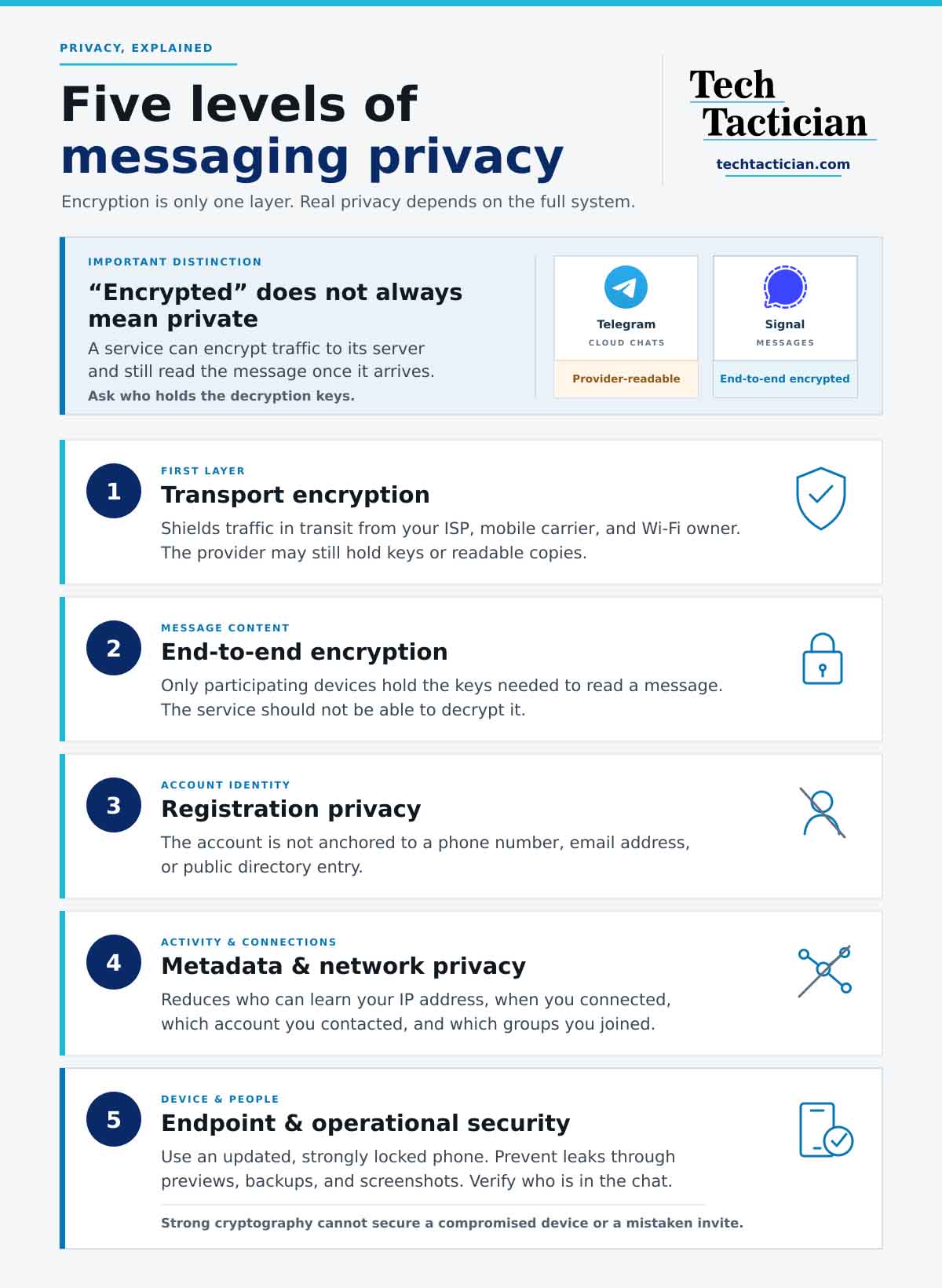
Five Main Levels of Messaging Privacy
The “Encrypted” category is a weak filter on its own. A service can encrypt traffic between your phone and its server while keeping the ability to read the message at the server. That is the difference between Telegram cloud chats and an end-to-end encrypted Signal conversation.
- Transport encryption: your ISP, mobile carrier and the owner of a Wi-Fi network cannot read the traffic in transit. The service provider can still hold the keys or a readable copy.
- End-to-end encryption (E2EE): only the participating devices hold the keys needed to read a message. The service should not be able to decrypt it.
- Registration privacy: the account is not anchored to a phone number, email address or public directory entry.
- Metadata and network privacy: the design reduces who can learn your IP address, when you connected, which account you contacted and which groups you joined.
- Endpoint and operational security: the phone is updated, strongly locked and configured not to leak previews, backups or screenshots. The people in the chat are also the people you intended to invite.
No messenger can possibly make the fifth level disappear. It may be common knowledge, but a recipient can photograph a screen. Malware can read a message after it is decrypted. A forensic tool may find a notification or attachment left elsewhere on the device. End-to-end encryption protects the message’s journey between endpoints, but has nothing to do with the security of the endpoints themselves.
Censorship resistance is another axis worth taking a look at nowadays. Briar can work over Bluetooth and local Wi-Fi, while Signal cannot. That, of course, does not automatically make every Briar conversation safer in normal daily use. Likewise, using an online service without logging in can reduce account tracking, but it does not hide the device’s IP address or browser fingerprint by itself.
How I Evaluated These Apps
I started with what happens by default, as at least in my eyes, the defaults are what most of your conversation partners are likely to be using. An app did not receive credit for an end-to-end encrypted mode hidden behind a separate button while normal conversations used a weaker model.
I then checked what user identifiers are required, the data stated to be stored by the operator, how long undelivered data remains accessible, what the network can learn about the user, how backups and notifications work, and whether calls or public communities quietly use different rules.
Open-source clients, reproducible builds, published protocol specifications and independent audits should in most cases be treated as a clear advantage. I also considered platform support, contact setup and current project maintenance. A theoretically excellent messenger that your group cannot install, update or use correctly is a poor choice when it comes to user experience.
I did not award points for jurisdiction or decentralization alone. A Swiss address cannot erase data the service collects, and a distributed network can still have weak key management. The decisive question always remains: what useful data exists when a server is compromised, subpoenaed or operated maliciously? And that’s pretty much it when it comes to my little ruleset.
Are Signal and Telegram Still Private?
Telegram – private only when you deliberately use Secret Chats
Verdict: Telegram is a capable cloud messenger and public publishing platform. I, however, would not use its normal chats for a sensitive conversation.
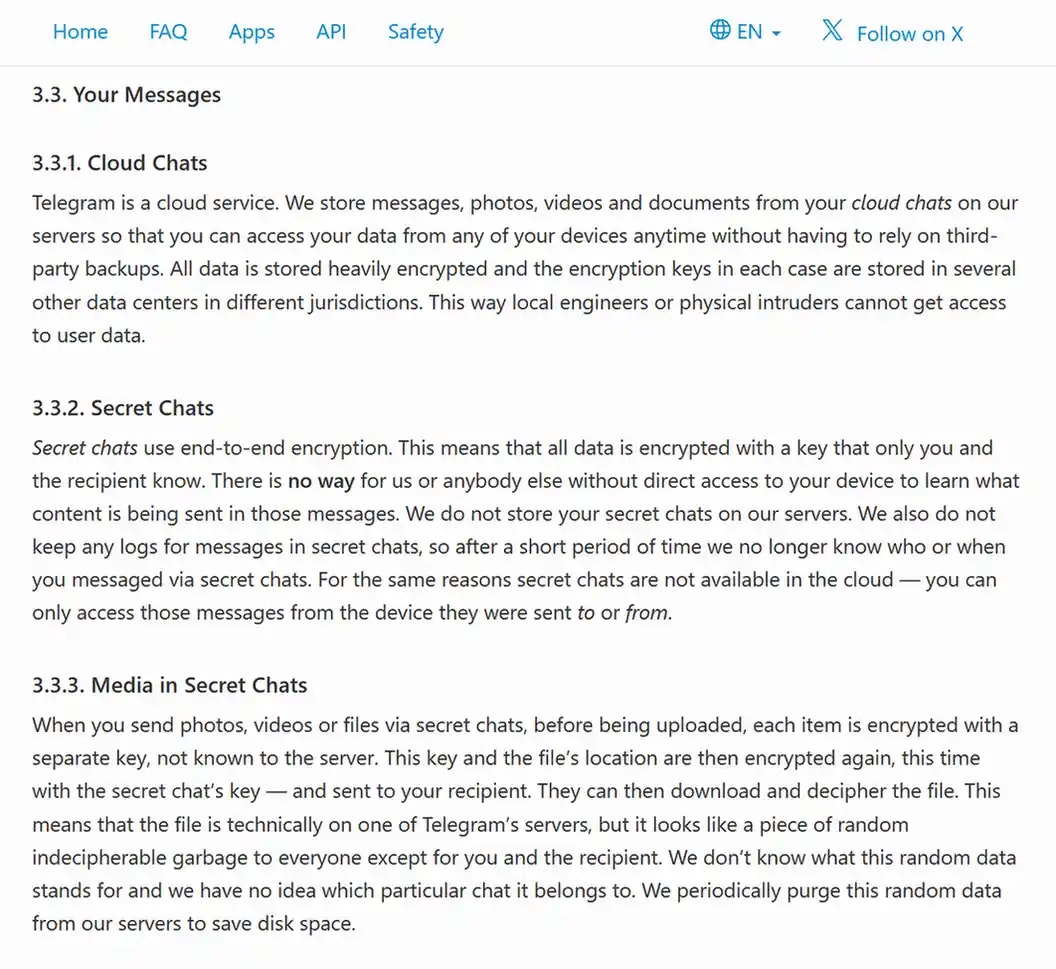
Telegram’s own privacy policy states that it stores cloud-chat messages, photos, videos and files on its servers so they can sync to every device. Telegram encrypts that data in transit and at rest, with keys distributed across data centers. That protects against many network and physical-intrusion risks. It does not, however, provide the same guarantee as end-to-end encryption, because the service remains inside the trust boundary.
Secret Chats are the exception. They are end-to-end encrypted, stay tied to the devices that started them and are not backed up to Telegram’s cloud. They only work one to one. There is no equivalent E2EE mode for Telegram groups or channels.
The policy also says Telegram may collect IP addresses, device and app details and username-change history for up to 12 months. A valid judicial order involving suspected criminal activity that violates its terms may lead it to disclose the user’s IP address and phone number.
Synced contacts are stored until you delete them. Moderators can inspect messages reported by recipients, automated systems can analyze cloud chats for spam and phishing, and third-party bots receive the data you send or expose to them and process it under their own terms and privacy policies.
Telegram remains useful for public discovery and good accessibility for public communities. If that is what you need, see our practical guide to finding Telegram channels with dedicated search engines. In my eyes it’s best to treat those public spaces as publishing, not as any kind of a private chat.
Signal – private by default, but not anonymous at registration
Verdict: Signal is still my default recommendation for private conversations with ordinary friends, family and colleagues.
Signal end-to-end encrypts messages, calls, profiles and group data by default, and uses private contact discovery. Its terms and privacy policy say that by design it cannot read message or call content. The service keeps the technical material needed to register accounts and deliver encrypted messages, while conversation history normally resides on the participating devices.
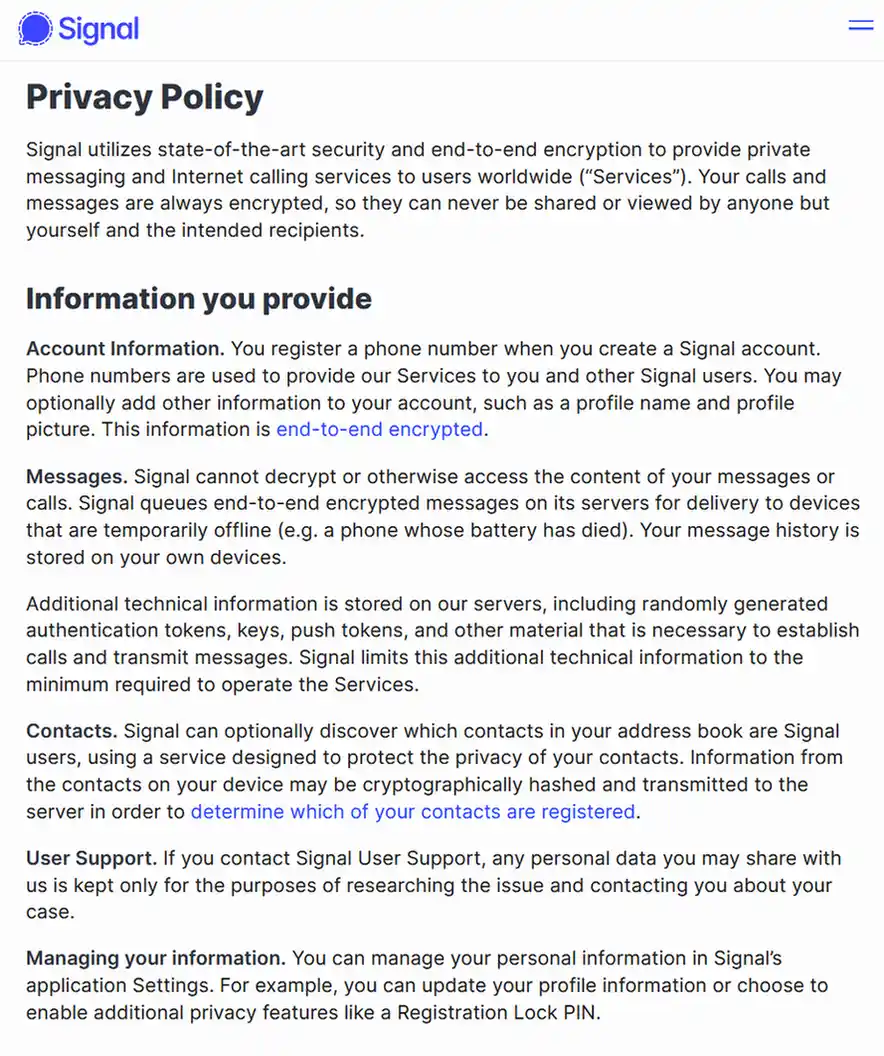
The main service-level caveat here is that Signal still requires a phone number and may use third-party providers to deliver the verification code. Usernames let you start a chat without giving the other person your number, and the default now hides your number from people who do not already have it. You can also set Settings -> Privacy -> Phone Number -> Who can find me by my number to Nobody. Still, none of that removes the number Signal used to register the account.
Signal’s formal privacy policy also states that encrypted information and metadata may pass through facilities, partners and service providers in the United States and other countries.
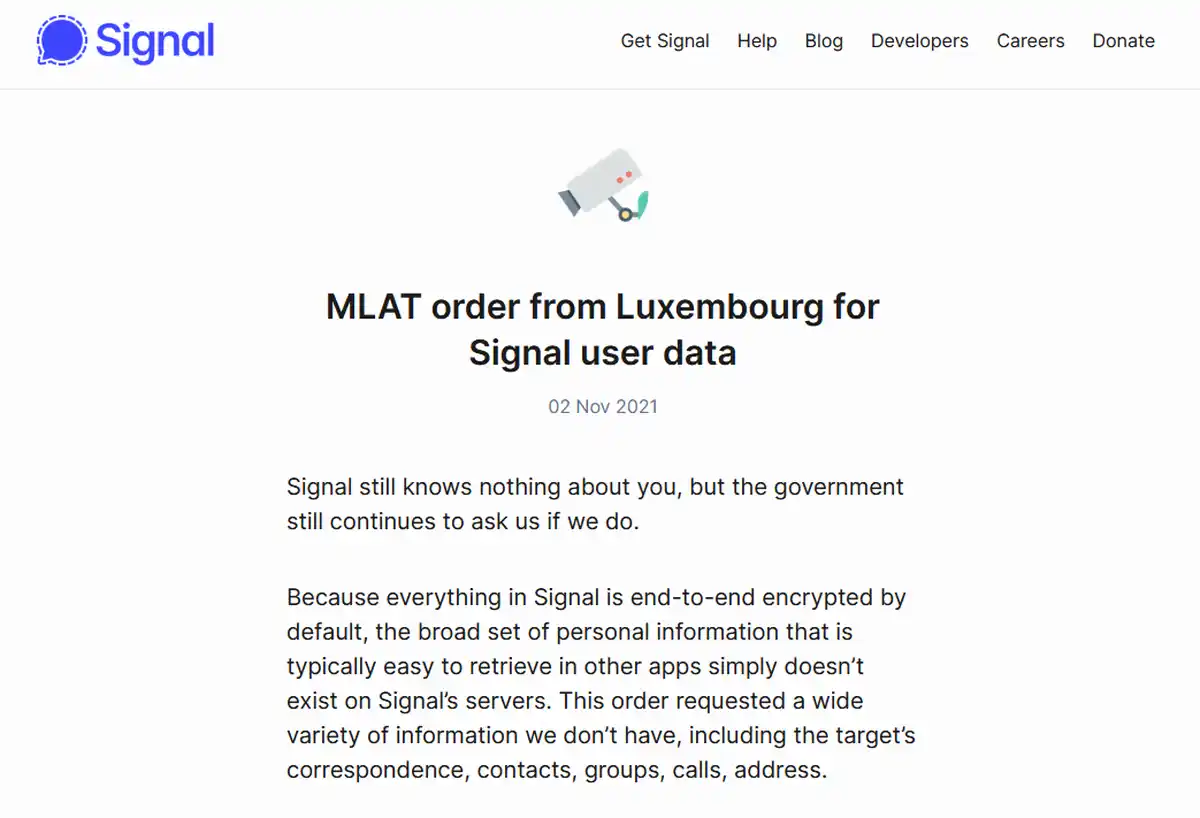
Its advertised Sealed Sender design reduces sender metadata, and the service does not store a contact list, social graph, conversation list or group membership record. Its published government-request responses list is useful evidence of the fact that even when legally compelled, Signal has repeatedly said it cannot provide messages, calls, profiles, groups, contacts or call logs because it does not have them.
Signal now also offers optional Secure Backups. They are end-to-end encrypted with a recovery key that Signal does not receive. This is indeed safer than dropping readable chat history into an ordinary cloud backup, but the recovery key becomes another secret you need to protect.
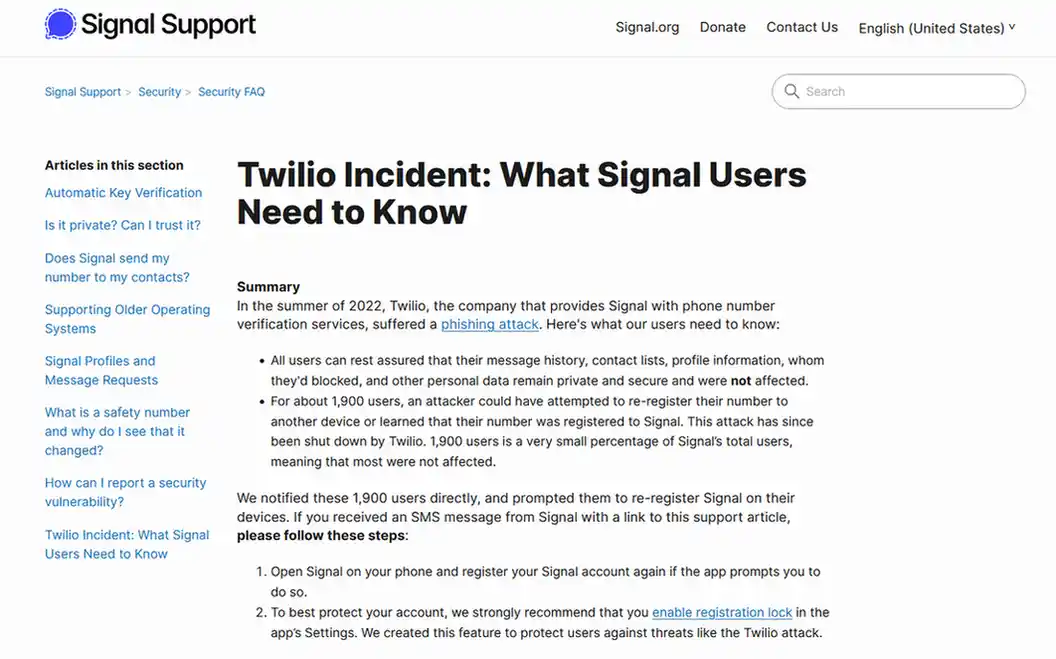
The 2022 attack on Signal’s SMS verification provider, Twilio, showed why the phone-number dependency matters. About 1,900 numbers were potentially exposed to re-registration attempts, according to Signal’s incident report. Message history and contact lists were not exposed. You can turn on Registration Lock to reduce this account-takeover risk.
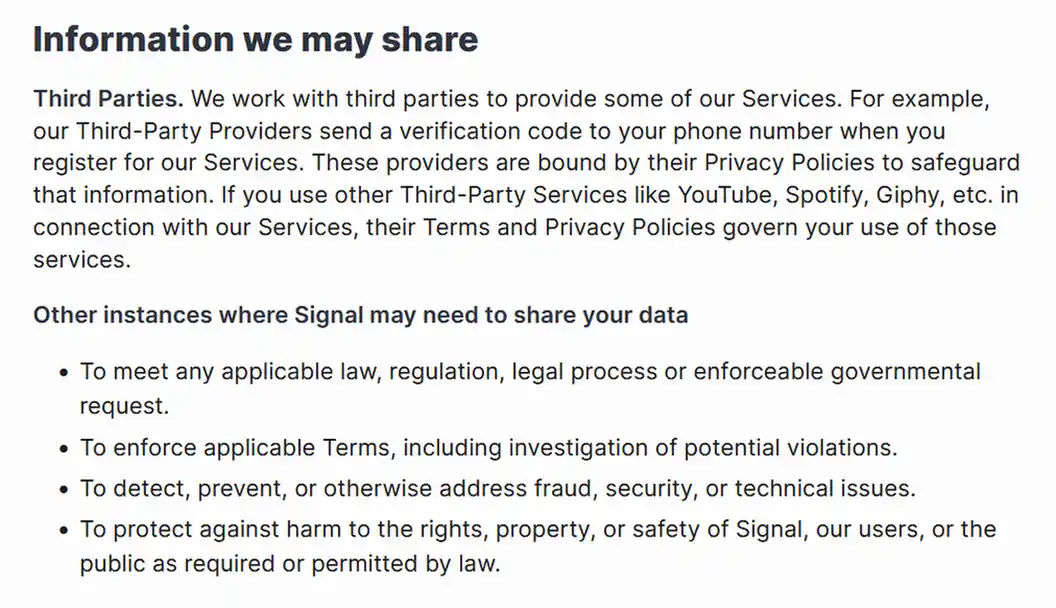
Still, the fact that a breach like this was thoroughly and openly reported like this is always good to see.
Where do WhatsApp and iMessage fit here
WhatsApp personal chats and calls are end-to-end encrypted, so it is much closer to Signal than Telegram cloud chat at the content layer. Its privacy policy also covers a much larger metadata set: phone number, interaction times and frequency, device and connection details, IP address, group information and activity involving businesses. Some businesses give Meta or another provider access to manage their conversations. WhatsApp protects message content well, but it is not an anonymous or metadata-minimizing service by design.
iMessage is end-to-end encrypted between Apple devices, and Apple states that it keeps limited eligibility information for up to 30 days. The Messages app also handles SMS, MMS and RCS, which do not automatically inherit iMessage’s privacy model. SMS and MMS are not end-to-end encrypted. Starting with iOS 26.5, RCS can be end-to-end encrypted when every participant and carrier supports it; look for the lock icon and the word Encrypted. Always remember to protect your iCloud credentials and settings and remember that your phone number or Apple Account address will be shown to the people you contact.
The Best Private Messaging Alternatives
Threema – a paid option with no phone number
Best for: people who want a conventional, dependable messenger without handing the service a phone number or email address.
Threema creates a random Threema ID on the device. Linking a phone number or email is optional. It supports end-to-end encrypted messages, files, voice and video calls, group chats and desktop use. The client apps are fully open source.
The interesting part of Threema’s privacy description is its retention detail. Messages are deleted from the server after delivery, connection information is not logged and group membership stays on participant devices. Optional contact discovery uses hashes rather than uploading the address book in readable form, which is also nice to see.
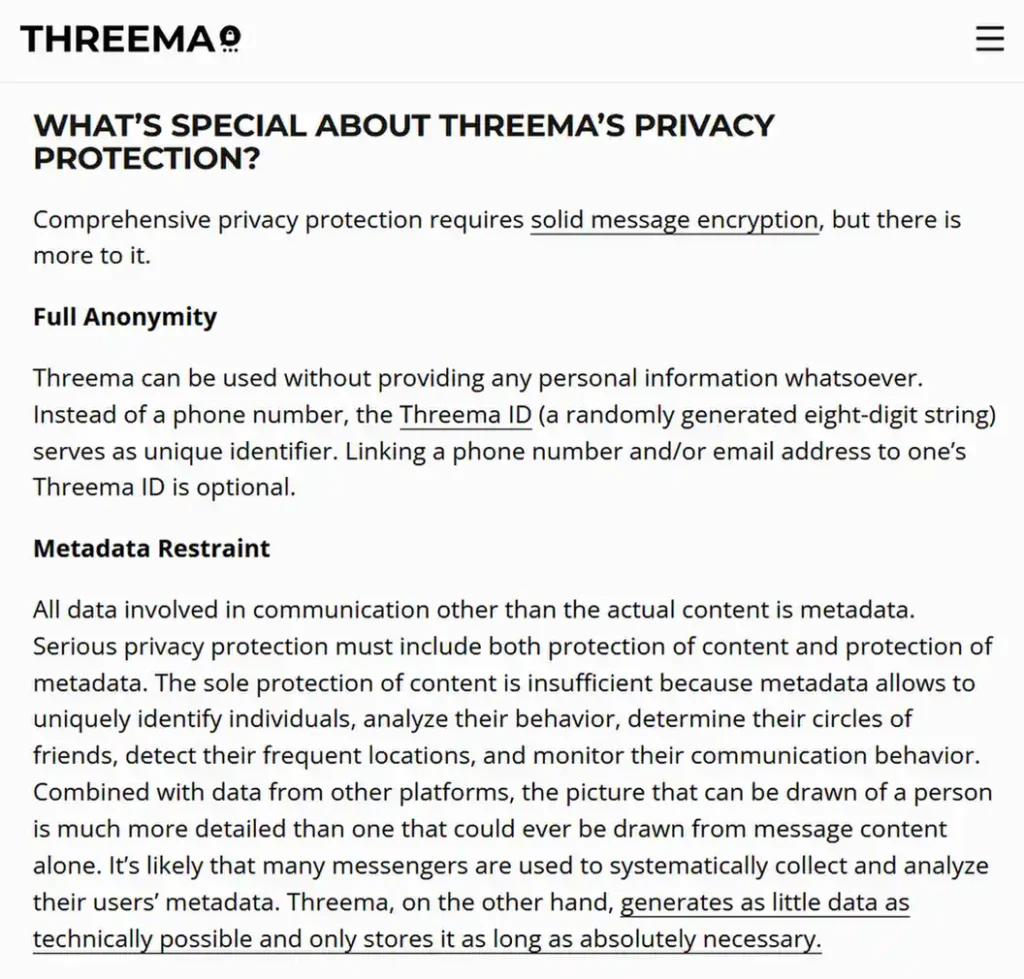
The catches are pretty straightforward. It is a centralized Swiss service, its network is much smaller than Signal’s and the personal app costs a one-time fee. It was listed at $6 when I last checked the pricing. Threema minimizes server metadata, but a network observer can still see that your device is talking to Threema unless you add a VPN or another network-privacy layer on top of it.
My take: All in all, I think that while Threema could be an interesting recommendation for a family or small group willing to pay once and move together, it’s not the absolute best choice on this list, if anything, because it is a paid and centralized service, with a relatively small user base.
Olvid – the best free no-account alternative
Best for: people who want a free, cross-platform messenger with no account, phone number, email address or contact upload.
Olvid keeps the profile you create on your device and has no central user directory. You add people deliberately through personal invitations or QR codes. Messages and metadata are encrypted, and the protocol is designed so that relay servers do not establish who is talking to whom. Apps are available for Android, iPhone, iPad, Windows, macOS and Linux. A full roster.
Olvid is open source and publishes independent work around its protocol. Its mobile apps have also received security certifications from France’s national cybersecurity agency, ANSSI.
Still, the Olvid privacy policy does contain an important caveat. Olvid and its AWS hosting provider can technically see connecting IP addresses of their users, although Olvid says it does not consult, collect or keep them. Regardless of that, it’s a part of their intended external host data flow. Encrypted messages waiting for a removed or unreachable profile may remain on the relay for up to 60 days before deletion.
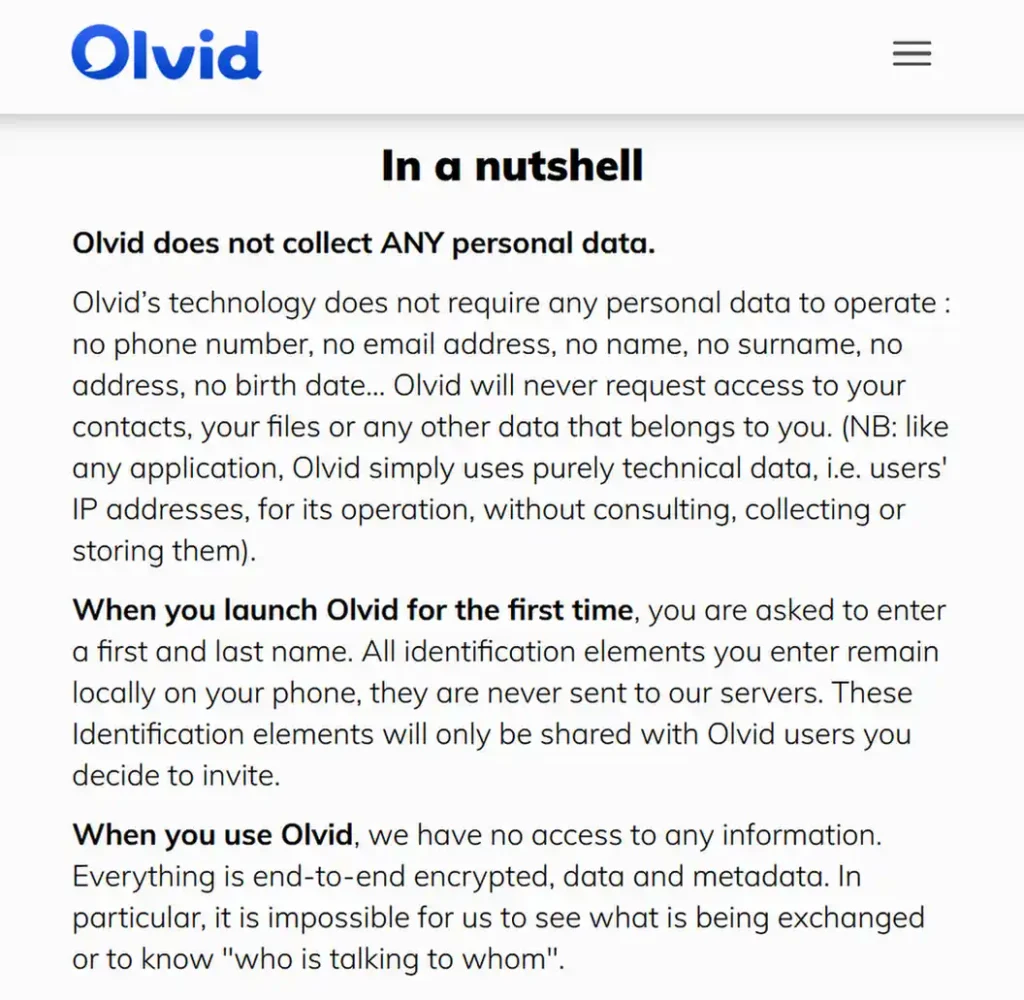
The main cost here is convenience. An empty address book and invitation-based contact setup are great privacy features, but they do create friction, especially when inviting your family members or friends to your new contact list. This is of course a common issue when moving to any less-popular messaging service.
With Olvid, you also need to remember to configure your own encrypted backups, as the platform cannot recover an account that it never had in the first place.
My take: Olvid is a good choice if you’re looking for a private messaging app without the need for creating an account, for creating a closed circle of users to communicate with. Much like Threema, it’s best paired with a VPN.
Best for: people who care about hiding relationships between communicating user accounts and do not want a stable account identifier sitting behind every conversation.
SimpleX Chat does offer something unusual. It has no global username, phone number, random account ID or persistent public key used to route every message to you. Each contact relationship uses separate queues on relays chosen by the participants. Contacts, groups and profiles live on the devices themselves, rather than in a central account database.
Messages are end-to-end encrypted, padded to a fixed size and forwarded through relays so the destination relay does not normally see the sender’s IP address. Preset relays do not log device IPs. You can choose different operators, run your own relays and add Tor or a VPN between your device and the first relay.
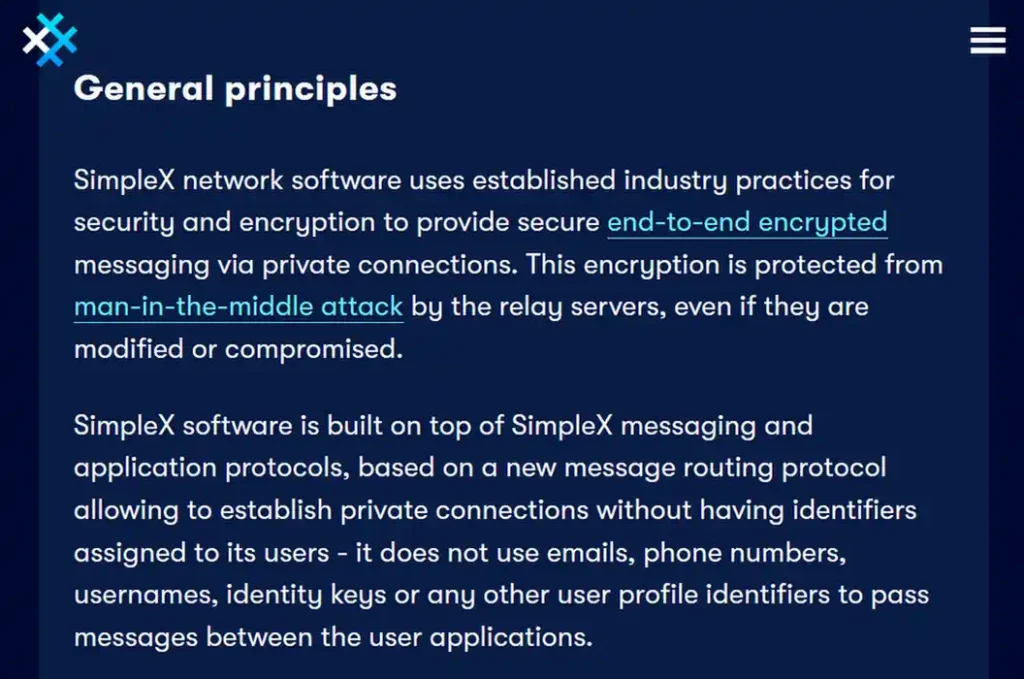
The SimpleX privacy policy is, you could say, unusually specific about residual data. Preset relays delete undelivered encrypted messages after delivery or 21 days, and preset file relays use a 48-hour window. The iOS notification service can infer roughly how many queues have notifications and how many notifications each receives. Abuse defenses may temporarily store transport details for a small number of connections. Hosting companies may keep their own network logs. That’s pretty much it.
The experimental public directory stores search requests and data from listed groups, so do not treat public discovery like a private one-to-one connection. Your history and connection state are local, which makes backups your responsibility.
My take: SimpleX is one of my best recommendations when hiding your social graph and connections matters as much as protecting the message content. The tradeoff here is a smaller network, and somewhat more deliberate onboarding compared to for instance, Signal.
Session – onion-routed messaging with a cryptographic tradeoff
Best for: people who want a stable pseudonymous ID, no phone number and onion-routed messages over a decentralized node network.
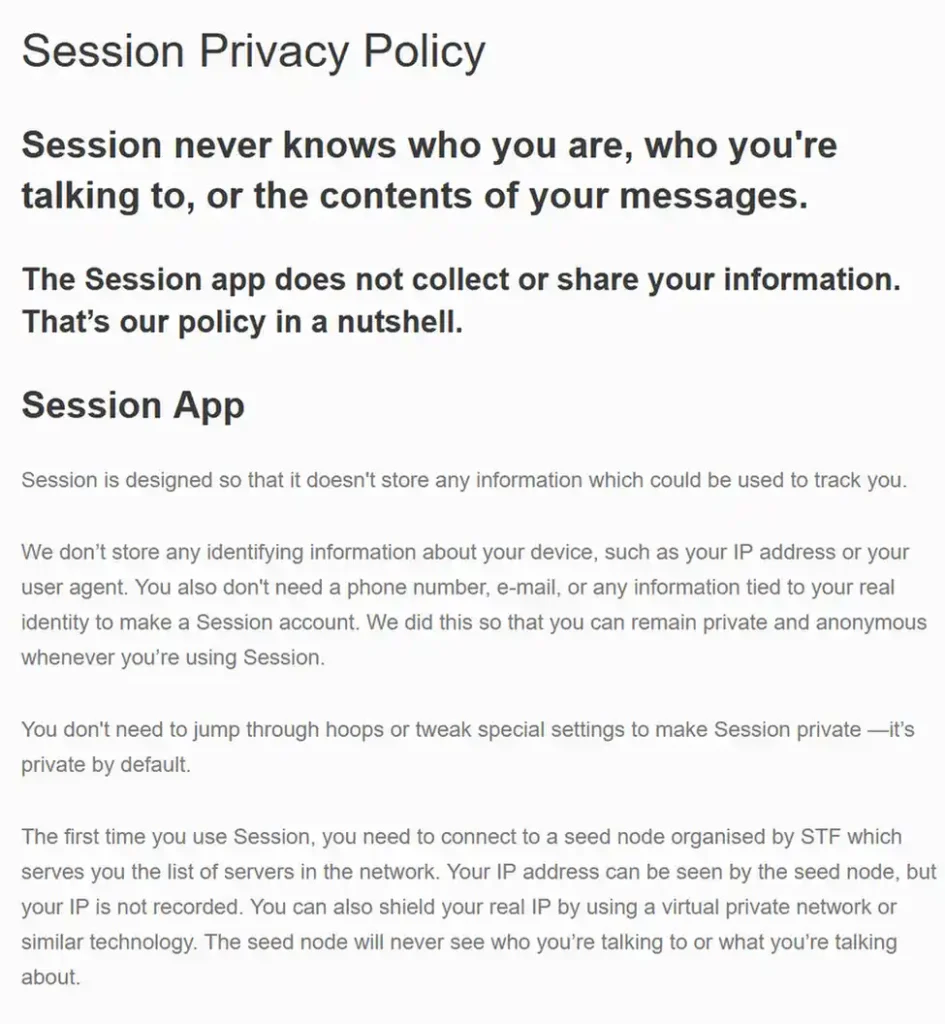
Session creates a random Account ID and recovery phrase without asking for an email address or phone number. Direct messages and private groups are end-to-end encrypted and sent through onion requests, so no single message-storage node should learn both the sender’s IP and the destination. The node swarms hold encrypted messages only temporarily.
Session’s privacy policy says the initial seed node can indeed see a connecting IP address but is not supposed to record it. Fast mobile notifications do, however, expose the device IP and push token to Apple or Google, while Session’s notification server receives the Account ID and push token through an onion-routed registration. That’s something to keep in mind. The available slow polling setting can avoid that extra push-service linkage at the cost of speed and battery use.
There are three limits with Session that I would put in large type here:
- As of July 2026, Session Protocol V1 still does not provide perfect forward secrecy. Session’s own Protocol V2 proposal states that messages use the recipient’s long-term key. If malicious nodes retained old ciphertext and that key was later stolen from a device, past messages could become readable. V2 is intended to fix this, but it was still under design when checked.
- Calls do not use the onion network. Session’s FAQ says current voice and video calls are peer to peer and expose your IP address to the other participant and a Session-operated STUN/TURN server.
- Public Communities are not private groups. Their server can read and retain community messages because content is encrypted to the server, not end to end among every member, similarly to the case of Telegram.
My take: Session offers stronger network-level anonymity than Signal for text messages, but weaker protection for old messages after a potential future key compromise. If you’re looking for an onion-based messenger, it’s a good option to consider. But so is Cwtch, which is up next on our list.
Cwtch – a smaller, Tor-native alternative
Best for: technically comfortable users who want all of their app communication to run through Tor v3 onion services.
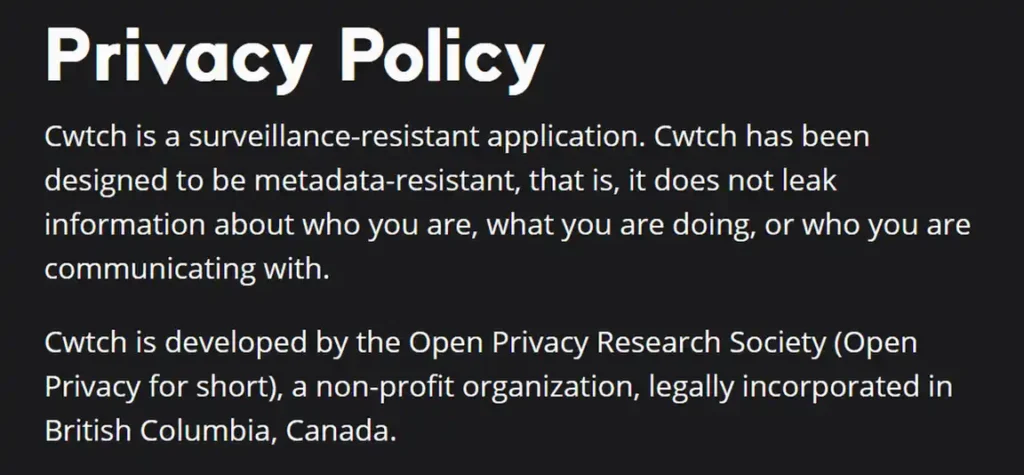
Cwtch is an open protocol and application rather than one central account service. Direct and group communication is end-to-end encrypted over Tor. Participants can host their own so-called “safe spaces”, and there is no single Cwtch network operator with a global account database.
Apps are available for Windows, macOS, Linux and Android, but not iOS. The contact network is tiny and the public documentation is less approachable than Signal’s or SimpleX’s, but still manageable to get into.
My take: Cwtch is a very interesting option when Tor-by-default is your main requirement. If you don’t need an onion-routed solution, the other communicators might be the better choice when it comes to overall user experience including the onboarding process.
Briar – the private messenger for blackouts and local networks
Best for: activists, journalists and local groups preparing for internet shutdowns or aggressive network censorship.
Briar has no central message server. When the internet is available, it synchronizes encrypted messages directly between users over Tor. During a blackout it can move data over Bluetooth, local Wi-Fi or even memory cards. Contact lists are encrypted on the device, and a separate Briar Mailbox can help people exchange messages when they are not online at the same time.
The Briar mobile app is Android-only. The project developers announced in July 2026 that Briar had entered maintenance mode, but the project is continuing.
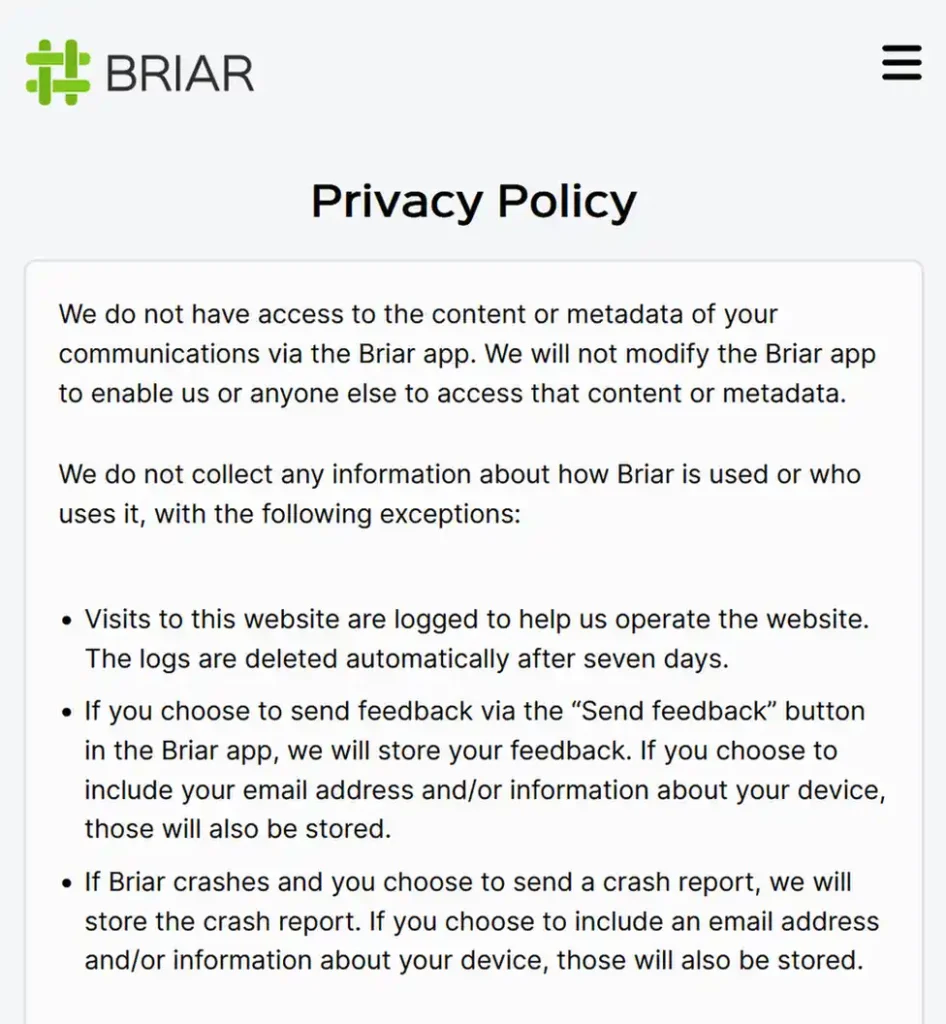
As of now, the essential security updates and bug fixes do continue, but the team explicitly lists high battery use, unreliable Android background operation as well as missing account backup and file attachments as longstanding limitations.
My take: if you like the idea of a private encrypted off-the-grid communicator and you have some people on board with this very idea, you should definitely give Briar a try. Great option for journalists, preppers, and enthusiasts of doomsday tech. A solid idea that has a lot of potential for further development.
Matrix and XMPP – useful for self-hosting
Best for: organizations and communities that need to control their server, domain, retention rules and integrations.
Matrix is a federated protocol, and Element is its best-known client. Encrypted Matrix rooms protect message content from the participating homeservers. The servers still need operational metadata. The room names, topics and membership-related state are normally stored on homeservers in readable form. Bridges and bots can create additional trust boundaries, and it’s all very much configuration-dependent.
XMPP is also a protocol rather than one app. A compatible client using OMEMO can provide end-to-end encryption, but privacy varies with the client, provider, server logging, contact discovery and backup configuration. A self-hosted server gives you control over those policies, however it does not hide every user’s IP or communication pattern from the server administrator.
My take: pick Matrix or XMPP when infrastructure ownership and interoperability are the problem you need to solve at scale. For a sensitive one-to-one chat, Signal, Olvid or SimpleX present fewer configuration traps and are much better small-scale solutions.
Which Private Messenger Should You Actually Install?
For me, the decision is this simple:
- Install Signal first. It has the best balance of strong defaults, mature clients, calls, groups and a realistic chance that another person will use it.
- Choose Olvid when giving a phone number is unacceptable for you. Olvid is free and accountless. Threema also works here, but it is a paid product.
- Choose SimpleX when account relationship metadata is the main thing you want to avoid. Its lack of a global user identifier is a substantive architectural difference from the remaining options.
- Choose Session when you want onion-routed text and a reusable pseudonymous ID. Keep calls disabled if exposing an IP address to the other participant would be dangerous.
- Pick and preinstall Briar for blackout scenarios, or simply for off-the-grid communication. It’s a very interesting and one-of-a-kind tool for these exact use cases, and if you’re curious enough, it’s very much worth looking into.
- Use Telegram as a public platform. If somebody forces a sensitive one-to-one conversation onto Telegram, your best bet is starting a Secret Chat and verifying the encryption key.
Private Messenger Setup Checklist
The app choice handles only part of the risk. Do these before sending anything you would not want to get leaked at any point in the future. These tips should ALWAYS be kept in mind no matter what kind of private communicator application you decide to use.
- Update the operating system and the app. Security fixes for the device matter as much as messenger updates.
- Use a long device passcode. Biometrics are convenient, but the passcode protects the encryption keys after a restart and remains the fallback.
- Hide message previews on the lock screen. For Signal, also enable its app-switcher privacy screen. Notification content can outlive the message in unexpected device databases.
- Verify high-risk contacts. Compare Signal safety numbers or scan the app’s verification QR code in person. A username proves which account you reached, not who controls it.
- Enable registration protection. Turn on Signal Registration Lock, Telegram two-step verification or the closest equivalent your messenger provides.
- Review linked devices. An old laptop with an active session is another readable endpoint and a point of risk.
- Understand how backups work in your app before enabling them. Use a genuinely end-to-end encrypted off-site backup and protect its recovery key. A readable cloud backup can fully defeat the purpose of an otherwise private chat.
- Turn off contact sync and public discovery if you do not need them. This is a good privacy tip even if you’re using regular messaging apps.
- Strip location metadata from all your attachments. A photo and its EXIF data can easily reveal where it was taken even when the messenger hides your network address. The same goes for many types of documents and other files.
- Use the right network layer. A VPN hides your home IP from the messenger or first relay but moves trust to the VPN. Tor-native routing or a messenger designed to separate relays provides a different property. Neither hides the identity you type into the chat.
The Bottom Line
Signal remains the strongest everyday recommendation, with a phone-number registration compromise and the same endpoint limits every messenger faces. Telegram’s normal chats, although Telegram is commonly associated with private messaging, were never in that category. They should be used for public/semi-private channels and communities, not as the default home for sensitive conversations.
All of the alternatives from this list are quality projects that deserve attention in the space of private communicators available to the users mostly for free (excluding Threema). Remember to always follow the basic OPSEC guidelines and be mindful of the limitations of the communication apps you use, and you will be able to make do with most of the solutions listed here, depending on your needs. Thank you for reading!