

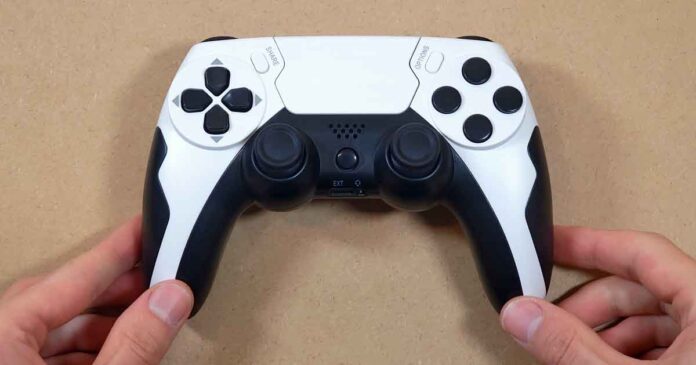
This affordable PS5-style gamepad is yet another one of those AliExpress controller clones that try to get as close as possible to the original PlayStation pad look, while staying firmly in the budget replacement category. Here is my full hands-on review of the GAMINJA P48 wireless controller, with all of my testing notes, plenty of close-up images, and a few comparisons with other off-brand Chinese gamepad clones I have already tested. Let’s get to it.
You might also like: Data Frog PS4 Wireless Bluetooth Controller Clone – Hands-On Review & Test
Why you can trust us: We test all of our products according to the Tech Tactician consumer usability benchmark methodology which evaluates the product characteristics that matter to the user in day-to-day use.
This web portal is reader-supported, and is a part of the AliExpress Partner Program, Amazon Services LLC Associates Program and the eBay Partner Network. When you buy using links on our site, we may earn an affiliate commission!
Let’s Start With the Specs
A cheap PS5-style wireless controller clone from AliExpress. Uses Bluetooth 4.0, charges over USB-C, features a touchpad, gyro and an accelerometer, alongside a vibration motor and an RGB light bar.
| Brand / Model | GAMINJA P48; P48-White Black-ZY |
| Connection | Bluetooth 4.0 wireless connection; USB-C port for charging |
| Marked Compatibility | PS4 / PC; no official PS5 support (despite the looks) |
| Input Voltage | DC 5V/1A |
| Working Voltage | 3.7 V |
| Working Current | 20 mA |
| Battery / Runtime | 600 mAh / Up to 8 hours |
| Charging Time | Around 3 hours |
| Features | Buttons, analog sticks, analog triggers, touchpad, RGB LED, dual vibration motors, gyro / accelerometer, USB-C charging |
| Box Contents | Controller, USB-A to USB-C charging cable, user manual |
One important note before we go further: this is a PS5-style controller in terms of shape, but the unit I received does not present itself as a real DualSense replacement. The back label and the included manual both mention PS4/PC compatibility, and this device is not advertised as offering native PS5 support.
Quick Unboxing & Box Contents
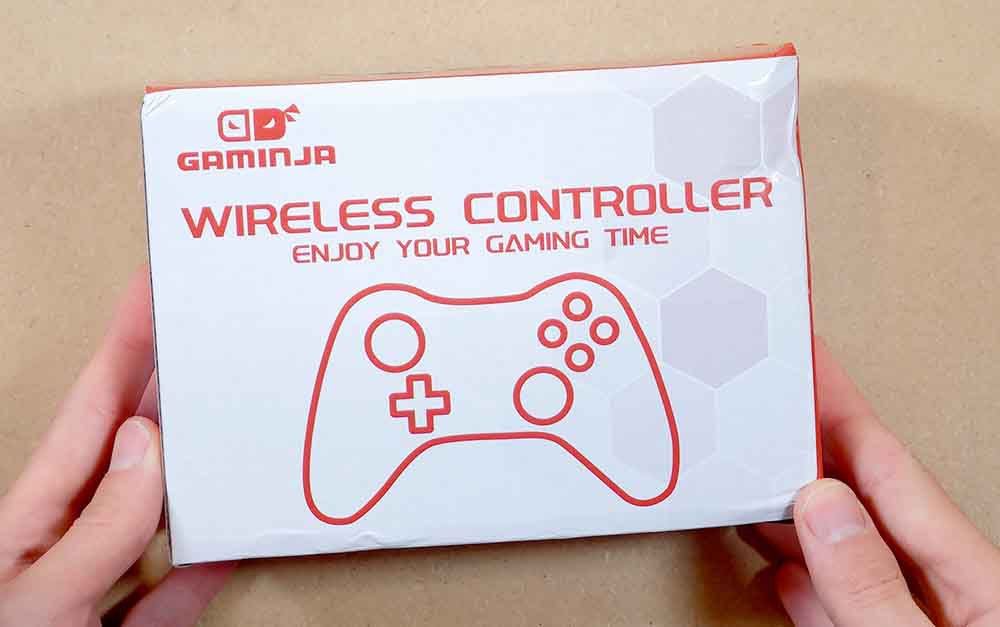
The box itself is about as generic as it gets. Inside, you will not find much besides the controller itself. My unit came with a short USB-A to USB-C charging cable and a small printed user manual.
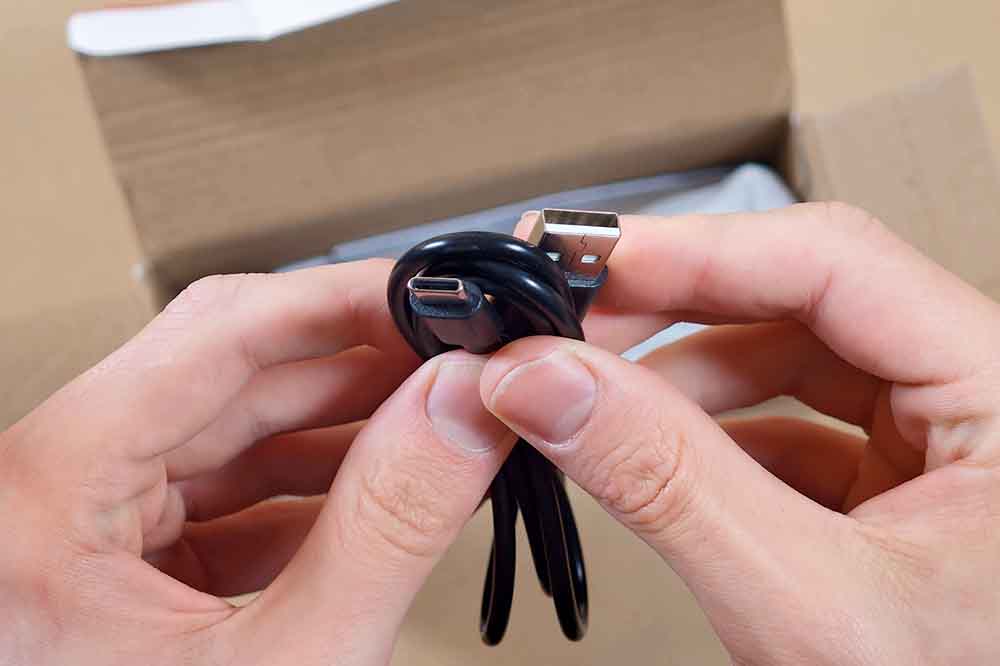
There are no extra thumbstick caps, no USB receiver, no stickers for the blank face buttons, and no accessories of any kind.
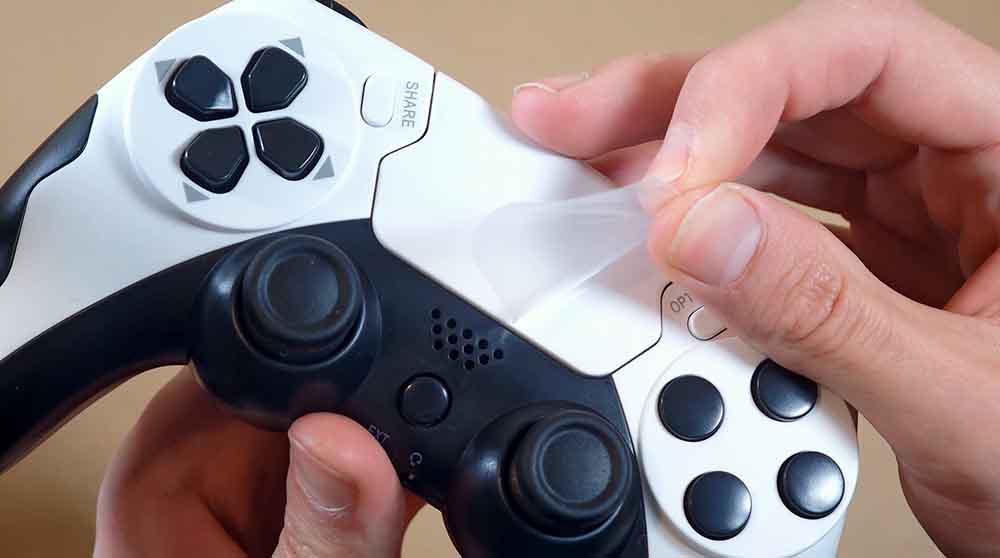
The controller itself was protected by a very thin layer of foam, and the touchpad had a protective film placed over it. That is pretty much everything concerning the unboxing experience here, and it is very much in line with what I expected from a budget AliExpress gamepad.
First Impressions and Build Quality
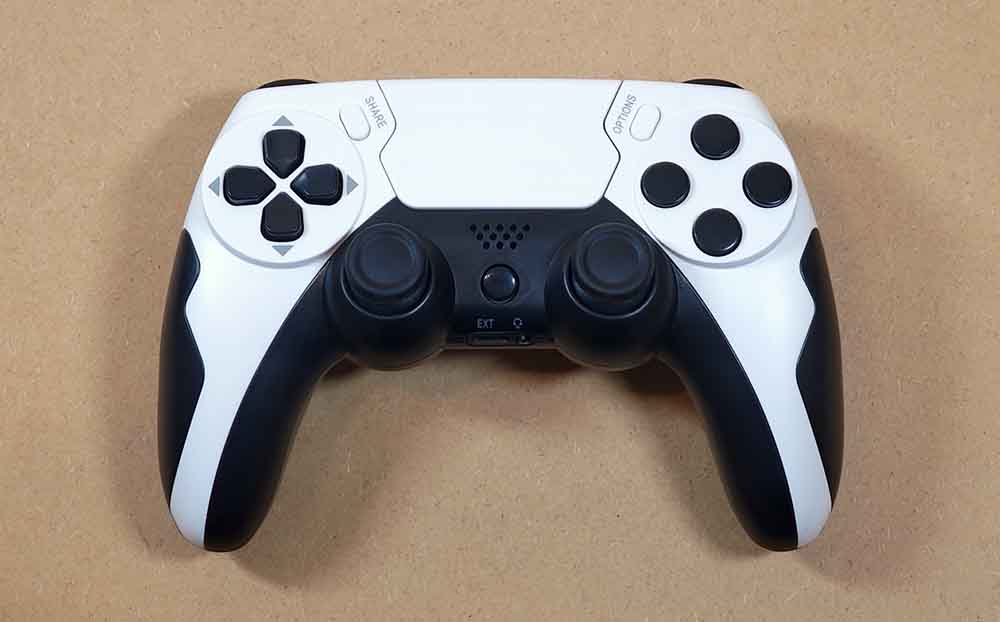
Setting things straight right away, this controller is not really close to the original PS5 DualSense in terms of overall feel. It does borrow the general white-and-black look, the central touchpad area, and the overall silhouette, but once you pick it up and start using the controls, it is clearly a cheaper clone-style controller. It’s also noticeably lighter than the original, presumably due to the smaller 600 mAh battery size.
That said, the tested unit does not feel terrible. It has enough weight to avoid feeling hollow, the shell does not flex in any alarming way during normal use, and the grip texture on the back helps it feel a little bit more substantial in hand. For a backup controller in this price range, this is already a good start.
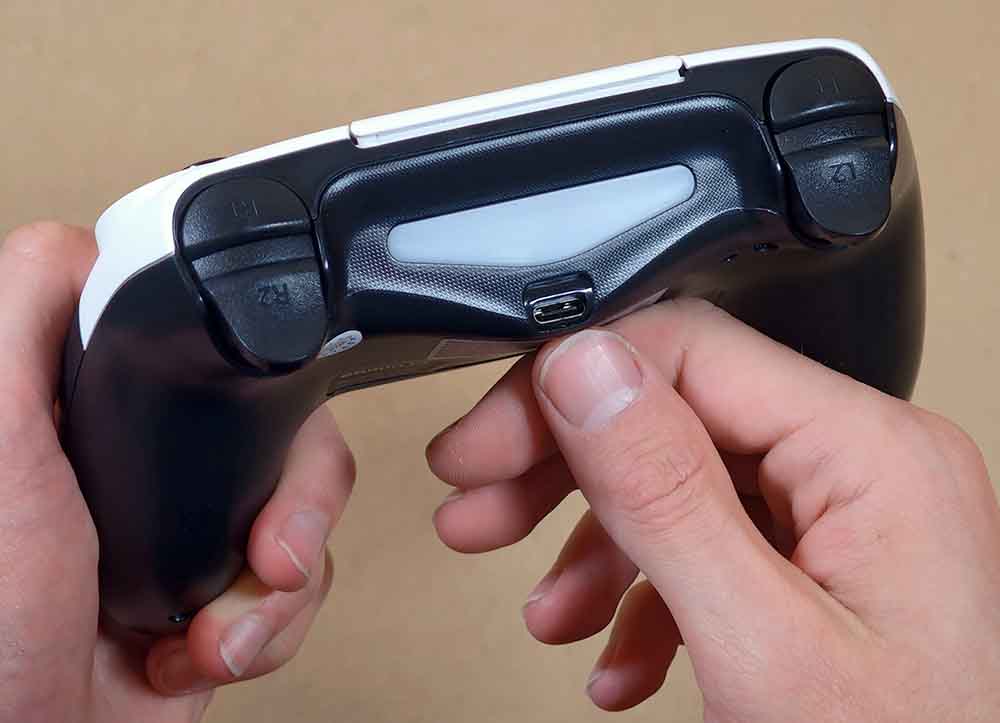
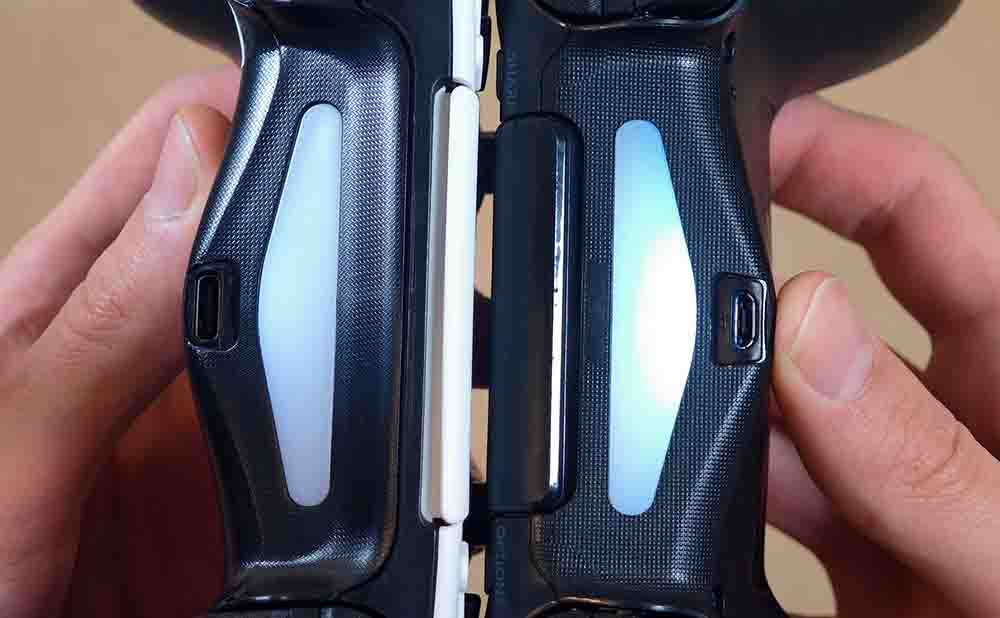
One useful advantage over some of the other cheap PlayStation-style pads I have tested is the USB-C charging port. Many of the less expensive bootleg controllers you can find all over AliExpress still make use of the older microUSB standard, which is less convenient today. Here, at least, you can use a regular USB-C cable for charging.
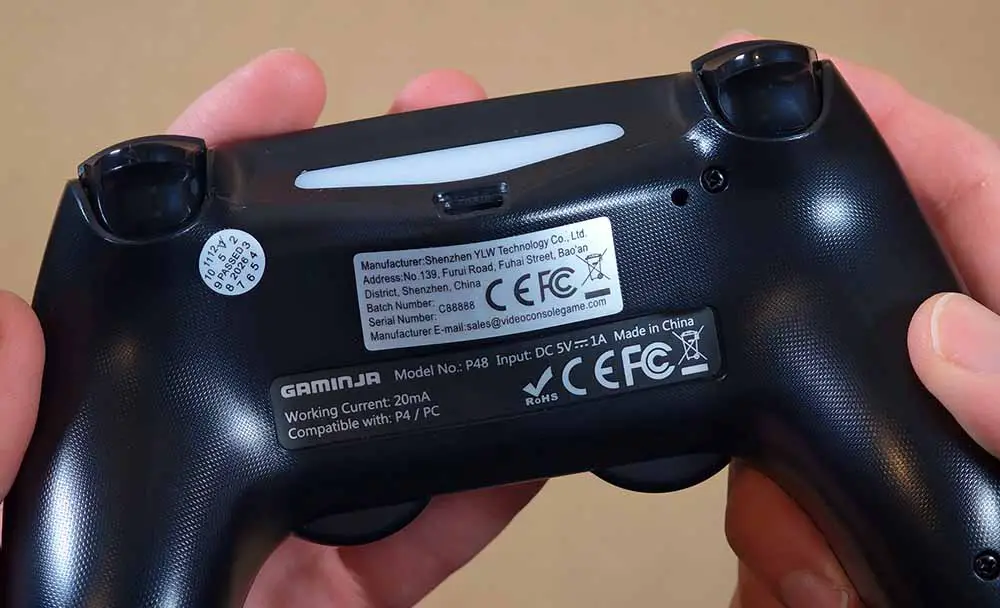
The back of the controller does not reveal much beyond the textured grip plastic and the manufacturer stickers. The device is produced, as advertised, by Shenzhen YLW Technology Co., Ltd. closely associated with the GAMINJA brand.
Overall, the build quality is serviceable. It does not feel premium, and it does not have the same refined plastic finish, tolerances, or button feel as Sony’s original controller, but it also does not feel like something that is about to fall apart immediately. For the price category, that is a fair result.
Buttons and Triggers
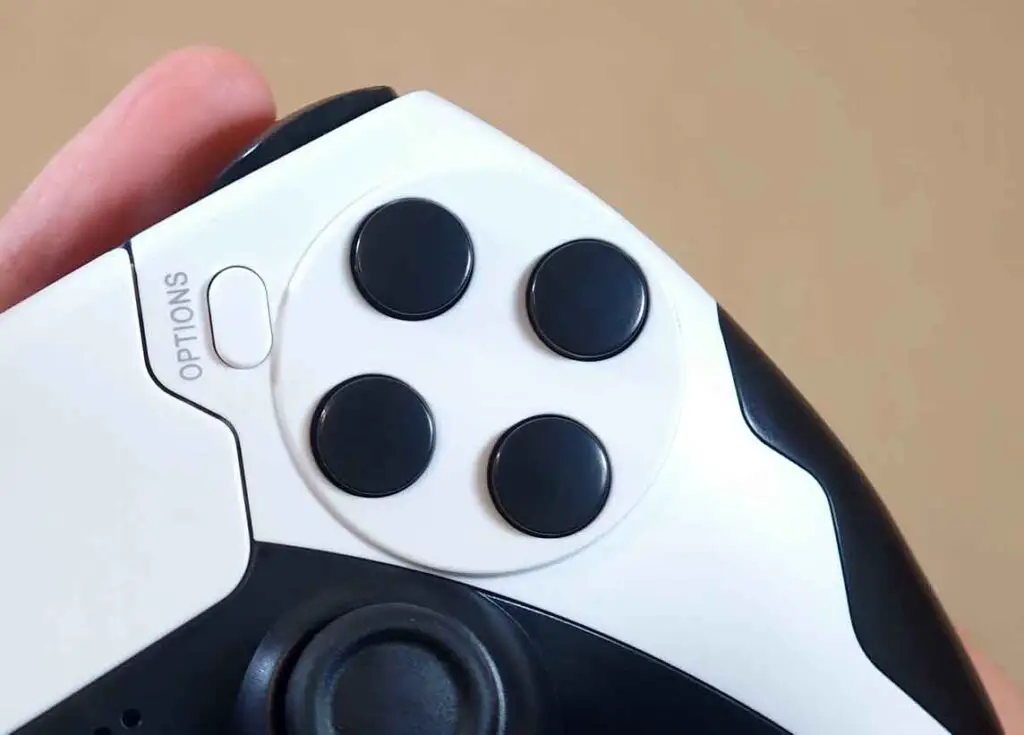
The first thing you will probably notice is that the four face buttons are completely blank. There are no triangle, circle, cross and square symbols printed on them, which is, as you might already know, a common choice on off-brand controllers like these.
While this small detail does arguably make the controller look cleaner, it’s also a bit less practical if you are giving it to someone who relies on the printed symbols. Of course technically, you could solve this with controller button stickers.
Remember that as with many off-brand controllers sold under different names, there can be a lot of variance between units here. Even pads that look almost identical from the outside can have different internal boards, different analog stick behavior, different trigger calibration, and different firmware behavior. That is always worth keeping in mind when considering budget controllers like this. This brings us to another important point.
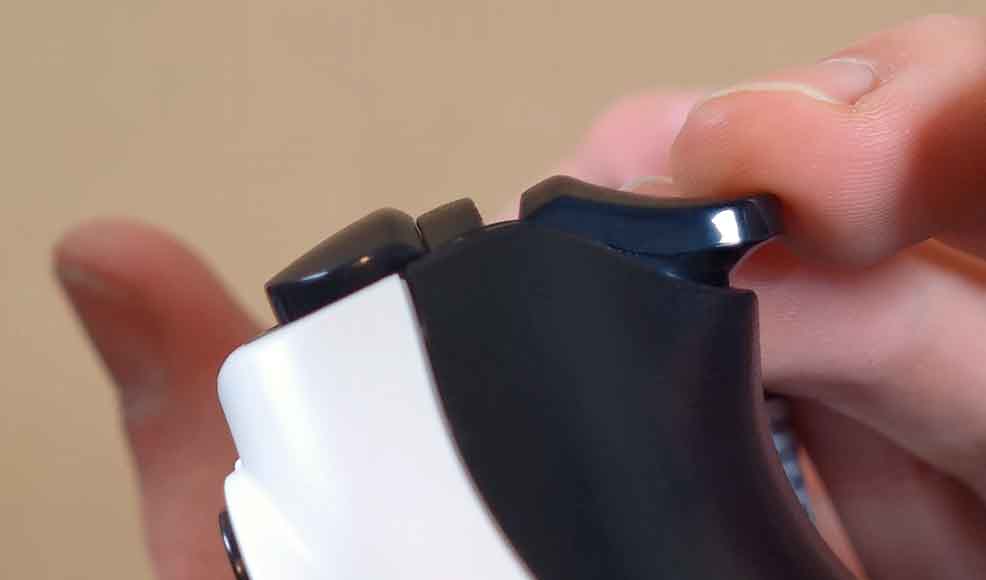
The buttons and analog triggers on my unit felt reasonably usable in normal play, but the trigger behavior was not perfect in software testing. When checking the controller in tools such as DS4Windows and browser-based gamepad testers, the trigger values did not rise in a perfectly smooth and uniform way, even when pressed together at the same pace.
In practice, this means that a small physical press can turn into a rather fast jump in the software value. For many games this will not matter much, especially if you only need a backup pad. For racing games or anything where trigger precision is important, it is something I would definitely keep in mind as the full trigger travel distance here is much larger physically than it is in the software.
Curiously, this was way less noticeable on the Data Frog PS4-style controller I tested before, even though the triggers appeared to use very similar components.
The Analog Sticks
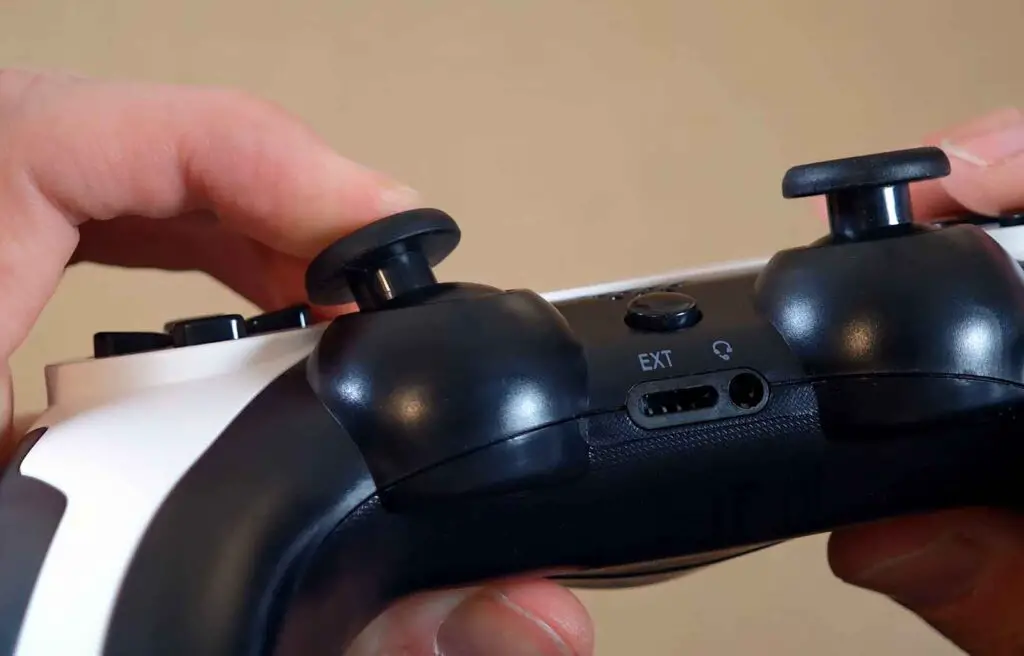
The analog sticks feel alright under the thumbs, however in testing, the sticks showed a noticeable tendency to snap to the main cardinal directions. Instead of drawing a smooth full 360-degree range, the input leans heavily toward those primary axes, which is especially visible during attempted slow and precise inputs.
This is not unusual for cheaper controllers, but it is still important to mention. For casual games, platformers, emulation, or a backup player two controller, it may be completely fine. For shooters, aiming-heavy games, or anything where smooth camera control matters, this is where you might start feeling the difference between this and a better quality controller.
Both sticks also have a pretty loud click when pressed in. It is not unpleasant, but it is definitely noticeable.
Touchpad, Gyro, Vibration and LED
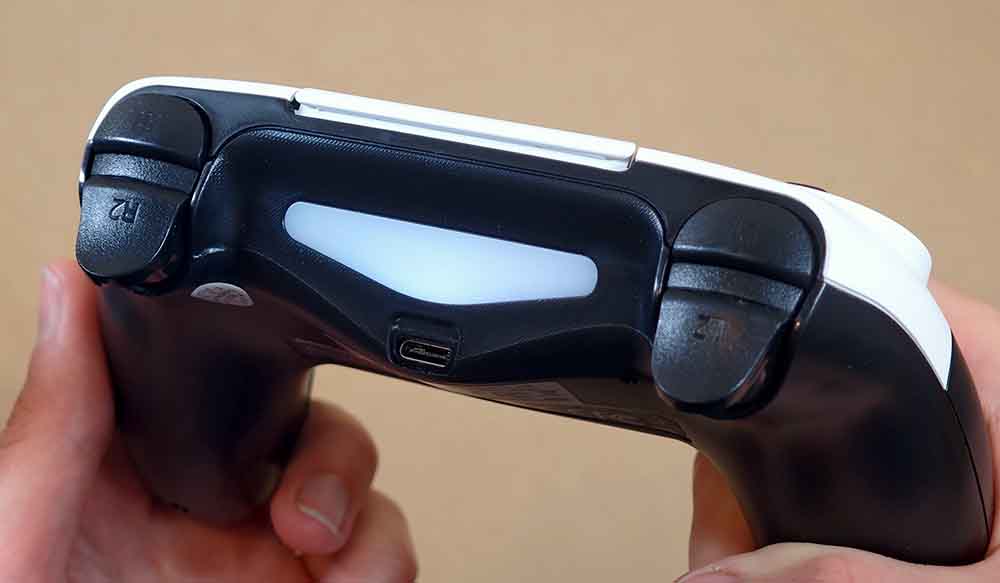
The RGB LED indicator on the back of the GAMINJA P48 works, and it can be set to different colors depending on the software you use with the controller. The only small issue I have with it is its brightness. On my unit, the light was very dim, especially when compared directly with the LED on the Data Frog controller.
The touchpad worked without any real trouble in my PC testing. It was detected correctly, and the input was accurate enough for the kind of use I would expect from a controller in this price range. The pad surface itself is plain and smooth, not textured like on the DataFrog unit.
The gyroscope and accelerometer also worked, which is good to see. In DS4Windows, I did notice very short moments where the gyro readout seemed to briefly drop back toward center while moving the controller around. These interruptions were very short, and I did not notice a major effect during normal use, but the behavior was visible during testing.
Vibration also works reliably at all levels, although you should not expect DualSense-style haptics here. This is a basic dual-vibration implementation, much more in line with budget PS4-style controllers than with the original PS5 controller experience.
Pairing the GAMINJA P48 With PC
On PC, the GAMINJA P48 worked both with and without DS4Windows in my testing. Steam initially detected it as an Xbox Controller, and DS4Windows testing utility also recognized it and displayed all of its features as expected.
Press the SHARE button and the HOME (PS) button together for the controller to enter the pairing mode. Once the light bar starts flashing, you can pair it just like any other wireless Bluetooth gamepad.
I did not test PS5 compatibility personally, so I cannot recommend it for PS5 use. The physical design is clearly inspired by the PS5 DualSense, but the included user manual and rear sticker both point toward PS4 / PC compatibility rather than PS5.
If you are using it with a PC like I did, the basic experience is straightforward enough: charge the controller, pair it over Bluetooth, then use Steam Input or DS4Windows depending on your preference. For wired charging, the included USB-A to USB-C cable does the job, although it is very short.
GAMINJA P48 vs. Data Frog PS4 Controller – Quick Comparison
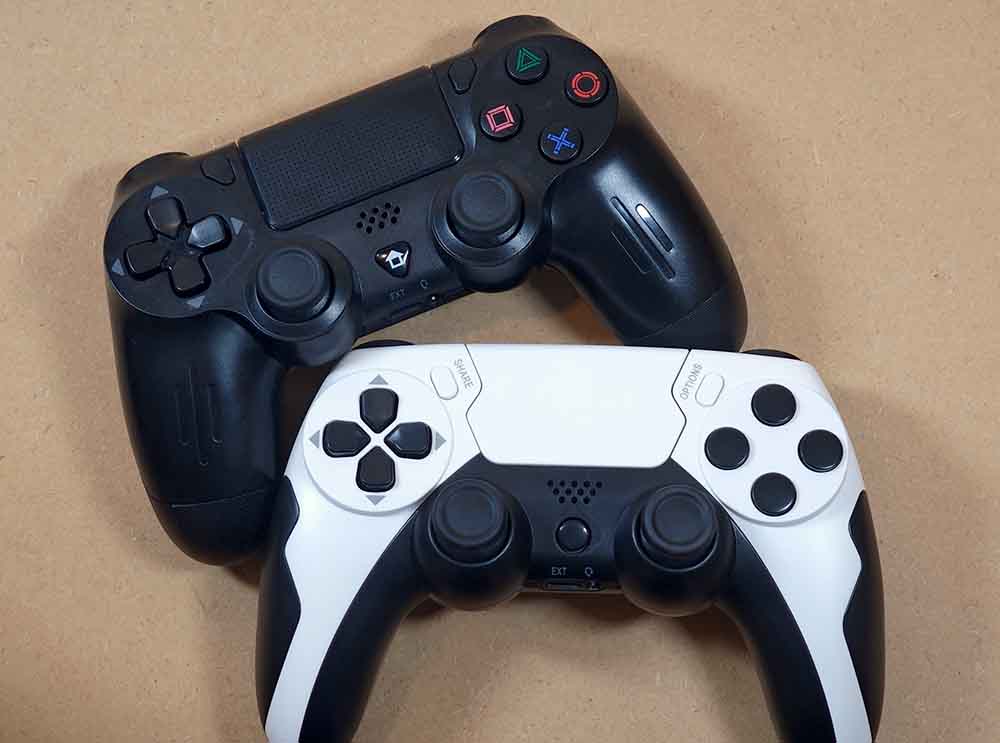
Compared with the Data Frog PS4-style wireless controller, the GAMINJA P48 feels like a very similar class of a bootleg controller, just with a different shell and a few practical differences.
The biggest practical advantage of the GAMINJA P48 is the USB-C port. The Data Frog controller uses microUSB, which is quite outdated by today’s standards.
On the other hand, I personally prefer the feel of the Data Frog controller. Its LED is brighter, its touchpad surface feels nicer because of the texture, and the face buttons have the familiar symbols printed on them.
The analog stick behavior on the Data Frog unit also felt a little better to me, although it is still not perfect and you should not expect it to be close to the original PlayStation controller precision.
Here Are My Final Thoughts
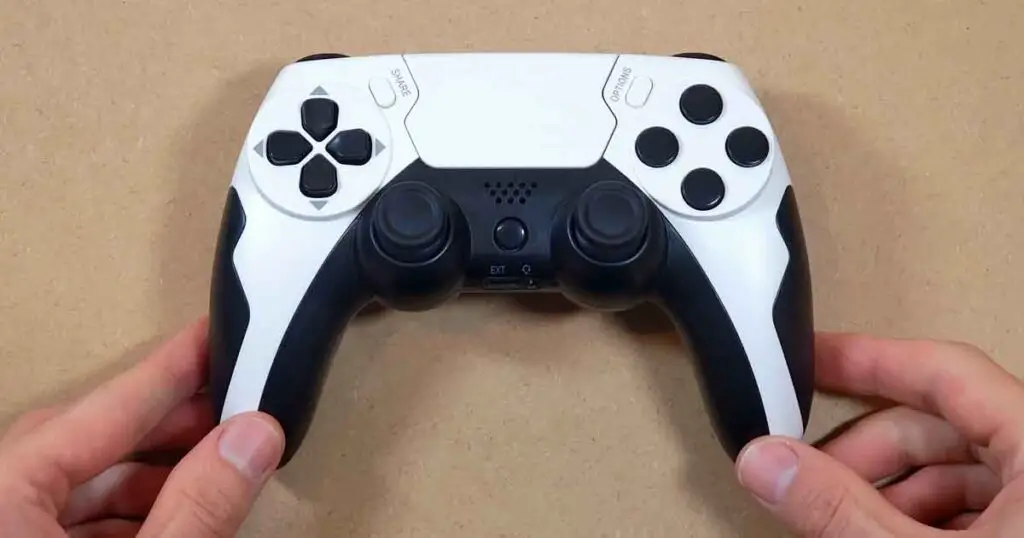
The GAMINJA P48 is a serviceable cheap controller that you can easily get on AliExpress often for less than $20, and that is probably the fairest way to describe it.
It looks like a PS5 controller from a distance, it has USB-C charging, works on PC out of the box with a functional touchpad, gyro and accelerometer. Its overall build quality is also acceptable For the price.
If you are expecting an original PlayStation 5 controller experience, you will have to look elsewhere. If you just need a low-cost backup controller, a spare PC gamepad, or something affordable to use occasionally, then the GAMINJA P48 can make sense.
For the money, I would call it usable and reasonably functional, but in no way impressive. Get it for basic use with reasonably low expectations, and I think you’ll be quite happy with it.
You might also like: ShanWan Q36 Hands-On Review – Gaming, Flashcards & More