

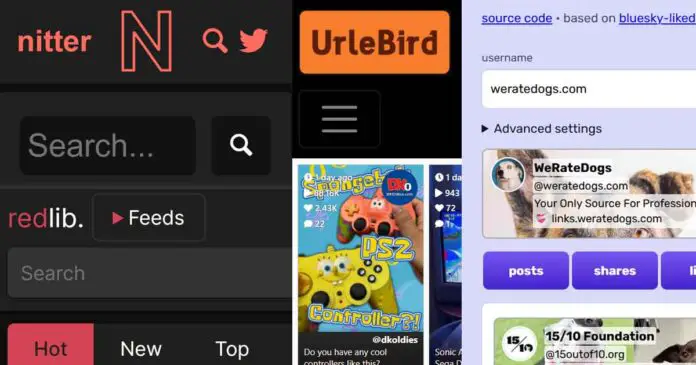
Having made quite a few guides on how to search for and access content on platforms like X, TikTok, Bluesky and others without creating a user account, I figured that this is a good moment to summarize what the situation looks like with the most popular social media services as of now. So here is how it is.
You might also like: How To Browse X Without An Account (4 Best Methods)
Note: This guide is for public content only. It does not aim to help with private profiles, deleted posts, paywalled content, or bypassing legal restrictions.
Quick Reference – Most Popular Platforms
- X / Twitter – Very limited logged-out browsing, use Google search operators or third-party viewers like Nitter/Sotwe.
- TikTok – Accessible by direct profile/video/tag URLs, UrleBird can help with search. No private/restricted content.
- Bluesky – Logged-out search is poor, Google search works partly. Direct links may work with tools like Bskyviewer.
- VK – Some public videos/images can be found via Google operators or VK/video search pages.
- Reddit – Mostly browseable without login, Redlib/Libreddit frontends help with better access.
- Facebook – Public pages/posts/events may appear in Google, but native search is available only when logged in.
- Instagram – Google can find some public posts/reels, but discovery is also very limited without login.
X / Twitter
X places heavy limits on logged-out browsing and displays posts on user profile pages in non-chronological order if you’re attempting to browse the platform without an account. Direct links to posts can work, but these will not display age-gated content.
In general, there are two ways to access X content without logging in. It’s either using Google search operators to access some older indexed posts, or utilizing third-party tools to get through the content gate and browse through the platform with more freedom.
The first way simply consists of utilizing the following search operators in Google and browsing through some of the posts that were indexed by the search engine.
site:x.com/username "exact phrase"
site:x.com "keyword" "username"
Asking the Google AI mode for recent X posts on certain topics or for certain keywords in my tests also gave pretty good results, however it’s nowhere near as convenient as having access to actual exact search results on the platform.
Of course other search engines can also have some X posts in their index database, but in general, Google’s index is much more complete in that regard.
None of the Google-based methods will work with content that requires login, age confirmation or other account-side checks, and none of them will allow you to freely browse through the user profile timelines. That’s where the third-party tools come in.
The original Nitter project is one of the most popular unofficial ways to browse through X without having a registered account. It utilizes a set of community-hosted instances which rely on registered dummy account tokens or alternative authentication workarounds to fetch data from X.
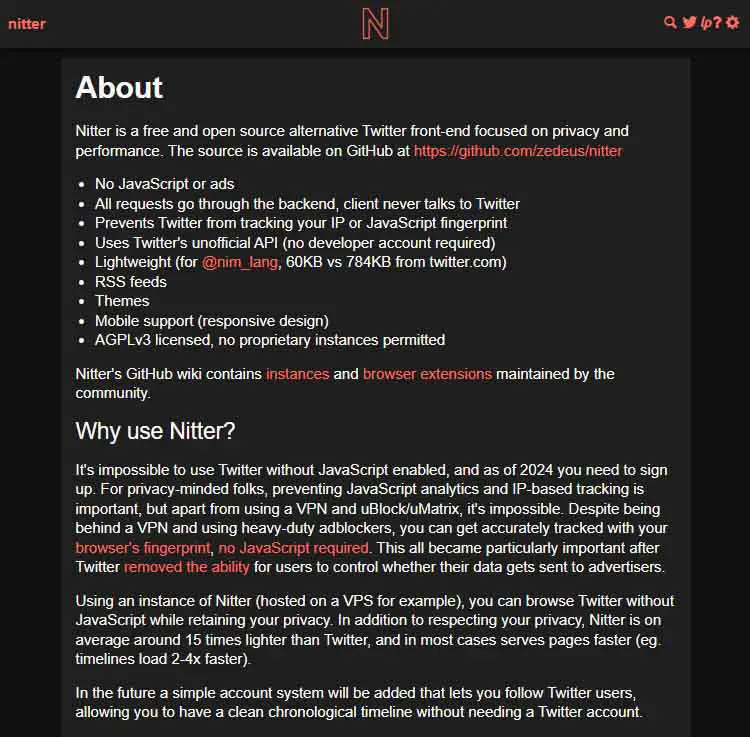
If you can find a Nitter instance that’s up and running, you will be able to easily get access to user profiles, search features, and almost everything you need to actually browse the X content like you would if you were logged in. Including restricted posts.
There are some alternatives to community-based projects like Nitter. One such website is Sotwe, which also lets you do keyword and profile searches on the platform without content restrictions. Besides that, there are a few other tools that work in a similar way.
TikTok
TikTok is much more accessible without an account than most people expect, especially on desktop. Just as with X, there are two main ways you can browse content without being logged in.
The first one is accessing the content directly via the URL: either of the exact user profile, the video you want, or the tag you want to browse through. Quite understandably, the last, third option is usually the most useful. The URLs are constructed like this:
https://www.tiktok.com/@username
https://www.tiktok.com/@username/video/1234567890
https://www.tiktok.com/tag/searchedtag
Of course this won’t work for age-restricted content, or content from private user profiles.
While browsing through different tags using the third URL template you generally shouldn’t come across any sign-up nags that you won’t be able to close. The only thing that might be annoying at times are the captchas that are reasonably common for non-logged-in users.
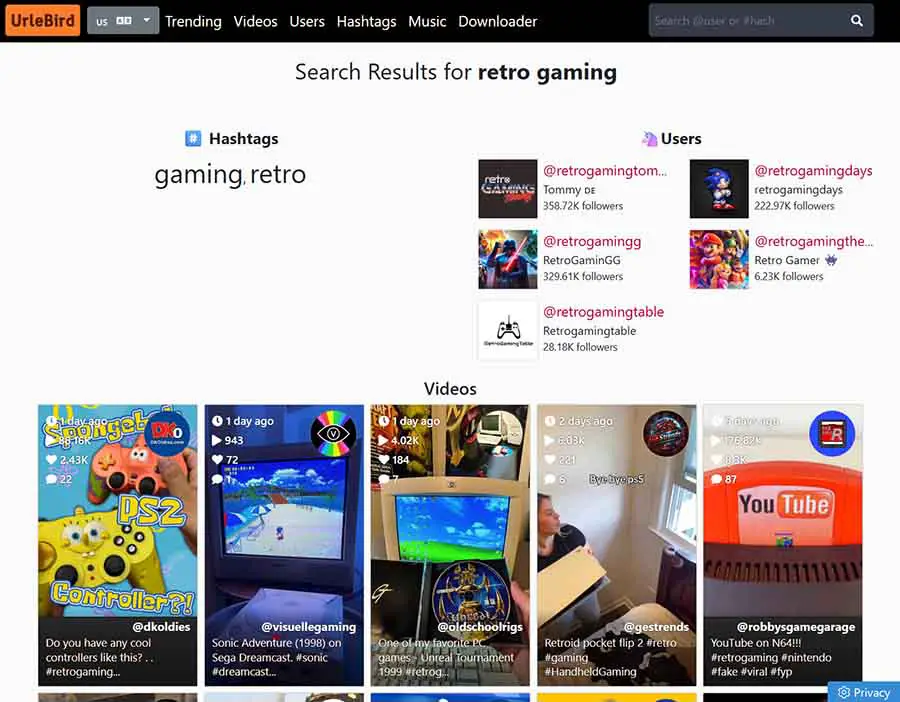
The second way to browse through TikTok videos without an account is using third-party TikTok search engines. One of the most popular, and most reliable ones right now is UrleBird, which can grant you different results than a direct tag search via URL, even with the same search keyword. It also lets you search for different tag combinations in one search query.
Unlike the tools built for X, there is currently no viable way to view restricted or private content on TikTok without being logged in to the platform.
Bluesky
Bluesky, as of the time of writing this article, doesn’t let you use their search bar if you’re not logged into your account. While Bluesky search services like BskySrch do exist, they are based solely on crafting search queries which redirect you to the official Bluesky interface, locked behind a login wall.
The only real workaround for this, for now, is using the usual Google search operator method, which is less than ideal, as it can only search for posts that have been indexed by the search engine.
In case you’d still like to try it, here is the simple template:
site:bsky.app "your keywords here"While there is no full replacement for Bluesky’s own logged-in search and browsing experience like you’re able to do with Nitter for X, there are ways to view restricted posts if only you have direct links to them, or to their author’s profiles.
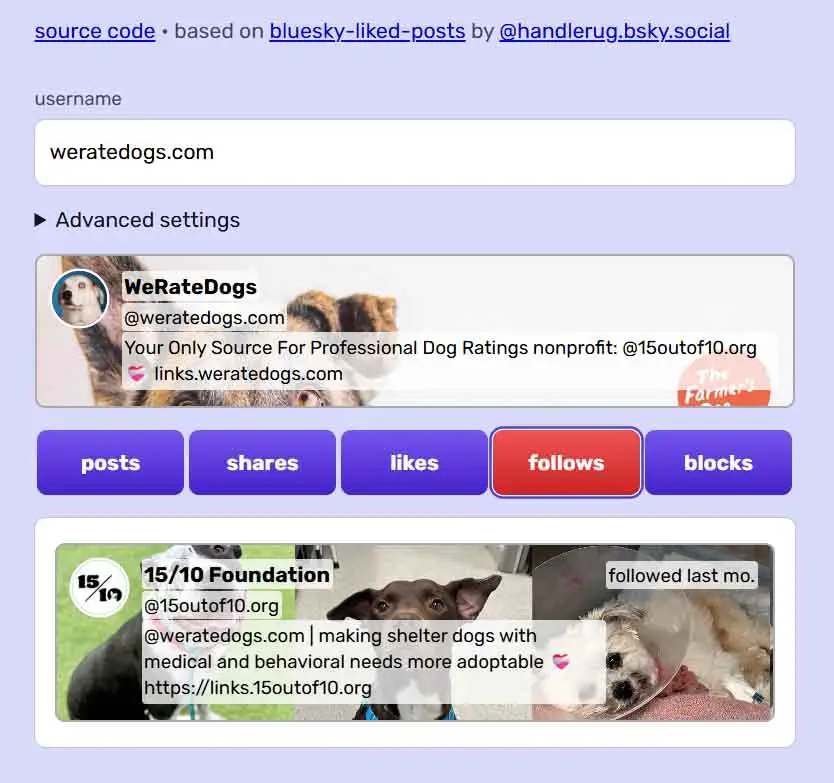
Such ways to view Bluesky posts, user profiles and threads involve certain third-party tools. Websites such as Bskyviewer are made for that exact purpose, taking full advantage of the public nature of the AT Protocol which Bluesky is based on.
There are also tools such as blueskysear.ch that let you search for user accounts on the platform without being logged in.
You can browse through the list of the currently available Bluesky search tools here: Best Ways To View Bluesky Content Without Logging In
VK
VK, even after its various content rule updates over the past years, still lets you search through at least part of its public video and image catalog without being logged in.
For this you can use Google search operators such as the ones listed below, and then pivot from them by moving through the user profiles and their public-facing content:
https://vk.com/video?q=keyword
site:vk.com/video intext:keyword
site:vk.com/video intitle:keyword
The same can be done using the vkvideo.ru domain, which gives you access to more content, and basic search filters.
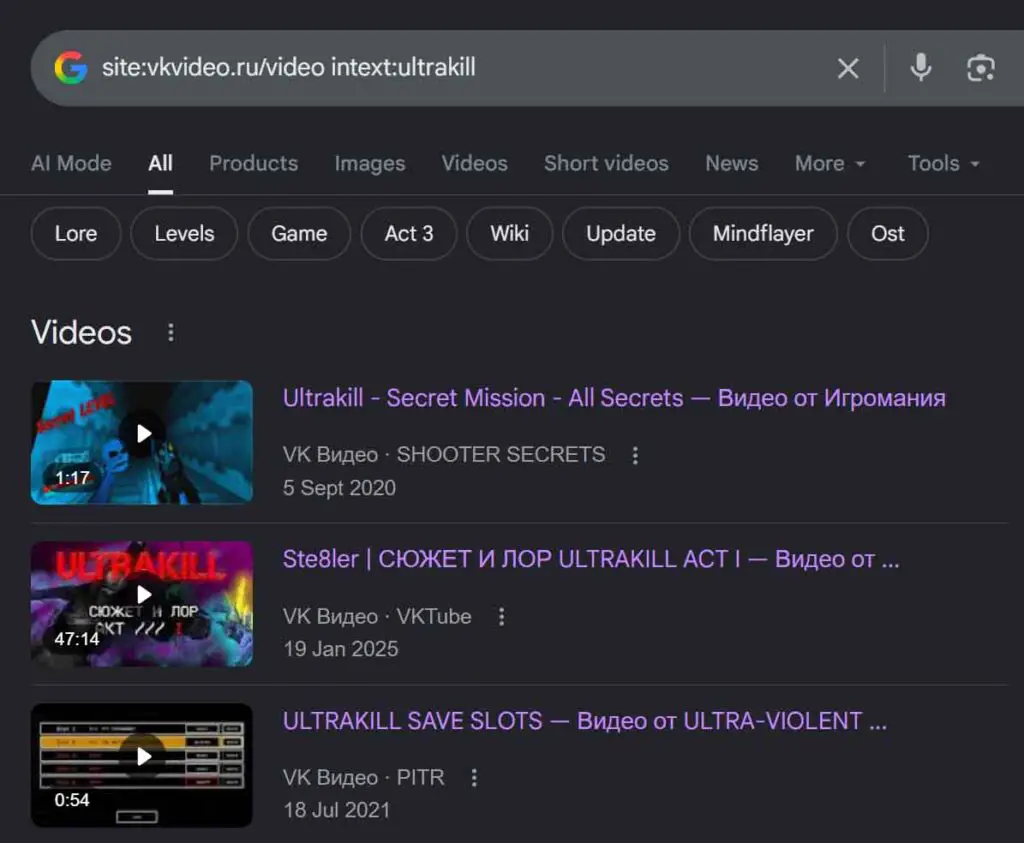
Still, this method won’t let you see any filtered videos, or content from locked-out private user profiles, and it relies solely on Google’s incomplete index of public-facing VK webpages.
Also, remember that VK Video does mirror many videos from YouTube, so you will come across these along the way reasonably often. Using the internal VK search engine can grant you pretty similar results.
You might also like: How To Search For Videos on VK Without An Account
Reddit is, of course, easily available to browse without being logged in, except for the age-restricted posts. Still, there is a way to get access to these with the third-party viewers.
The open-source tool we’re talking about here is Redlib, formerly Libreddit. Here is a list of the working Redlib instances, with an example one up and easily accessible at the time of writing this article available here.
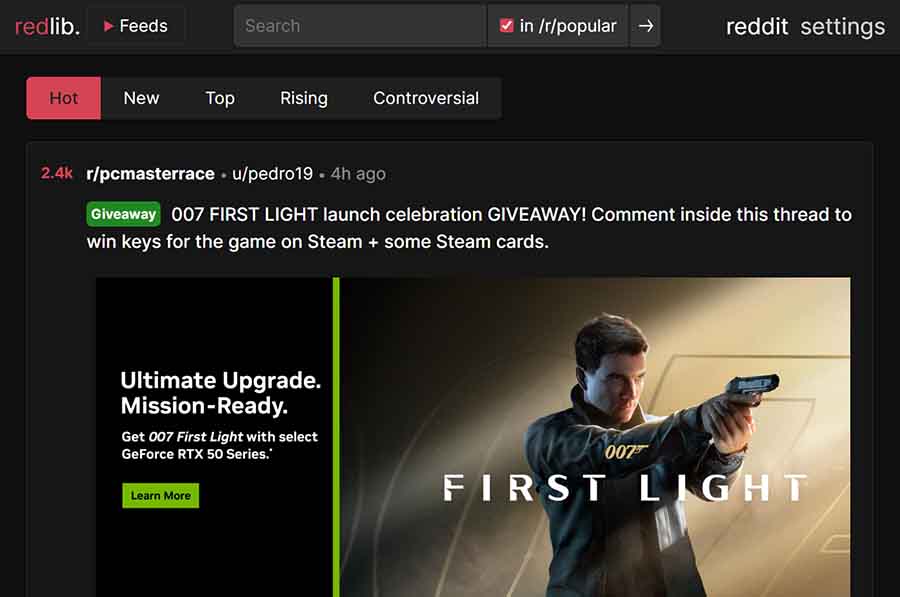
Much like Nitter, Redlib lets you browse many public Reddit pages through a cleaner, privacy-oriented frontend on Reddit either via direct links, or by searching for the posts you’d like using their built-in search. Simple and straightforward.
You can also access this legacy (but still partially working) list of older Libreddit instances, including one main clear-web instance, as well as a few Onion ones.
Facebook & Instagram
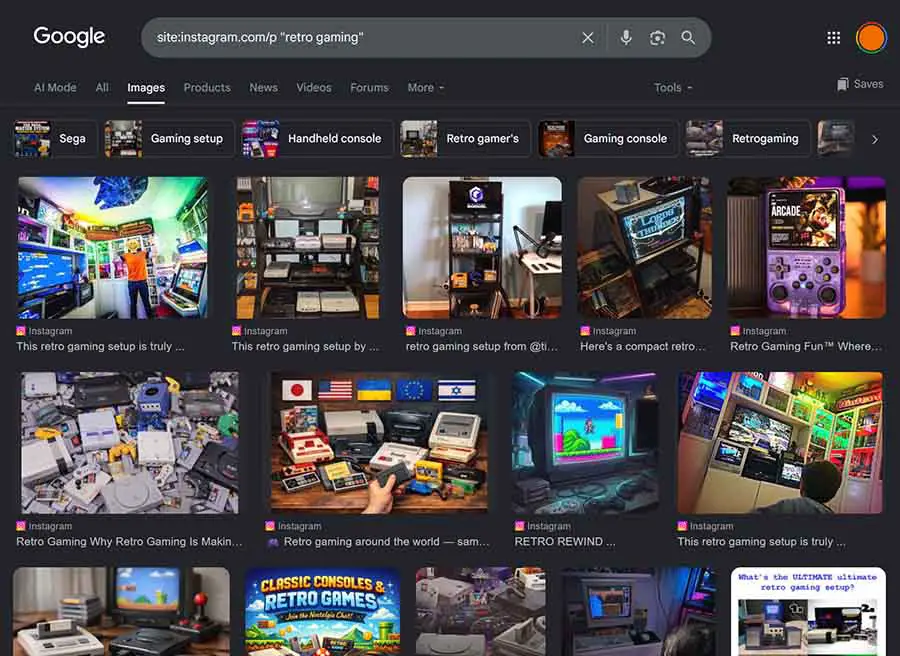
Meta platforms are the least useful without an account. Public content does exist and is indexed by major search engines like Google, but it’s not really easily searchable without the Facebook or Instagram app with an active account.
On Facebook, the situation is quite simple. You can use Google (or other search engines) with search operators like these, to search for the public-facing content of your choice:
site:facebook.com "your keyword"This is good for public pages, posts, or events. It will not let you access full feeds, groups, Marketplace, or private user profiles.
As with all simple Google search tricks like this, remember: not all Facebook content is indexed, so browsing through more niche Facebook content like this is hardly efficient or reliable. Discovery is heavily restricted here.
The situation with Instagram is pretty similar. While you can browse through public user profiles without being logged in, you cannot use the search function that way.
There are two main Google search operator combos that can help you search for public posts or reels including your desired keyword.
site:instagram.com/p "keyword" - use this one for posts
site:instagram.com/reel "keyword" - and this one for reels
The very same limitations apply: no private content, and very limited collection of posts that are actually indexed by Google.
Do You Need a VPN? – Privacy While Browsing
Alternative frontends reduce contact with the original platform, but they still don’t make your searches fully “private”. With HTTPS, your ISP generally cannot see the full URL path, query string, or page content, but it can often see the domain you connect to through DNS, SNI, IP addresses, timing, and traffic volume.
The one real advantage that a VPN gives you in this context is IP separation, that is having the IP address that can be directly traced back to your person replaced by a generic address of the VPN you’re using.
A VPN can hide your real IP from the platforms you visit and hide visited domains from your ISP. It does not hide cookies, logins, browser fingerprints, or behavior patterns from the site you’re visiting, but it makes it seem like these come from an IP address other than your own.
So, in short, in a way, a VPN shifts trust from your ISP to the VPN provider. It doesn’t make you fully anonymous. Sites can still use cookies, logins, browser fingerprints, device signals, and behavior patterns to identify your particular browsing session across multiple IP addresses you use. But in most cases, while simply wanting to access some content on social media sites, this kind of higher level of privacy probably won’t matter to you anyway.
As the purpose of this short guide is to be helpful rather than advertise whichever VPN product I prefer, here I will leave this community-maintained Google spreadsheet with the 8 most relevant free/freemium VPN services you can use to your advantage.
Free VPNs often pose many privacy risks of their own (such as logging or selling your data) and have certain characteristics you should be wary of, so always proceed with caution.
Use viewers for public content only and never trust services that advertise as “private profile viewers” if such a viewing mechanic doesn’t exist for logged-out users on your chosen platform. Never enter a real social login into one.
Prefer open-source, actively maintained projects. Assume instances can go down or change behavior without notice. And above all, if you want the most privacy you can get, use a VPN.