

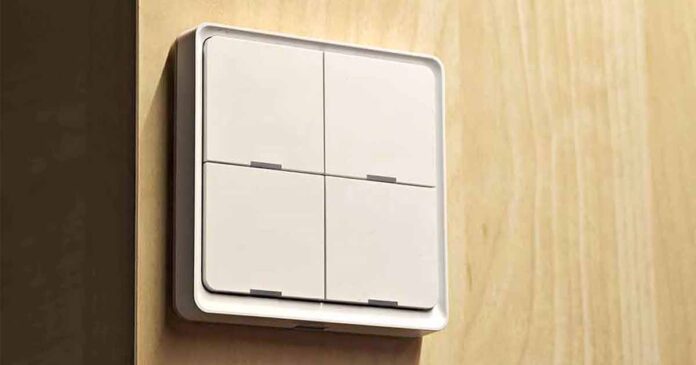
This simple scene switch is also available under many branded names such as Lonsonho, Haozee, Nedis, and Moes ESW-0ZAA-EU. The last one of these is the one we’re going to talk about here. It’s a standard wireless Zigbee switch that comes in 1, 2, 3, and 4-gang variants, with 3 actions per button. Let’s see how well it works in practice.
Why you can trust us: We test all of our products according to the techtactician consumer usability benchmark methodology which evaluates all of the product characteristics that matter to the user in day to day use. Enjoy the review!
This web portal is reader-supported, and is a part of the AliExpress Partner Program, Amazon Services LLC Associates Program and the eBay Partner Network. When you buy using links on our site, we may earn an affiliate commission!
Note: “TS0044” refers to a basic 4-gang Tuya switch design, that will always identify itself in your smart home system as such, although can come in various different designs, and be sold under many different brands.
You might also like: Tuya ZG_101ZS/TS0044 4-Button Zigbee Wall Switch – Hands-On Review
Let’s Start With The Specs
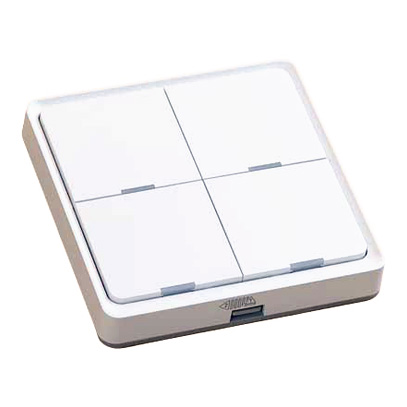
A wireless scene controller featuring 4 buttons with 12 programmable actions, long battery life, with seamless Tuya/Zigbee2MQTT integration.
| Model | ESW-0ZAA-EU (TS0044) |
| Input Power | CR2430 button battery |
| Communication | ZigBee 802.15.4 / BT Mesh |
| Dimension | 86 × 86 × 13 mm / ~3.39 × 3.39 × 0.51 in |
| Standby Power | 10uA |
| Working Temperature | -10°C to 45°C |
| Working Humidity | <90%RH |
| Frequency Band | 2400-2484 MHz |
| Max Radio Transmit Power | <+19dBm |
| Installation | Double-sided tape (included) |
All of the data in the table above is taken straight from the Moes ESW-0ZAA-EU/TS0044 instruction manual.
Unboxing & Build Quality
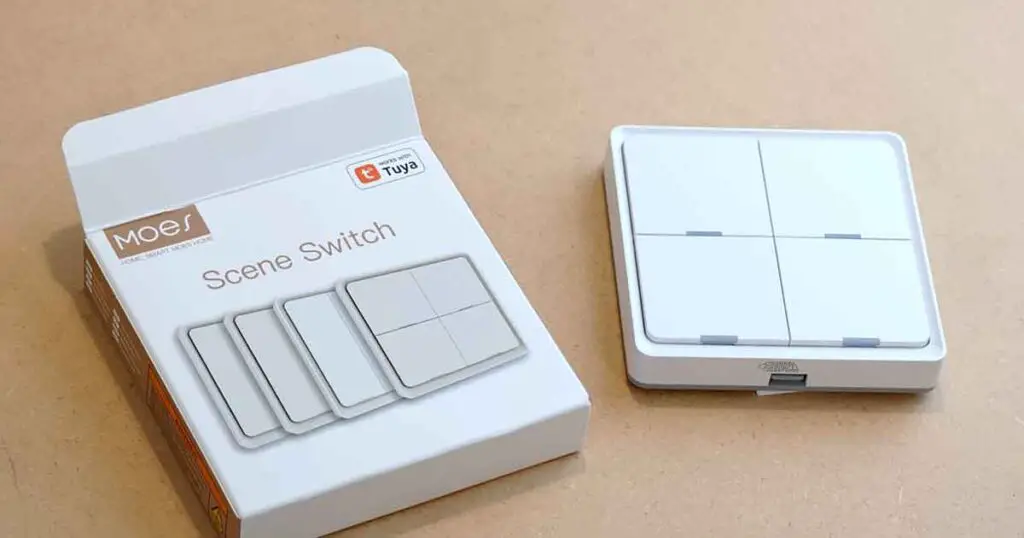
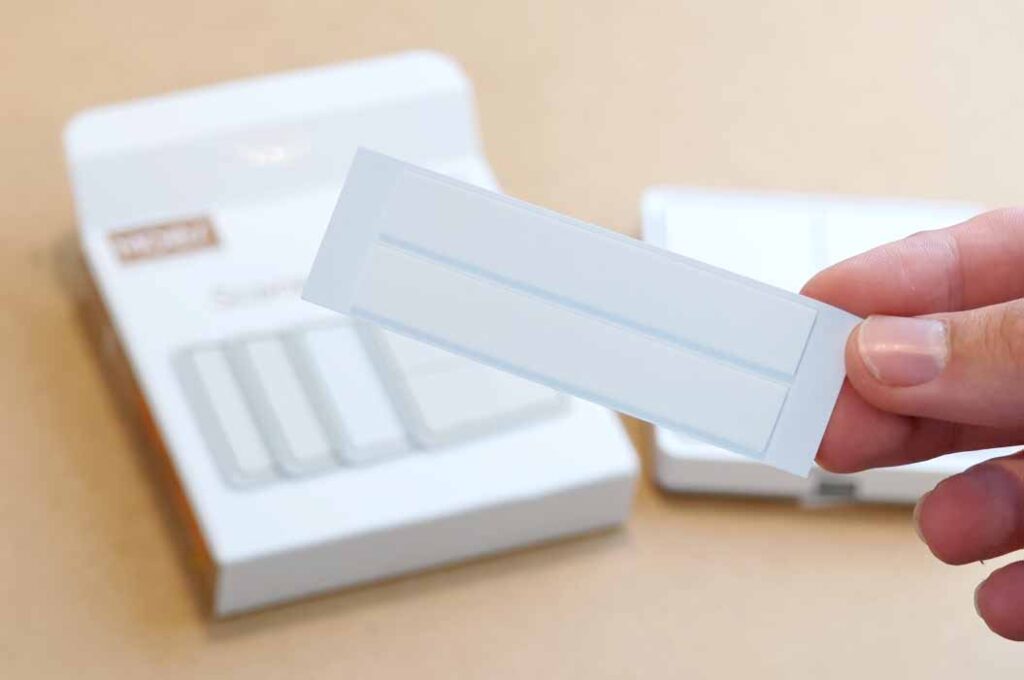
Inside the box, you will find the button itself, alongside an instruction manual in English and Chinese, and two adhesive strips that you can use for mounting the button on a wall, or a piece of furniture.
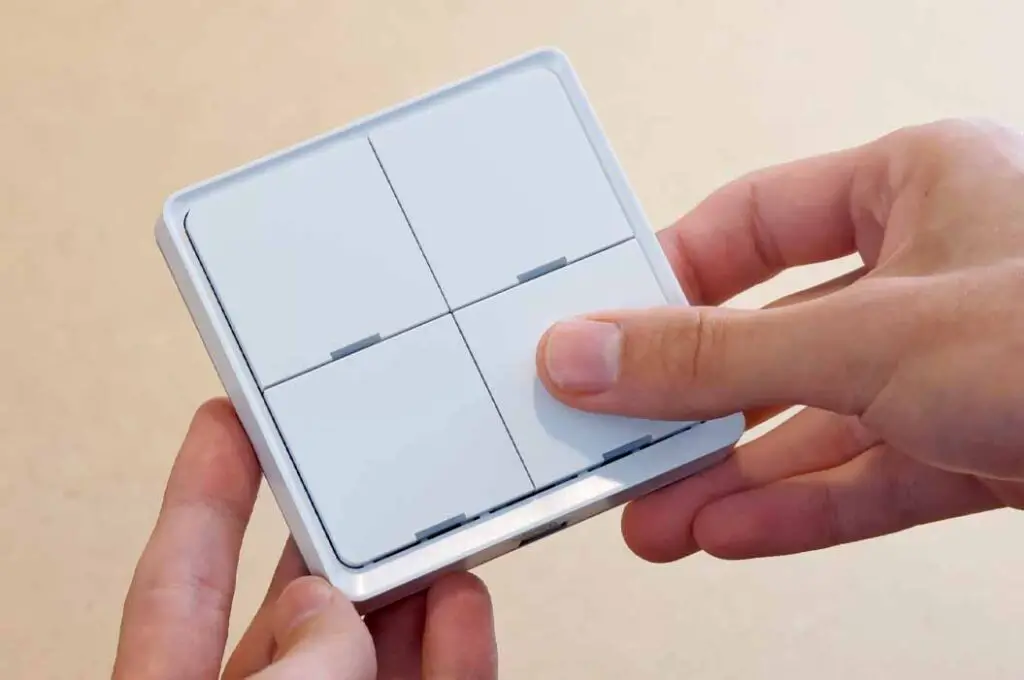
The overall build quality of the Moes ESW-0ZAA-EU is very much on point, the plastic casing is thick and doesn’t bend or creak, and the buttons have a very nice click to them.
Compared to the Tuya ZG_101ZS/TS0044, this one feels much more refined and less “plasticky-cheap”. Also, its design with the buttons slightly recessed on the front panel is a much better solution both aesthetically, and when it comes to preventing dust from getting inside the casing.
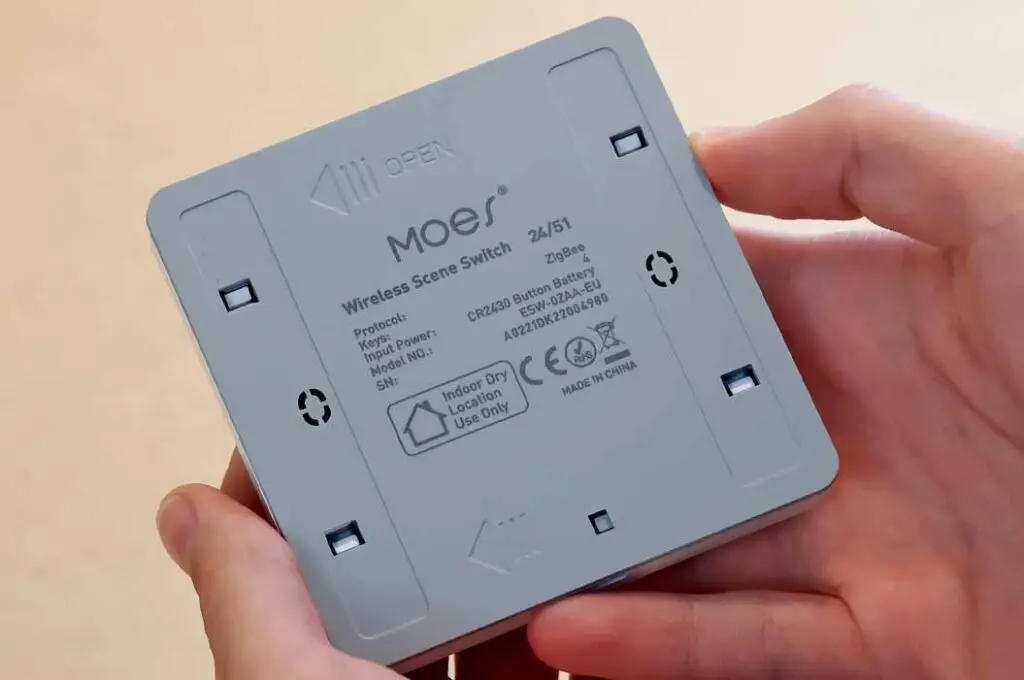
On the bottom of the switch you can find its brand name and model identifiers (24/51, ESW-0ZAA-EU), as well as the additional piece of information telling you that these kinds of Moes switches are meant for indoor use only, excluding high humidity environments.
How Well Does It Do In Practice
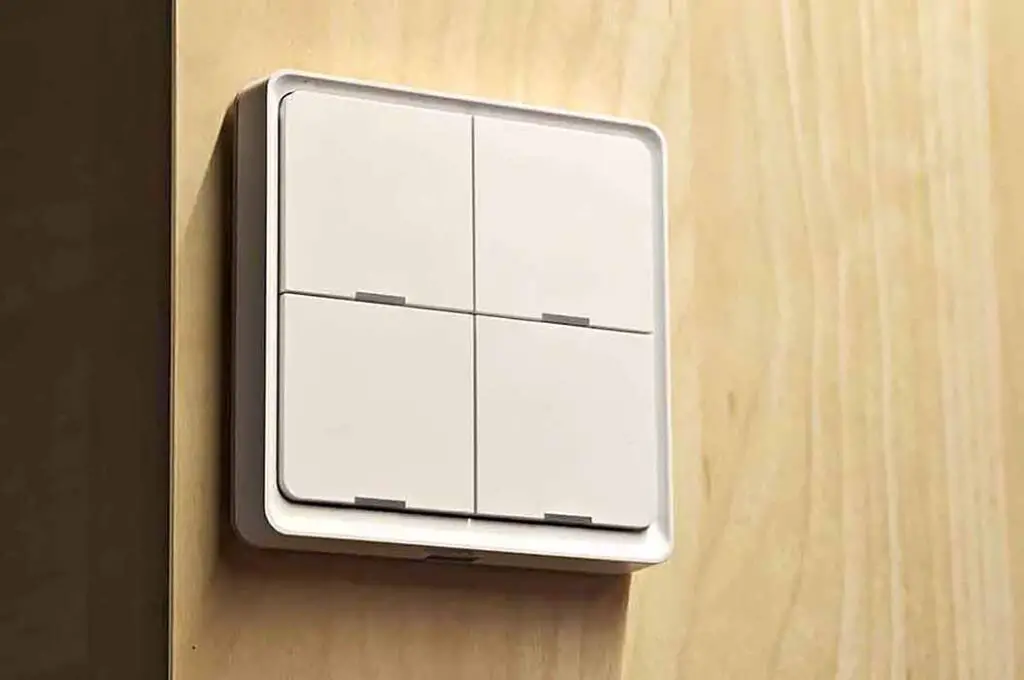
After using this one for almost a year in my office, I’ve come to like it much more than the Tuya ZG_101ZS/TS0044. Not only because of its much better build quality and buttons feel, but also mainly because it doesn’t have issues with missed clicks or going into “sleep mode” when not used for longer amounts of time, both of which were problems I faced when using my older ZG_101ZS.
I’ve been using the switch to control the lights in my office, to control the fan with an IR remote made smart with the use of a Broadlink RM4 Pro, turn on and off my main PC monitors and speakers, as well as switch on and off a Bluetooth audio receiver connected to my home audio system.
Using up all 3 available actions on each of the buttons (short press, double press, and hold), I didn’t face any accidental double-presses when holding the buttons down, or presses not registering on the button itself. The long press/hold action on this button amounts to 3 seconds, which is the case for most if not all TS0044 devices I’ve come across.
You can check out the list that I’m talking about here: 8 Best Zigbee Smart Home Devices to Start With (That I Use Daily)
The Batteries and Battery Life
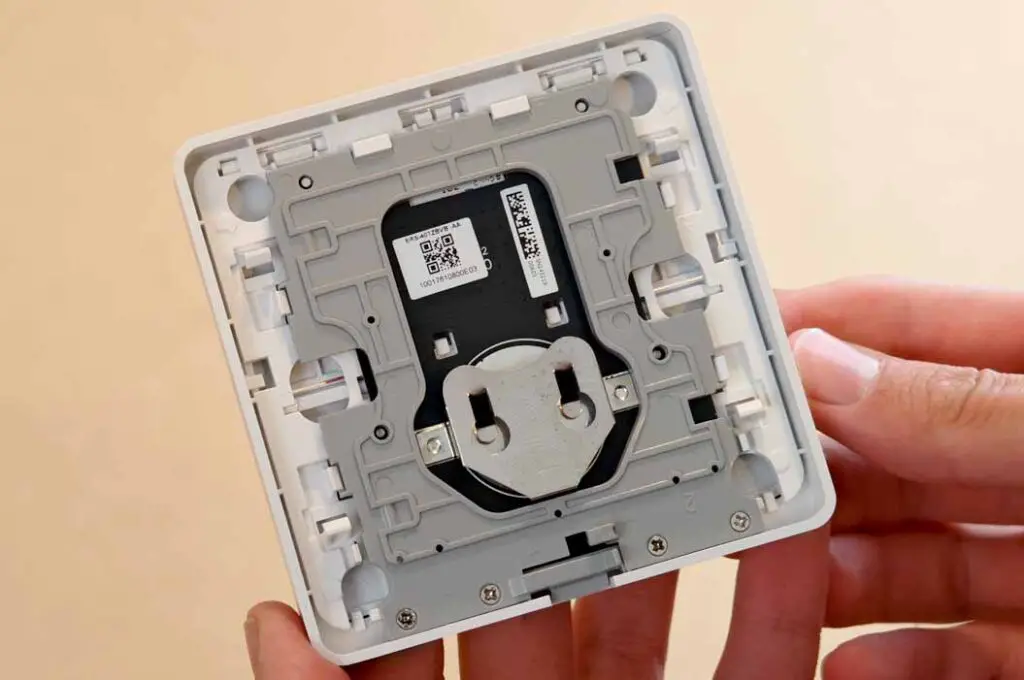
The battery life on the Moes ESW-0ZAA-EU/TS0044 is very good, and after almost a whole year has passed, I still didn’t have to replace the CR2430 button cell that it uses for power, although in the Zigbee2MQTT dashboard there are no updates to the device’s battery state (which is a typical behavior for many battery-powered Tuya Zigbee devices).
The only small issue I had here was how hard it was to remove the backplate, even when closely following the instructions and even using a screwdriver to press down on the small latch on the bottom. Besides being very rigid, the mechanism is rather well thought out. The battery goes into the small “pocket” you can see on the middle of the image above.
Available Actions in Home Assistant
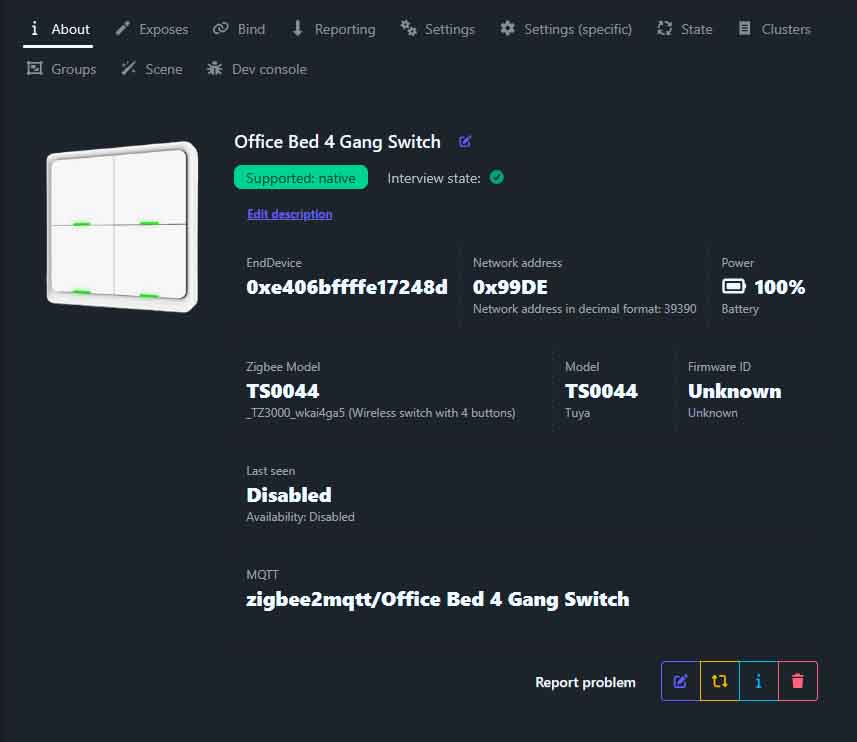
In Home Assistant I decided to use the button with Zigbee2MQTT, but it will work just as well with ZHA.
To pair it, you need to hold down the bottom left button for 10 seconds, until the lights on the button start flashing
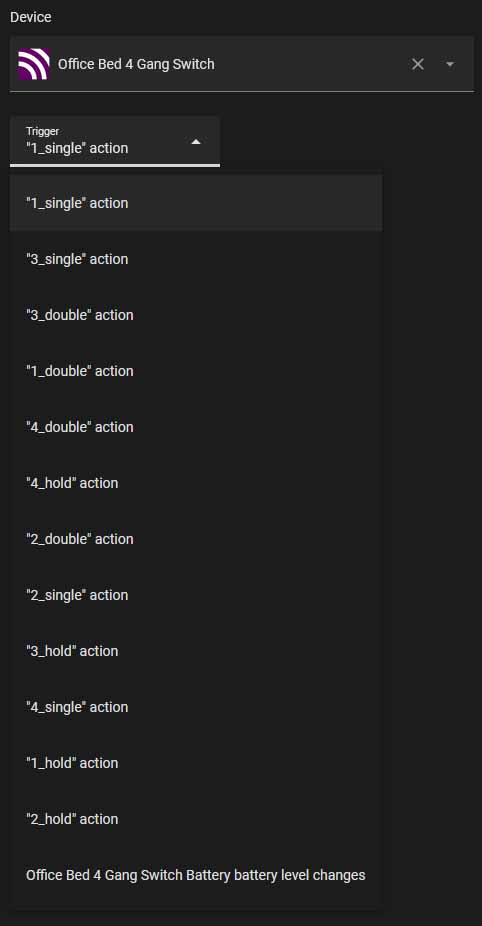
There are 3 actions per button, as per usual when it comes to the TS0044 devices – single press, double press, and 3 seconds hold, which activates the assigned action after letting go of the button.
This button, with its preinstalled firmware sadly doesn’t support binding, and can have trouble with pressing multiple buttons at once.
The 1, 2, and 3-Gang Versions
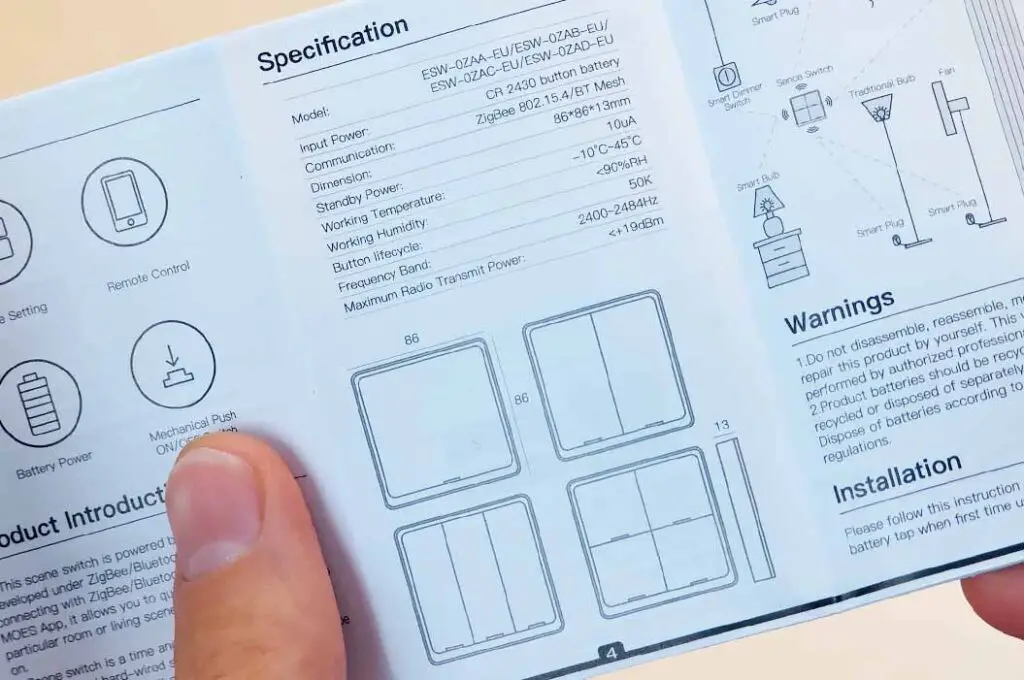
There are of course, a few different versions of this button, including 1, 2, and 3-gang variations. All of these can be found in many different stores over on Amazon, AliExpress, and eBay. For what they are, I’d really say they are among the better options when it comes to affordable wireless Zigbee scene controllers.
Overall, this one is very convenient to use, and when it comes to feel is one of the best TS0044 wall buttons that I’ve used. I much prefer it to the ZG_101ZS that I’ve tested earlier.
You might also enjoy: Lonsonho RGBCCT ZigBee LED Strip Set From AliExpress – Test, Review & HA Setup