

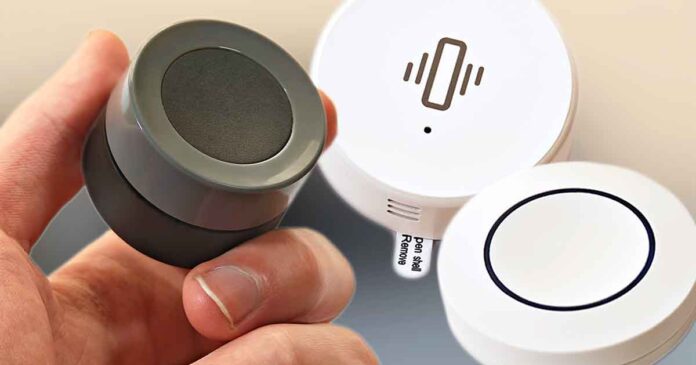
If you want to expand your smart home setup, there are plenty of affordable devices worth considering. Here are the devices I own and use day to day, along with brief hands-on notes on how they perform in practice. All of the devices below work well in my Home Assistant setup to this day, and are relatively budget-friendly, so I hope this selection gives you some useful ideas.
This website is reader-supported and is a part of the AliExpress Partner Program, Amazon Services LLC Associates Program and the eBay Partner Network. When you buy using links on our site, we may earn an affiliate commission.
If you haven’t seen it yet, I strongly encourage you to check out my other smart home product lineup based on my personal Home Assistant setup, which contains a list of the best starter Zigbee devices you really should use. You can find it here: 8 Best Zigbee Smart Home Devices to Start With (That I Use Daily)
Note: In places where a generic white-label device makes more sense than a specific model recommendation, I’ve linked the best listings I could find.
A Note on My Testing Conditions
I’m running all of these devices in Home Assistant either through Zigbee2MQTT with a Zigbee coordinator or over Wi-Fi. I’ve paired each device, used it in automations, and lived with it long enough to notice quirks like signal reliability, battery life, and day-to-day consistency.
Over the last two years, I’ve built up a sizeable collection of neat affordable smart home devices. Every so often, after testing a new batch from a range of sellers, I put together a quick lineup like this, filtering out all of the lower-quality options that I’ve also tested in the process. Every recommendation here is based on my hands-on experience.
Your mileage may vary depending on your coordinator, Zigbee channel, mesh strength, and the specific device revision you receive. Always double-check product listings and pay attention to the exact model/version before you buy.
1. The ZG-101ZL Button
- Very affordable.
- Quiet, satisfying click.
- Easy battery access and solid responsiveness.
- None that I’ve found.
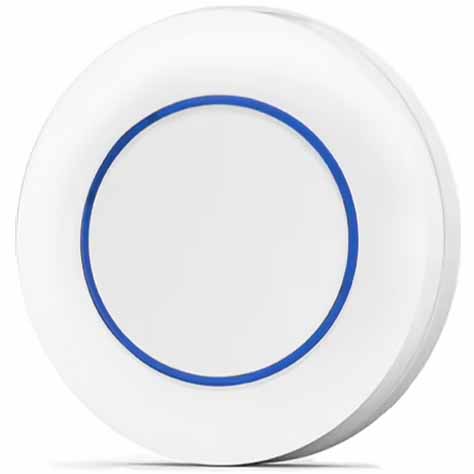
This might sound rather boring, but here is my absolute favorite basic Zigbee button model, most often known under the name ZG-101ZL. It’s very budget-friendly, and its build quality is surprisingly good. It’s also easy to open for battery replacement, which is always a nice thing. It has a soft and quiet click to it, which makes it satisfying to use.
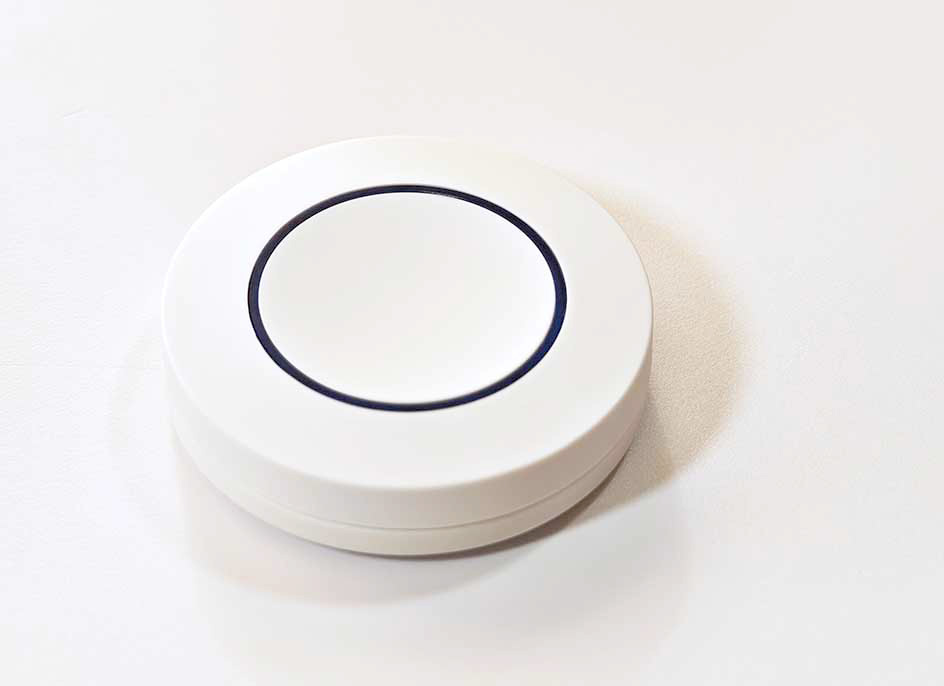
I currently have three of these. With moderate use, I haven’t had to replace the batteries in roughly a year. Overall, if you need a simple and cheap button for whatever Zigbee-related purpose and you don’t want to break the bank, this is the one I’d recommend.
2. The MOES/Tuya Knob (ERS-10TZBVK-AA)
- Combines press and rotation input in one compact controller.
- Useful for dimming, scene selection, and other step-based controls.
- Magnetic mount makes it easy to wall-mount and remove when needed.
- Can take some trial and error to set up cleanly in Home Assistant.
- The light dimming has some noticeable delay to it.
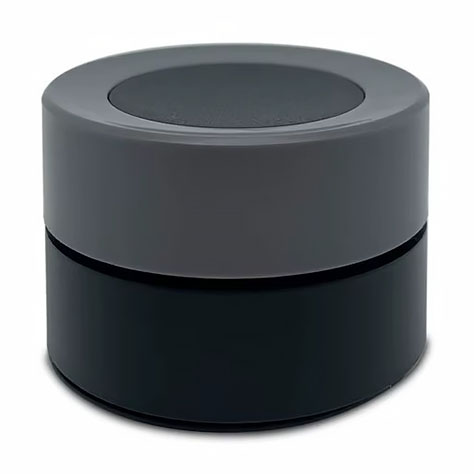
This one is interesting. The ERS-10TZBVK-AA is a knob that you can use to dim your lights, control your thermostats, and so on. While it can take a bit of trial and error to set up in Home Assistant (I had to try out a few custom community blueprints for it before I got the step-based dimming behavior I wanted), once it’s set up, it does its job really well.
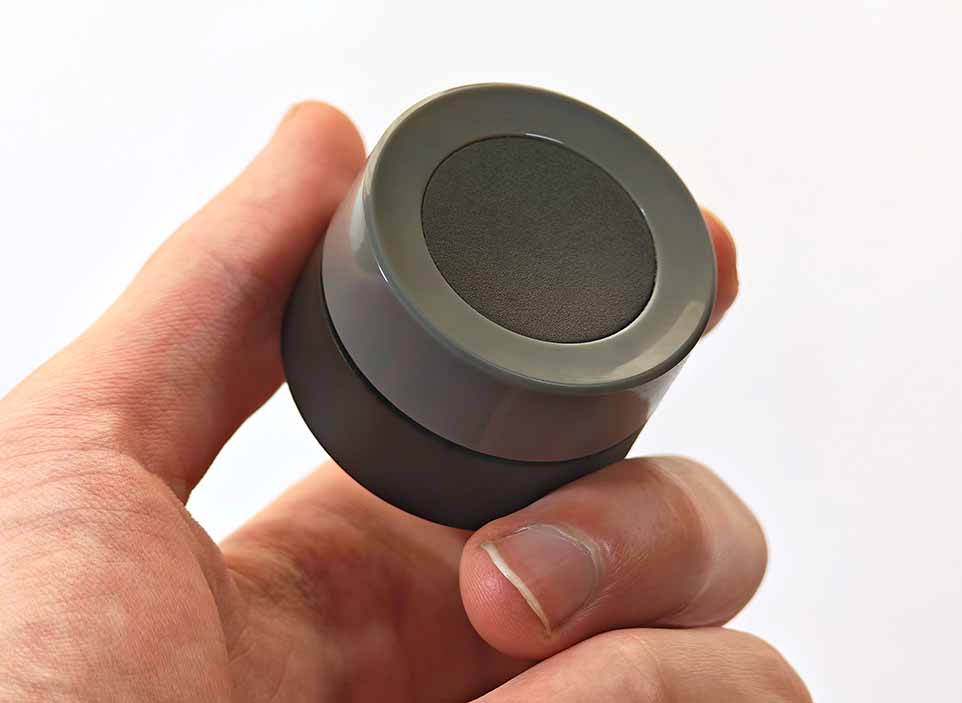
In Event mode, it works as a button with single-press, double-press, and hold actions. The dial has tactile detents and behaves like a basic rotary encoder. In Command mode it reports actions like brightness_step_up/down, while Event mode reports higher-level events like rotate_left/right, which can be nicer for custom automations depending on your blueprint. On the firmware revision I tested, three quick presses toggle Command and Event mode.
In my experience, although the actions bound to the knob adjustments have some noticeable delay, it’s still very useful considering its price. It also comes with a magnetic stand with screw holes, so you can mount it to a wall, and at any point easily take it with you and use it as a remote.
3. Broadlink RM4 Pro
- Great for smartening up IR-controlled TVs, fans, AC units, and similar gear.
- Handles both IR and many fixed-code 433 MHz RF remotes in one box.
- Very useful when a device has a remote but no native smart home support.
- 433 MHz compatibility varies, and rolling-code RF remotes are out of scope.
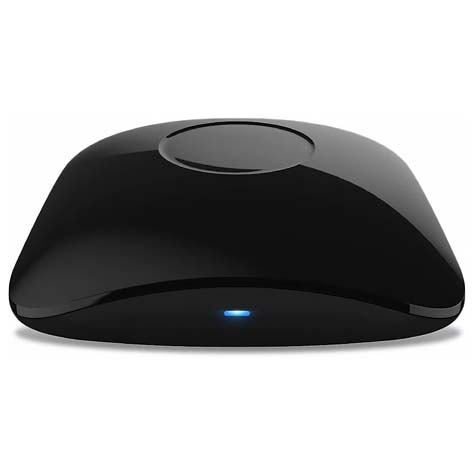
The Broadlink RM4 Pro is a bridge that essentially lets you learn and retransmit many IR and fixed-code RF remote commands from the bridge when triggered by your Home Assistant automations just as if you were pressing the button on the remote yourself. Its most popular use is bringing “dumb” appliances into a smart home setup.
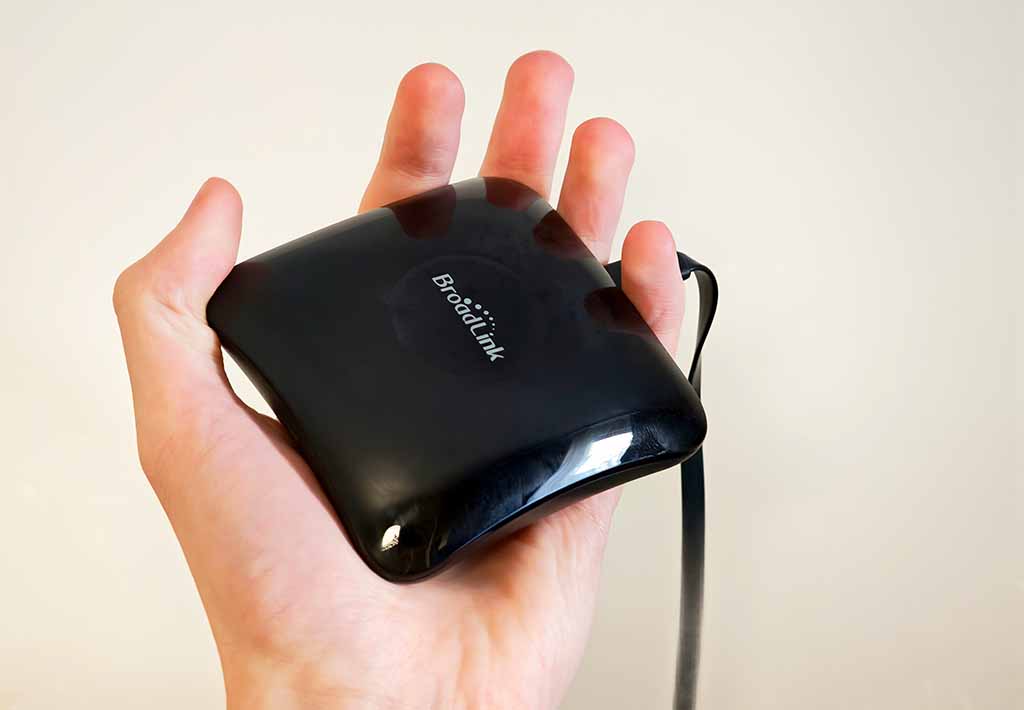
It works with both IR-controlled devices (TVs, ACs, fans, radios, etc.) and devices that use 433 MHz RF remotes, like blinds, basic remote-controlled plugs, and much more. I can say with a high degree of confidence that this is one of the most practical devices in my home office setup.
The ability to incorporate my radio set and tower fan into my daily automations is something that I could only achieve with a remote bridge like this, and this one does both IR and RF in one box. You can check my full review of this one here. It also contains the automations I use with it, as well as a quick setup guide.
4. TS0210 Zigbee Vibration Sensors
- More versatile than it seems once you start using it for creative automations.
- Adjustable sensitivity makes it useful on different surfaces and appliances.
- Small and easy to stick onto drawers, machines, and other objects.
- White-label revisions can vary when it comes to features.
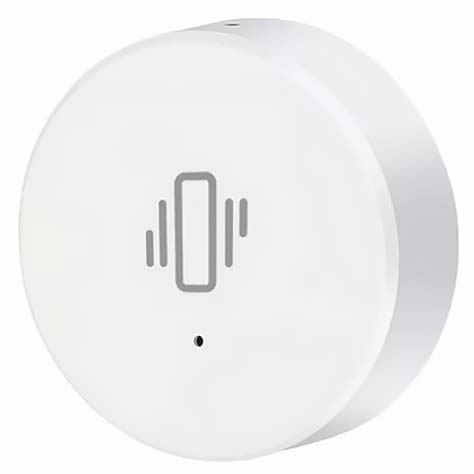
These fairly generic vibration sensors with adjustable sensitivity have a lot of great practical uses. You can detect when your dryer or washing machine has finished its cycle if you don’t want to use a smart plug for that, create automations based on tapping or knocking on a surface the sensor is attached to, detect whether a certain object has been interacted with, etc.
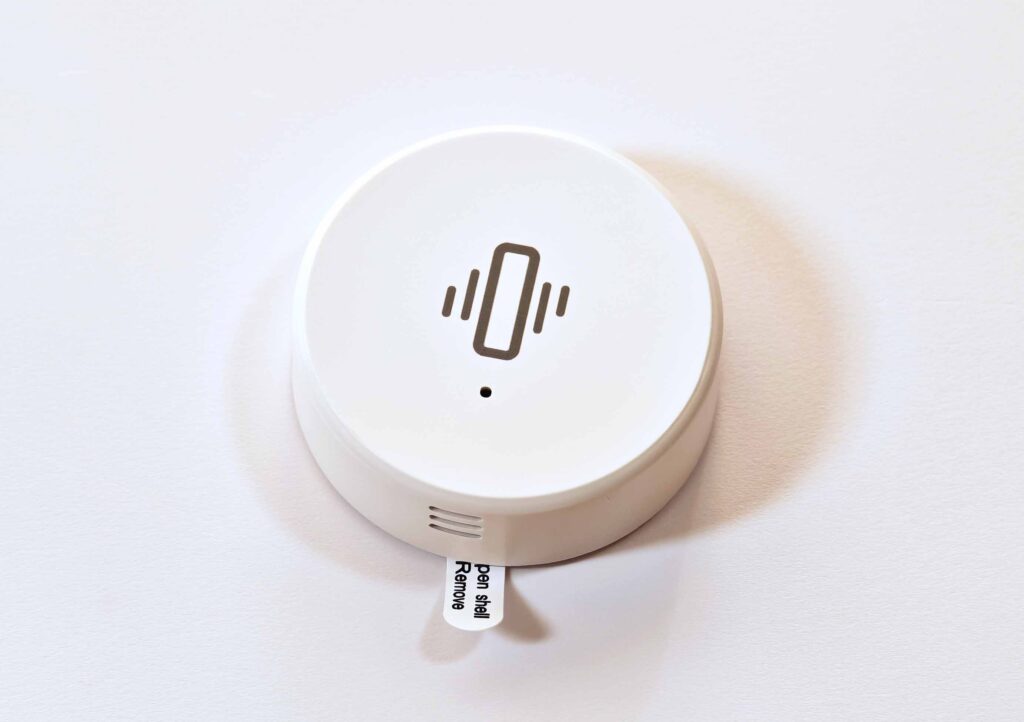
These are devices with a lot of non-obvious uses, and you never know when they might come in handy. And considering their price, you can easily get them just to be able to incorporate them into your smart home setup once you get an idea of what you want to use them for.
Note: with white-label Tuya devices and sensors like this one, different sellers sometimes ship slightly different revisions, so behavior/exposes can vary, even when the listing uses the same model name.
5. Cheap AliExpress Zigbee LED Light Strips
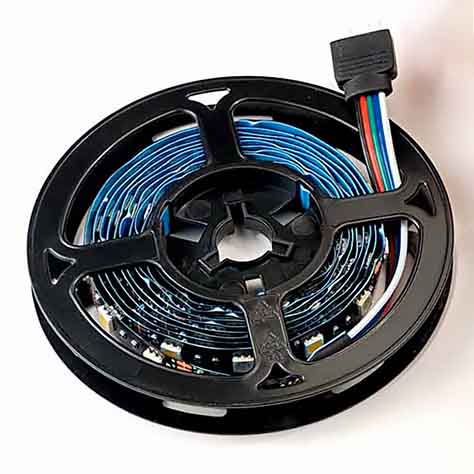
- Very affordable way to add Zigbee-controlled color lighting to your setup.
- Works well for shelves, cabinets, desks, and other accent-light jobs.
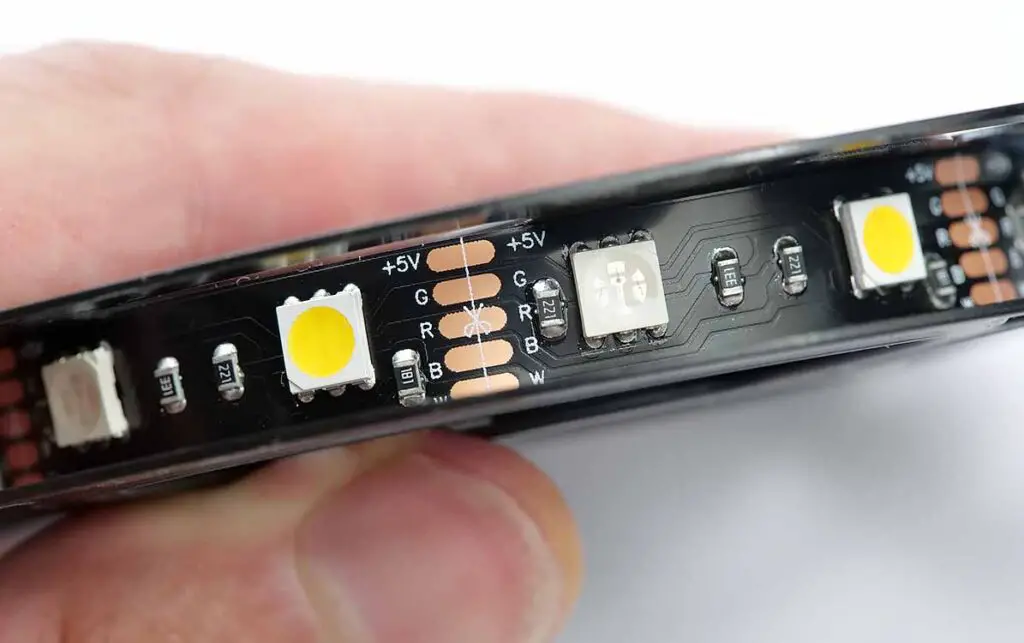
- Poor LED density.
- White-light quality and overall finish vary a lot by listing.
- No adjustable white color temperature.
You might be quite surprised that these have made it to this list. After all, as many of you are already aware, the cheapest LED strips from AliExpress usually have their LEDs spaced pretty far apart, and in most cases don’t feature CCT-adjustable white light. Still, these also have many creative uses and can easily work well as colored background lighting for your cabinets, under-drawer lights, and so on. All in all, the particular kit I bought out of curiosity comes with a Zigbee controller and is bright enough to use as RGB accent/ambient lighting.
In contrast, if you want the absolute best experience for a very reasonable price, you can check out my full review of a much higher-quality LED strip from Lonsonho. This RGBCCT COB strip is extremely bright regardless of the color that they are currently set to, easy to configure, and most importantly, offers a full range of white light temperature adjustment.
6. The SH-SC07 Buttons
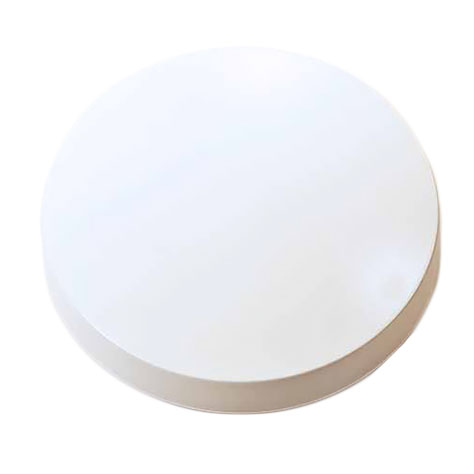
- Full-face press area.
- Clean design that looks good on most surfaces.
- Cheap, compact, and easy to scatter around the house for simple automations.
- Can lose its “click” after one too many uses or rough handling.
Another Tuya-style Zigbee button worth mentioning is the SH-SC07. On this one, the whole top surface acts as the button. It has a soft click, is just as easy as the first button to open for battery replacement, and I currently have two of these connected to my setup via Zigbee2MQTT. No complaints here, although one of them seems to have lost its “clickiness” after some time.
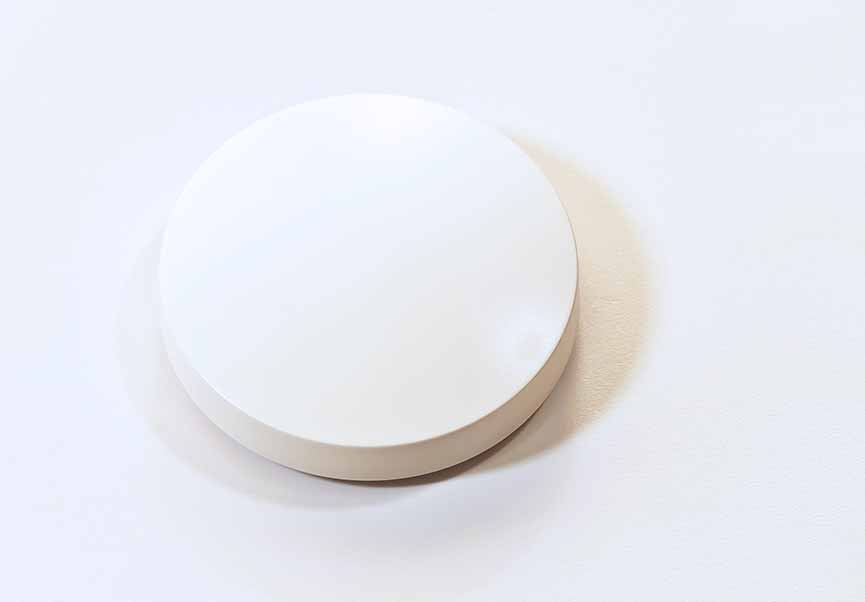
You can also find this model with different casing colors including red, green, and blue versions (that you can find for instance here, over on AliExpress). Useful if you want to color-code your buttons without having to DIY your own stickers or custom casings. Overall it’s yet another slick and affordable Zigbee button option.
7. Xiaomi Air Purifier 4 Compact
- Its compact size is great for tighter desk and small-room setups.
- Useful smart features and app control, plus a Home Assistant integration available.
- Fully local control is more complicated to set up.
- The filters are a recurring cost (a new one is needed every 6–12 months or so).
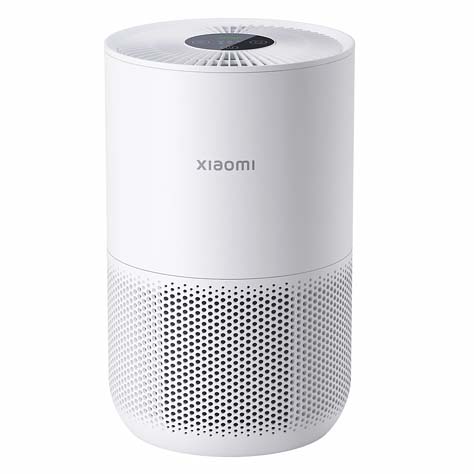
This is a slightly different kind of smart home pick, but it has earned its place in my setup. Air quality where I live gets noticeably worse during the colder months, so I ended up buying Xiaomi’s Air Purifier 4 Compact. I chose this model mainly because of its small footprint, which allowed me to fit it neatly between my main office PC and two smaller devices that I use as home servers.
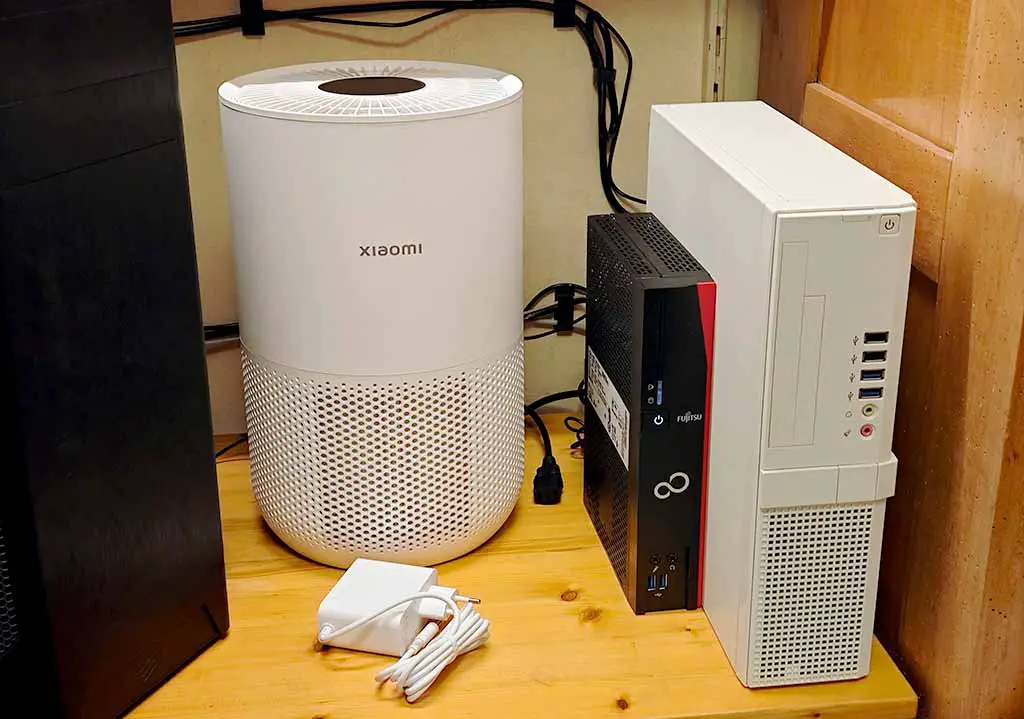
The Xiaomi Air Purifier 4 Compact can be integrated with Home Assistant, although the exact setup path and the entities you get will depend on which Xiaomi integration route you use. In practice, you can bring core controls and readings into your dashboard, including fan operating mode and speed, PM2.5 readings, filter-life data, display-related settings, and button-lock controls. And the replacement filters for it are pretty affordable too.
For most people, the easiest route is Home Assistant’s official Xiaomi Home integration: first set the purifier up in the Mi Home/Xiaomi Home app, then add the Xiaomi Home integration in Home Assistant. There are more local-first alternatives, but they are more fiddly to set up and not nearly as straightforward. In day-to-day use, though, this one has been a very practical addition to my setup, and I can easily tie it into various automations, like stopping the device from filtering the air when a window is open.
8. Zigbee Door/Window Contact Sensors
- One of the most versatile automation triggers you can add to a Zigbee setup.
- Small, simple, and cheap enough to use on more than just doors and windows.
- Great fit for cabinets, drawers, pet doors, mailboxes, etc.
- Many different devices by many different manufacturers out there with very close looks.
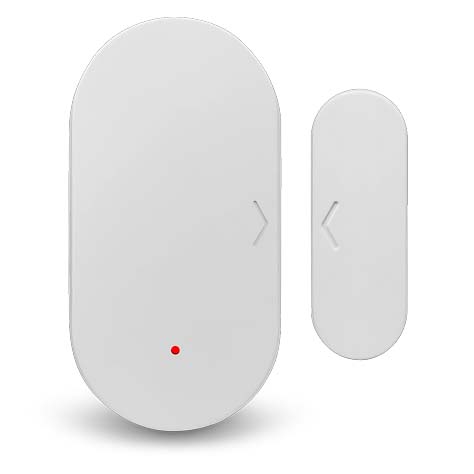
These are really handy, and they come in many different variants that all do the same basic job: detect whether the small magnet that comes with the sensor is close enough to the sensor body to register as closed. While they are meant first and foremost for your windows and doors (including cabinet doors), they can be used in a variety of different ways much like the vibration sensors that we’ve already covered. For instance, I use the SNZB-04_eWeLink variant, while there are also other models like the Tuya TS0203 or the TS0203_1 which report an additional “tamper” state showing whether or not the device has been opened.
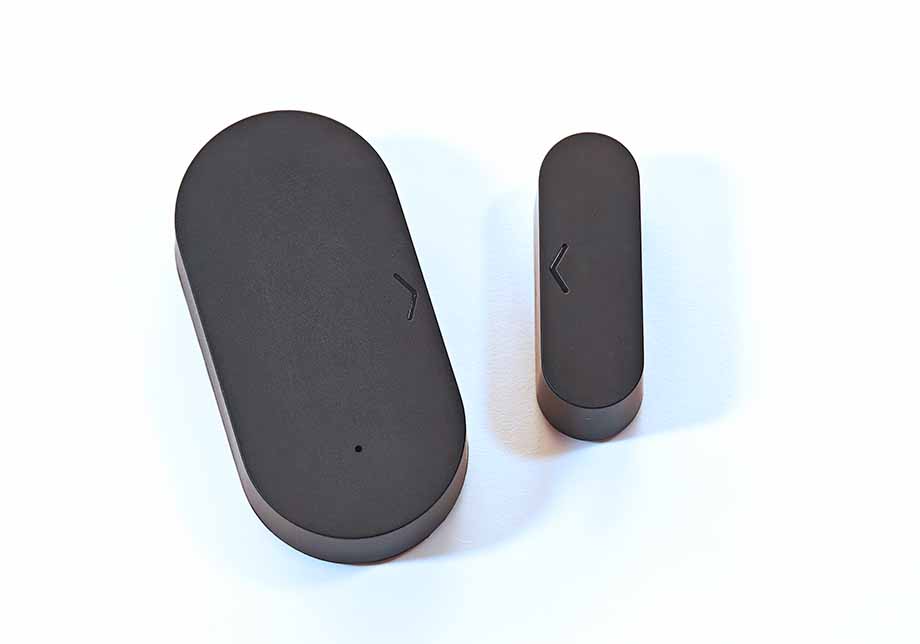
Using these on pet doors, drawers with valuables, or even a mailbox are just a few ideas worth exploring. You can also use them to trigger light automations, and they can work nicely paired with simple motion/presence sensors. I personally use these, among other things, to turn off my air purifier when one of my windows is open. These are devices you’ll probably end up needing at some point in your smart home journey, and luckily they are also among the cheaper gizmos on this list.