

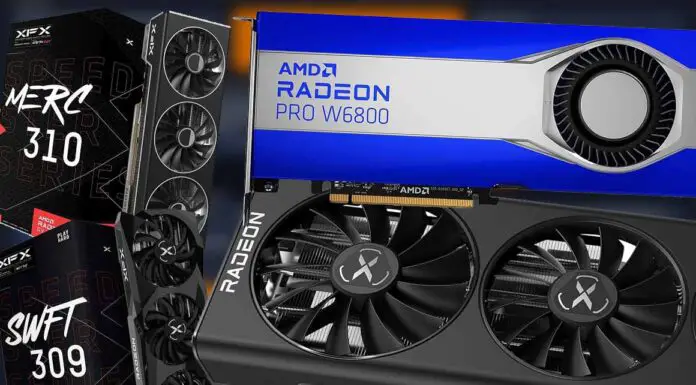
AMD GPUs are no longer the awkward pick for local AI they once were. The software side has improved a lot, and newer Radeon cards now make much more sense for people who care mainly about VRAM value. There are still a few caveats around ROCm, Windows vs. Linux, and exact model support, but the situation is far better than it was when Radeon owners had to rely on messy workarounds for almost everything. Here are the AMD cards I’d look at first right now, from high-VRAM choices to more affordable options.
Updates: AMD’s more recent RDNA 4 cards are now part of the picture. The RX 9070 XT is a brand new 16GB pick, while the RX 9060 XT 16GB is the budget card to look at if you want something current and don’t want to hunt used RX 6800 / RX 6700 XT deals. The older cards below can still be worth it when priced well, but I would mostly keep them in the “good second-hand find” category now.
This web portal is reader-supported, and is a part of the Amazon Services LLC Associates Program and the eBay Partner Network. When you buy using links on our site, we may earn an affiliate commission!
How Much VRAM Do You Need?
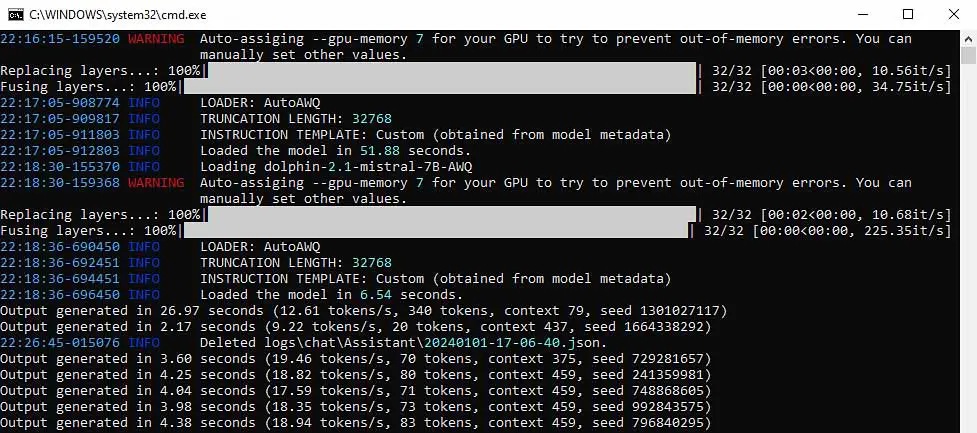
When setting up a local system for AI tasks, one factor should be the most important to you: the amount of video memory on your GPU. For smooth and efficient LLM inference, having enough VRAM is essential. In an ideal situation, the loaded model should fit entirely within the GPU’s memory to avoid unwanted slowdowns caused by data being offloaded to system RAM. This is especially important for larger models, where high-quality results demand more operational memory.
With that said, how much do you need? For gaming-class AMD cards, 24GB is still the practical ceiling, which is why the RX 7900 XTX remains so interesting for local LLMs. If you want 32GB or more on the AMD side, you’re now looking at Radeon AI PRO / Radeon PRO workstation cards rather than regular Radeon RX models.
In plain terms, 16GB is a workable starting point, 20-24GB is where things get much more comfortable, and 32GB+ is excellent, but the price jump gets serious very quickly.
For smaller models, 16GB is generally considered the minimum recommended amount. 8GB of VRAM isn’t really viable anymore if you’re buying a new graphics card specifically for utilizing local LLMs.
Should You Really Pick an AMD GPU?
While NVIDIA’s CUDA platform has generally dominated the AI space, the landscape is changing rapidly. AMD has made significant progress with its ROCm (Radeon Open Compute) software stack, and the question is no longer if you can use an AMD card for AI, but rather how much value it offers. For local LLM setups on a budget, the answer is: a lot.
The primary advantage of choosing AMD is the price-to-VRAM ratio. You can often get much more memory for your money compared to an equivalent NVIDIA card, which is the single most important factor for running larger and more capable language models.
In the past, using AMD GPUs oftentimes required complex workarounds. Today, the most popular and widely used software for local LLMs, including Ollama, LM Studio, KoboldCpp, and the OobaBooga WebUI, can work with AMD graphics cards much more easily than before.
I still wouldn’t call Radeon support as universal as CUDA, and you should always check the exact card, operating system, and backend first, but for basic local inference in many contexts the experience is no longer the tinkering-heavy mess it used to be.
While NVIDIA’s CUDA ecosystem still has much wider support in some applications, for the vast majority of local AI enthusiasts, and especially for budget-conscious beginners, AMD is now a powerful and easy-to-use option that can grant you overall very good performance and value.
Best AMD GPUs For Local LLMs and AI Software – The List
1. AMD Radeon RX 7900 XTX 24GB
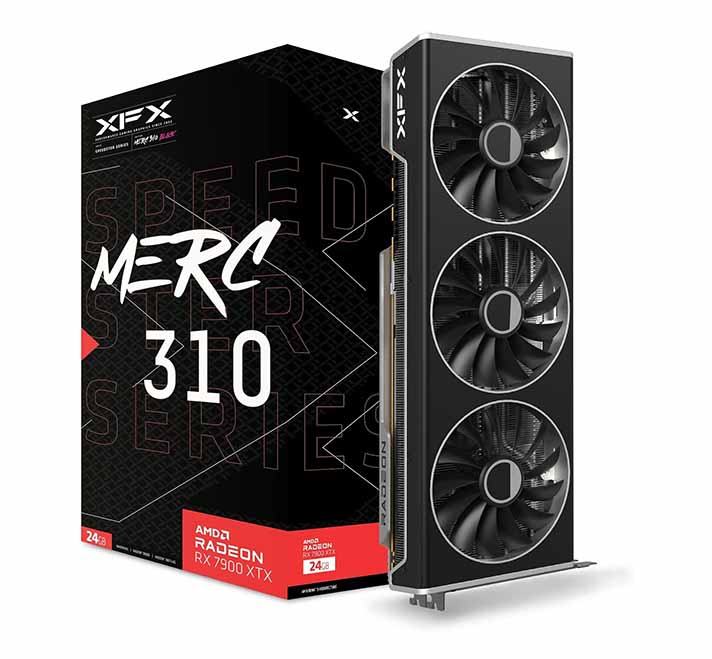
- 24GB VRAM is the highest you can get in the RX lineup.
- Excellent performance for the price.
- Great value compared to NVIDIA.
- High power consumption.
If you’re serious about running high-end AI models locally using AMD hardware and you have the money to spare, the Radeon RX 7900 XTX definitely is the best card on this list.
With 24GB of GDDR6 VRAM, it’s still one of the best consumer AMD cards for loading larger models without constantly pushing data back to system memory. This card is a great choice for running moderately-sized local LLMs with higher precision, which as you might already know, should be your end goal.
NVIDIA Equivalent: GeForce RTX 4080 16GB / GeForce RTX 4090 24GB.
2. AMD Radeon RX 7900 XT 20GB
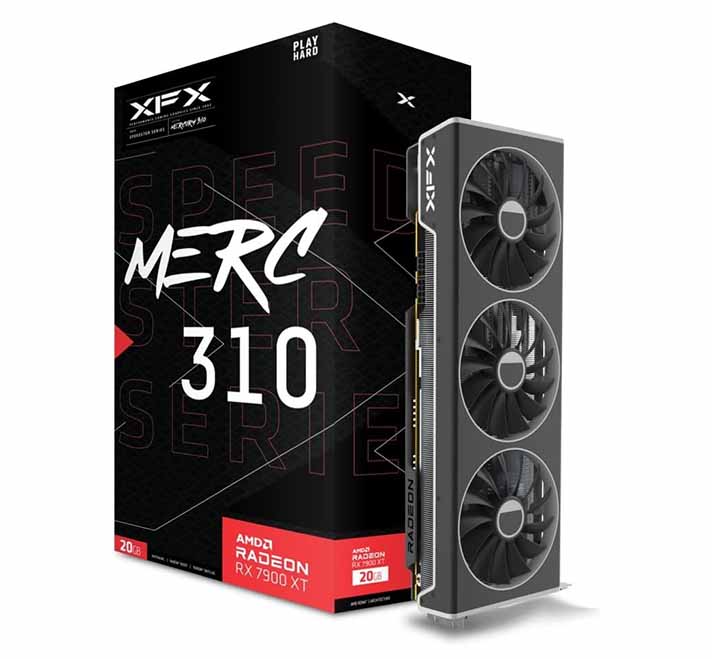
- 20GB VRAM is more than its 16GB rivals have to offer.
- Still very strong performance for its price.
- Great for larger quantized models.
- Not quite the 24GB of the XTX model.
Just slightly below the XTX, the AMD Radeon RX 7900 XT still packs an impressive 20GB of VRAM, which is noticeably more than what you get on most mainstream NVIDIA gaming cards in the same general performance class.
While it’s a visible step down from 24GB of VRAM, it’s still enough to handle most larger LLMs efficiently, especially when using models with higher level of quantization. If your budget doesn’t allow for the top-tier 7900 XTX, this is also a great option for advanced AI tasks.
NVIDIA Equivalent: GeForce RTX 4070 Ti SUPER 16GB / GeForce RTX 5070 Ti 16GB
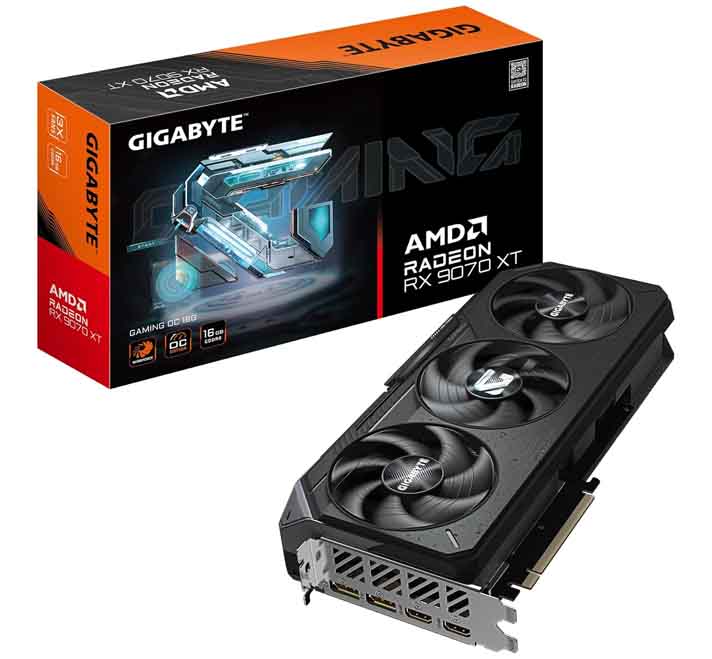
3. AMD Radeon RX 9070 XT 16GB
- Modern RDNA 4 architecture.
- 16GB of VRAM is enough for many simpler local LLM workloads.
- A better fresh-buy option than many older 16GB cards.
- Still limited to 16GB of VRAM.
- Not the best fit for larger models compared to the RX 7900 XT or XTX.
The Radeon RX 9070 XT is the new AMD card I’d put above the older RX 6800 XT if you’re buying new rather than searching through used listings. It only has 16GB of VRAM, so it doesn’t beat the RX 7900 XT or RX 7900 XTX when it comes to loading larger models, but the newer RDNA 4 architecture and stronger current software support can make it a more interesting pick for some.
It’s a reasonably good fit for 7B, 8B, 12B/14B and some 30B-class models with heavier quantization, but I still wouldn’t really get it over a 24GB+ card if your main goal is pushing bigger models and longer context windows.
NVIDIA Equivalent: GeForce RTX 5070 Ti 16GB / GeForce RTX 4070 Ti SUPER 16GB
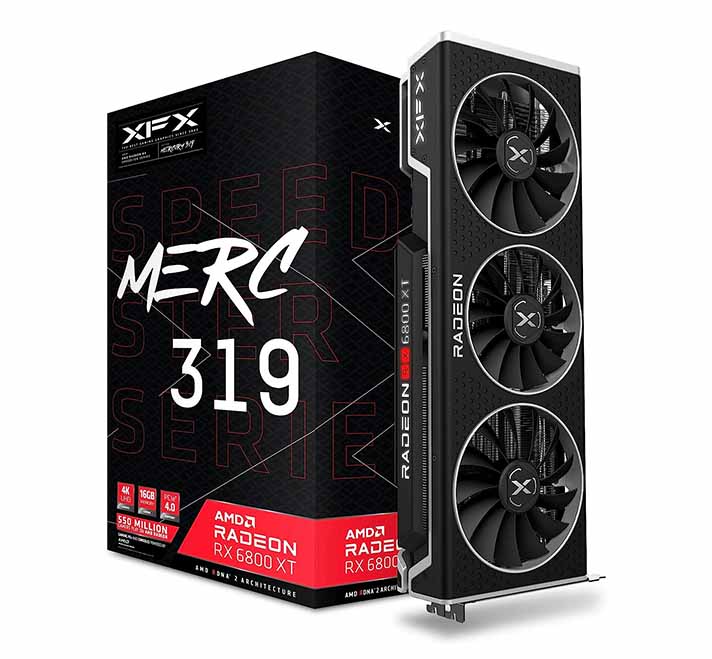
4. AMD Radeon RX 6800 XT 16GB
- 16GB of VRAM is enough for many basic local LLM models/tasks.
- Great value on the used market.
- Reasonably good performance for quantized 7B/13B models.
- Older architecture.
For users working with slightly smaller LLMs or moderate quantization levels, the AMD Radeon RX 6800 XT is still a very good middle-ground choice, especially if you can find it used for a sensible price.
Its 16GB of VRAM is more than enough for running multiple 7B and 11B models in 4-bit quantization, and it still gives you some memory headroom when it comes to simpler workflows. While it won’t handle the largest models with the same efficiency as the 7900 XTX, it’s still a solid performer for most local AI setups. In terms of performance, its closest NVIDIA counterpart seems to be the RTX 3080 10GB, or the RTX 4060 Ti 16GB.
NVIDIA Equivalent: GeForce RTX 4060 Ti 16GB
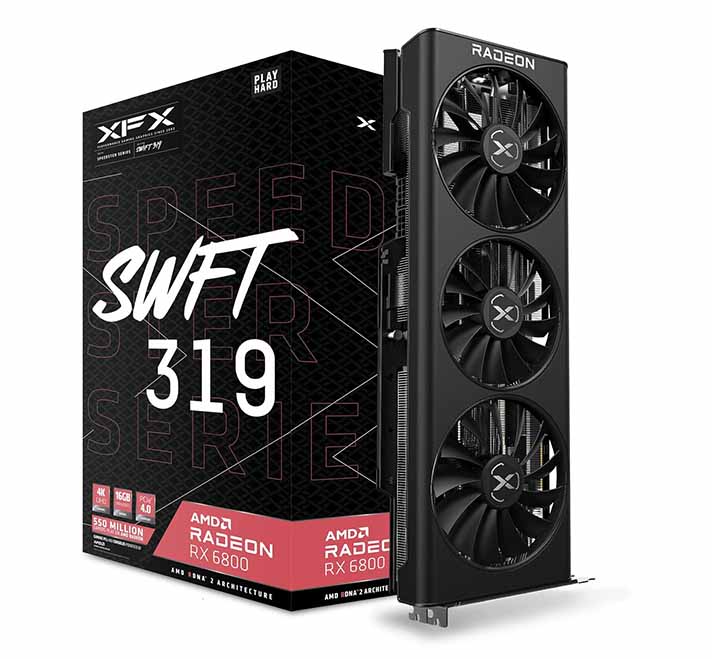
5. AMD Radeon RX 6800 16GB
- 16GB of VRAM at a great price.
- Very power efficient.
- Great value for money.
- Lower performance than the XT version.
There is also a non-XT variant of the previously mentioned card that’s still worth looking at. The base Radeon RX 6800, is another neat proposition from AMD.
This card also offers 16GB of VRAM, making it an even more cost-effective choice for all of you who need a solid amount of memory but don’t require top-end performance, which in most cases is a totally viable approach when talking about locally hosting smaller large language models. A pretty good choice overall, and for an even better price.
NVIDIA Equivalent: GeForce RTX 3070 8GB / GeForce RTX 3080 10GB (not really worth it with the relatively smaller amounts of VRAM they offer)
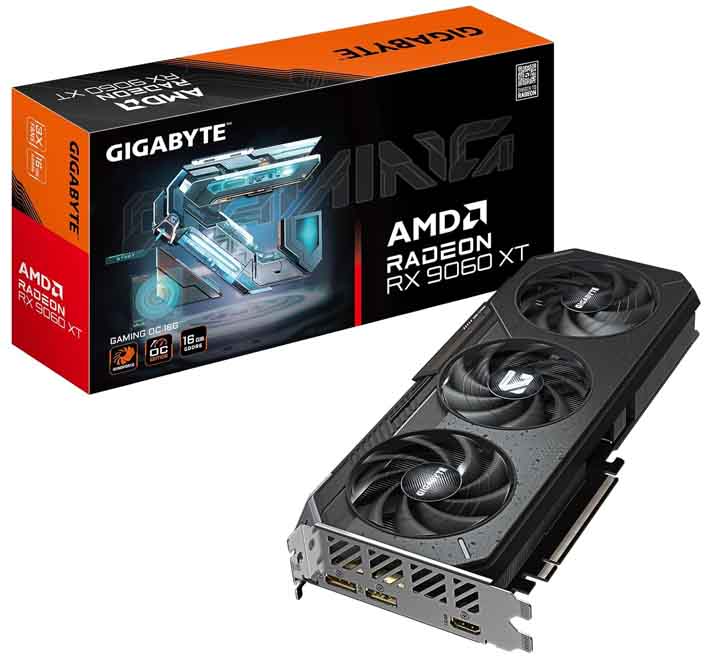
6. AMD Radeon RX 9060 XT 16GB
- 16GB of VRAM at a more affordable price point.
- A good entry-level choice for local LLM work.
- Far more useful for AI than the 8GB version.
- Not a high-end performer.
The RX 9060 XT 16GB is the card I’d now look at before older 12GB Radeon options if the budget is tight and you want a current-generation AMD GPU. It isn’t a particularly high-end card, and the narrower memory bus means you shouldn’t expect RX 7900-class results, but for local LLMs the extra memory matters a lot more than chasing an 8GB card with slightly nicer gaming numbers.
Just make sure you’re looking at the 16GB version. The 8GB model is the wrong compromise for this particular use case, because context windows and model size will become a problem long before the GPU itself feels “new” enough to matter.
NVIDIA Equivalent: GeForce RTX 4060 Ti 16GB / GeForce RTX 5060 Ti 16GB
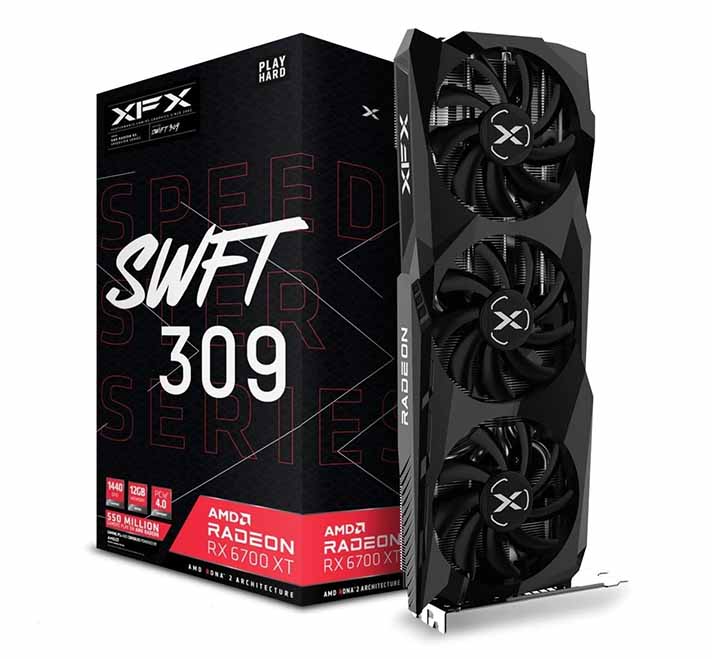
7. AMD Radeon RX 6700 XT 12GB
- A budget option from AMD.
- Handles smaller quantized 7B models without any trouble.
- 12GB VRAM will not be enough for many larger models.
The AMD Radeon RX 6700 XT 12GB alongside a slightly more powerful RX 6750 XT 12GB is in my opinion still worth keeping on the list, but I’d treat it more as a good used-market option than a first-choice new purchase this year.
With 12GB of VRAM, this card can still handle 7B and 11B models in 4-bit quants without any trouble. It is good enough for basic text-editing tasks, smaller context windows, and models with lower parameter counts. That said, if the RX 9060 XT 16GB is close in price, I’d go with the newer 16GB card instead. The RX 6700 XT makes the most sense when you can get it noticeably cheaper.
NVIDIA Equivalent: GeForce RTX 3060 12GB
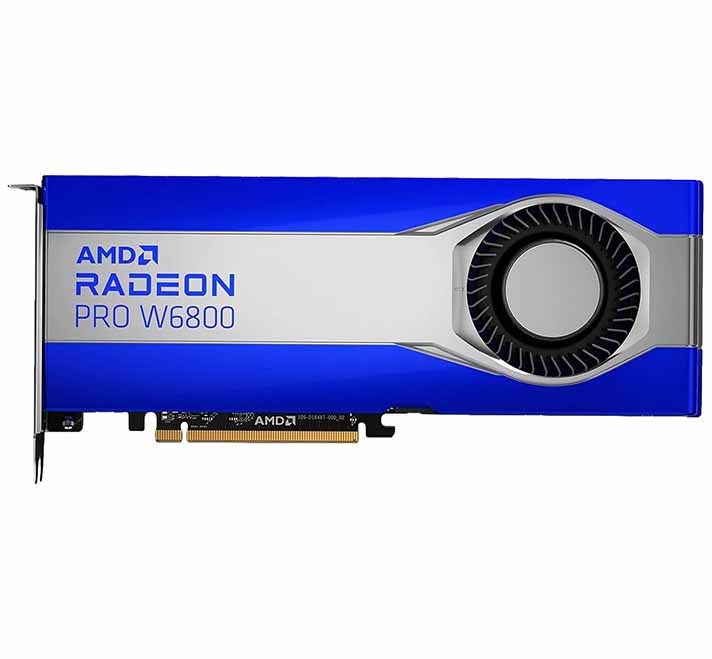
8. AMD Radeon PRO W6800 32GB
- 32GB VRAM capacity, just like on the RTX 5090.
- Perfect for larger models and datasets.
- Very expensive.
- Only one fan for cooling (like on most workstation GPUs).
This one is a little bit different. If you’re looking for an AMD card with significantly more video memory than the 7900 XTX (and the NVIDIA RTX 4090), the Radeon PRO W6800 has an astounding 32GB of GDDR6 VRAM on board, just like the NVIDIA RTX 5090.
This workstation card is quite obviously marketed more towards professional users. Its massive 32GB VRAM capacity makes it perfect for handling extremely large models and datasets, and can make fine-tuning larger models using LoRAs much easier. If your workflow involves high-precision models, heavy multitasking, or managing massive datasets, this card will deliver the memory and performance needed.
One thing to keep in mind here is that the W6800 is no longer AMD’s only interesting high-VRAM workstation option. The Radeon PRO W7800, W7800 48GB and W7900 now also exist, so there are stronger workstation choices if your budget allows it. The W6800 still makes more sense when you want to get beyond 24GB without jumping straight into the most expensive professional cards.
NVIDIA Competitor: NVIDIA RTX A6000 48GB (A word of warning: this one, although it does have even more video memory, is at the same time almost 4x more expensive)
You can learn much more about these types of high-VRAM cards in my article which I’ve devoted solely to them. If you’re interested, you can find it here: 12 Best High VRAM GPU Options This Year (Consumer & Enterprise)
9. AMD Radeon AI PRO R9700 32GB

- 32GB of GDDR6 VRAM with ECC support.
- More affordable than the NVIDIA workstation options.
- “Only” 32GB of VRAM on board.
- Still a significant investment.
For both professionals and enthusiasts lucky to have some more money to spare, AMD has introduced the Radeon AI PRO R9700. This workstation GPU is built on the latest RDNA 4 architecture and also comes equipped with a substantial 32GB of GDDR6 VRAM, making it an excellent choice for handling large datasets and complex models.
This is the card I would keep as the more current 32GB professional option on the AMD side. It is still a serious investment, but compared to NVIDIA’s workstation lineup, the amount of memory you get for the money is exactly what makes it worth watching.
NVIDIA Competitor: NVIDIA RTX PRO 4500 Blackwell 32GB / NVIDIA RTX PRO 5000 Blackwell 48GB
So, How To Choose? – Which One Should You Pick Up?
When it comes to local LLM inference, one rule is generally true: the more VRAM, the better. More video memory allows for faster inference by avoiding system memory offloading, which can significantly slow down your operations, especially with large models and context windows.
For those working with advanced models, 24GB VRAM cards like the RX 7900 XTX are still the safest consumer-level bet on the AMD side. You could even go for the Radeon PRO W6800 or the AI PRO R9700 if you need more memory, want to switch between models quickly, or train LoRAs on larger models.
If you can settle for loading smaller quantized models but still require significant power, the RX 7900 XT, RX 9070 XT and RX 6800 XT are solid choices. The RX 7900 XT gives you more VRAM, while the RX 9070 XT is the more modern and more recent 16GB option.
And lastly, if you’re on a tight budget, the RX 9060 XT 16GB is the newer card I’d check first, while the RX 6700 XT still makes sense if you can find a very good second-hand deal.
Ultimately, your choice depends on your specific workload, the size of the models you plan to use, your operating system, and your budget. While AMD may still lag behind NVIDIA in some niche AI applications, the cards above are great picks for use with compatible software, especially if you care about getting as much VRAM as possible for your money.
You might also like: Best GPUs For Local LLMs (My Top Picks – Updated)